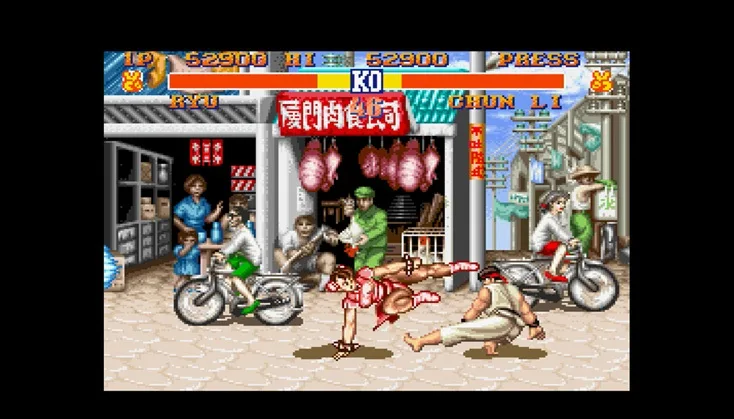
Learn how to perform Lightning Kicks, Spinning Bird Kick, and Fireball special moves in Street Fighter II.
Lightning Kicks
To perform Lightning Kicks, press either the low or middle kick buttons repeatedly. You cannot start this move with the high kick button, though repeated kicks can be maintained with high kick once initiated. The speed of the kicks increases from low kick to high kick. This move can also be performed while crouching.
- SNES Default: B - B - B (Repeat B Rapidly)
- GENS Default: A - A - A (Repeat A Rapidly)
Spinning Bird Kick
To execute the Spinning Bird Kick, hold Down for two seconds, then press Up with any kick button. The distance the move travels varies from low to high, depending on the kick button pressed.
- SNES Default: v -- ^ + B
- GENS Default: v -- ^ + A
Fireball
To perform a Fireball, charge Left for two seconds and then press Right with any punch button. The distance the projectile travels depends on the punch button pressed, ranging from low to high.
- SNES Default: < -- > + Y
- GENS Default: < -- > + Z
- Experiment with different kick and punch buttons to alter the range and speed of your special moves.
- The Lightning Kicks move is surprisingly effective even when performed while crouching.
100% Human-Written. AI Fact-Checked. Community Verified. Learn how AntMag verifies content