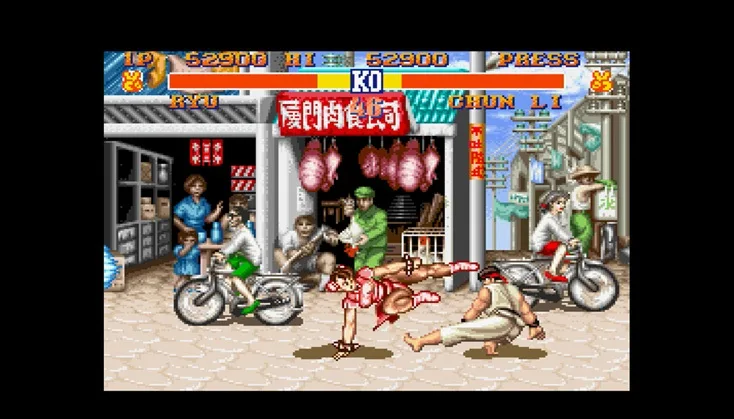
Learn how to perform a Straight Throw, a basic grab move, in Street Fighter II using specific button inputs for SNES and Genesis.
Walkthrough
- 1Get close to your opponent.
- 2Hold the Right directional input.
- 3Press either the middle or high punch button.
Tips
- This move is a basic throw that moves the opponent straight forward.
- On the SNES, the default input is Right + X (when touching).
- On the Genesis, the default input is Right + Y (when touching).
100% Human-Written. AI Fact-Checked. Community Verified. Learn how AntMag verifies content