Discover Street Fighter II button palettes: learn about original colors, alternate swaps, and how to unlock an eighth color by holding attack buttons.
The Low Punch button is the original color for any character in Street Fighter II. Every other attack button, and the Start button, will display another palette swap, depending on the fighter. The original color palette is the Y button by default on the SNES version, and the X button on Genesis versions.
Experimenting with these alternate palette swaps can sometimes mix things up visually.
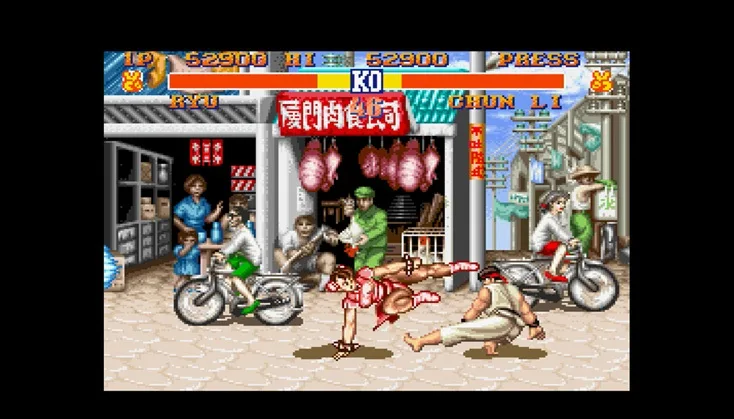
If you hold down any one of the attack buttons (not Start) for a few seconds, the character palette will change to an eighth alternate color. Some of these extra palette swaps look quite striking, such as Chun-Li's aqua-green-colored dress.
- Experiment with holding down different attack buttons to discover all eight color palettes for each character.
- The SNES version defaults to the Y button for the original palette, while the Genesis version uses the X button.
100% Human-Written. AI Fact-Checked. Community Verified. Learn how AntMag verifies content