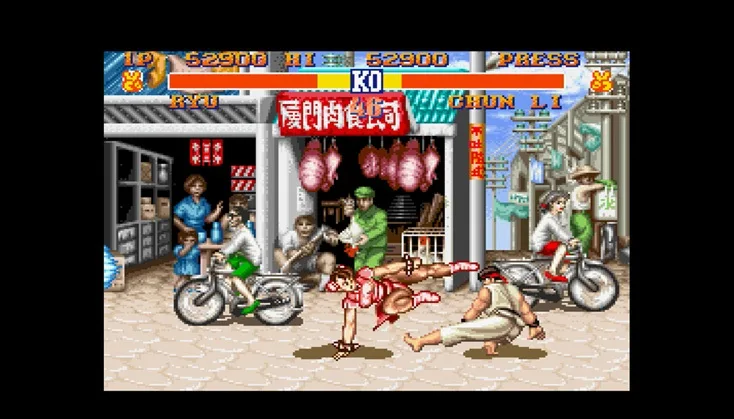
Master Street Fighter II controls: learn movement, punches, kicks, and special moves. Note controls are reversed when facing left!
Movement:
- Left: Step Back. Your character will automatically block (preventing damage from opponent attacks) while holding Left.
- Right: Move Right. Holding the middle punch button while holding Right in front of an opponent allows you to grab them. This also works mid-air under specific conditions.
- Up: Jump upwards. Pressing Right or Left while jumping causes your character to flip forward or backward, respectively.
- Down: Crouch. Blocking is still possible while in this position.
Punches:
- Low Punch: A swift but weak punch.
- Middle Punch: A stronger punch than Low Punch.
- High Punch: The strongest but slowest punch, aimed at the face or collar.
Kicks:
- Low Kick: A fast but weak kick targeting the opponent's gut.
- Middle Kick: Lifts higher than Low Kick and deals more damage.
- High Kick: A slow but heavy kick attack, occasionally aimed at the head.
Other:
- Pause: Freezes the game until pressed again. It has no other function.
Tips
- Remember that all directional inputs for moves are reversed when your character is facing left.
- Grabs can be performed by holding the middle punch button and Right when close to an opponent.
- Blocking is an essential defensive maneuver available while standing or crouching.
100% Human-Written. AI Fact-Checked. Community Verified. Learn how AntMag verifies content