Learn how to use Photo Mode in Ghost of Tsushima to capture stunning screenshots. Discover tips and tricks to make your in-game photos truly epic.
Hey there! So you want to take some awesome screenshots in Ghost of Tsushima? Photo Mode is your best friend for this. It lets you freeze the action, adjust the camera, and add all sorts of cool effects to make your shots look professional. Let's dive into how you can use it to capture the beauty of Tsushima.
How to Access Photo Mode:
You can access Photo Mode from the pause menu at any time. Just hit the Options button, navigate to the 'Photo Mode' option, and select it. Boom! The game will pause, and you'll be in the editing suite.
Key Features and How to Use Them:
- Camera Controls: This is where you get to be creative. You can freely move the camera around Jin, your horse, or any other character or object in the scene. Use the analog sticks to pan, tilt, and zoom. Experiment with different angles to find the most dramatic or beautiful perspective.
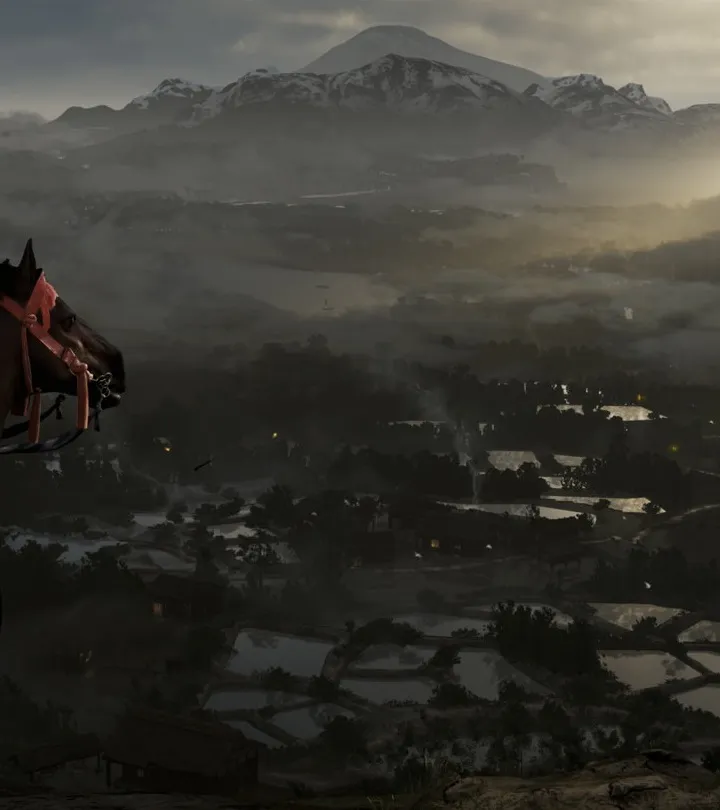
- Focus and Depth of Field: Want to make your subject pop? Adjust the focus distance to blur out the background or foreground. This is great for portraits or highlighting specific details.
- Color Grading and Filters: Give your photos a unique mood with various color filters. Whether you want a warm, golden-hour glow or a cool, cinematic look, there's a filter for you. You can also adjust things like saturation and contrast.
- Character and Expression: Sometimes, you'll want Jin to strike a specific pose or show a particular emotion. Photo Mode often allows you to change Jin's expression or even trigger specific animations.
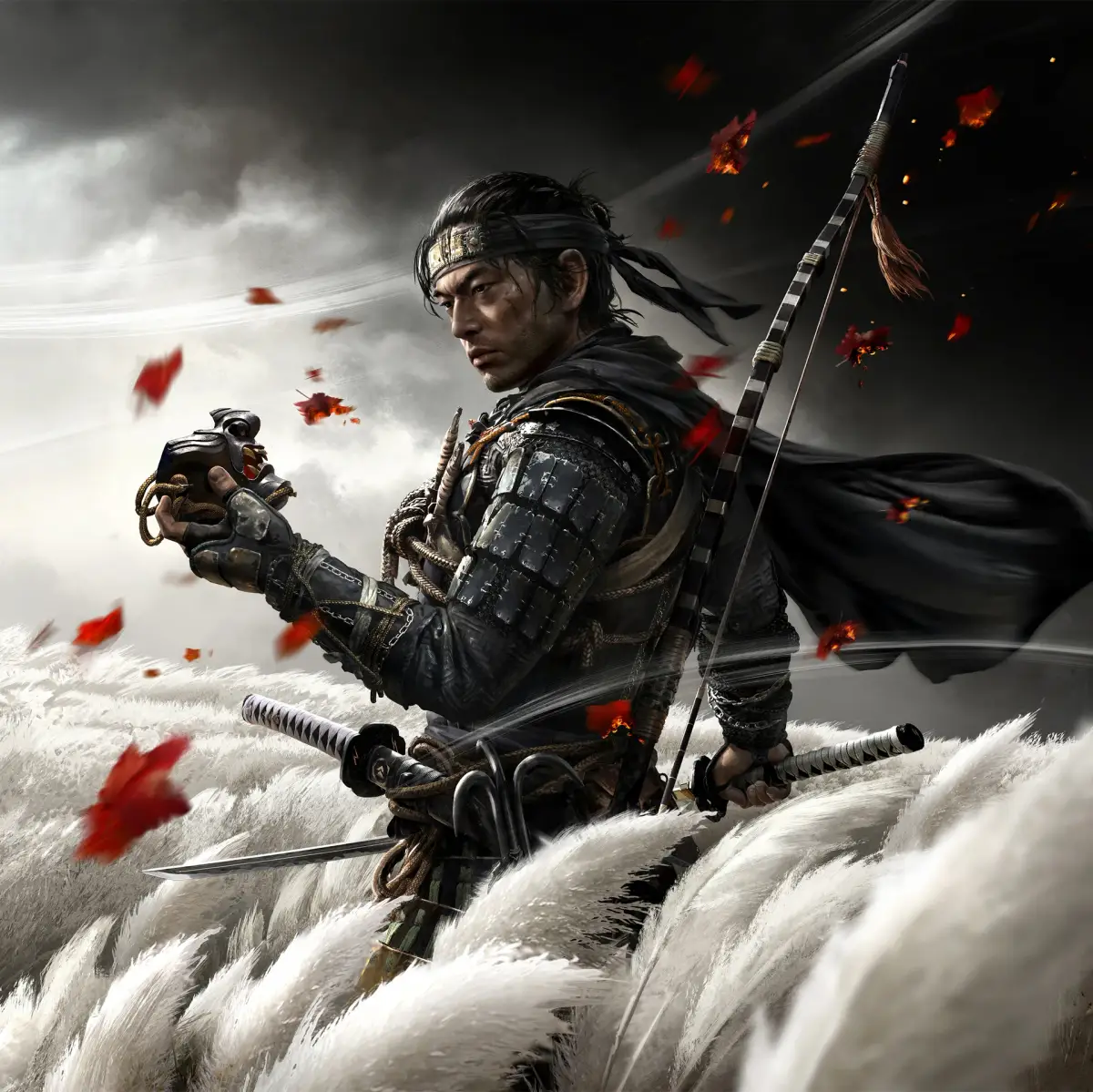
- Environmental Effects: This is where the magic happens! You can add or adjust things like wind direction and intensity, leaf particles, or even the time of day. Want a dramatic shot with wind whipping Jin's cloak and leaves swirling? You can do that!
- Logos and Borders: If you want to give your photo a more official look, you can add game logos or different border styles.
- Timing is Everything: Don't just pause the game randomly. Wait for a moment of action, a beautiful sunset, or a dramatic pose.
- Experiment with Angles: Get low, get high, get close, get far away. The best shots often come from unexpected perspectives.
- Use Depth of Field Wisely: A shallow depth of field can really make your subject stand out, but don't overdo it to the point where the image looks unnatural.
- Match Filters to the Mood: Think about the feeling you want to convey. A serene landscape might benefit from a soft, warm filter, while a tense combat scene could use something more dramatic and desaturated.
- Don't Forget the Environment: Use the wind, leaves, and lighting to your advantage. They can add so much life and dynamism to your photos.
- Practice Makes Perfect: The more you play around with Photo Mode, the better you'll get. Don't be afraid to take a ton of pictures and experiment with all the settings.
Go out there and capture some incredible moments from your journey as Jin Sakai!
100% Human-Written. AI Fact-Checked. Community Verified. Learn how AntMag verifies content