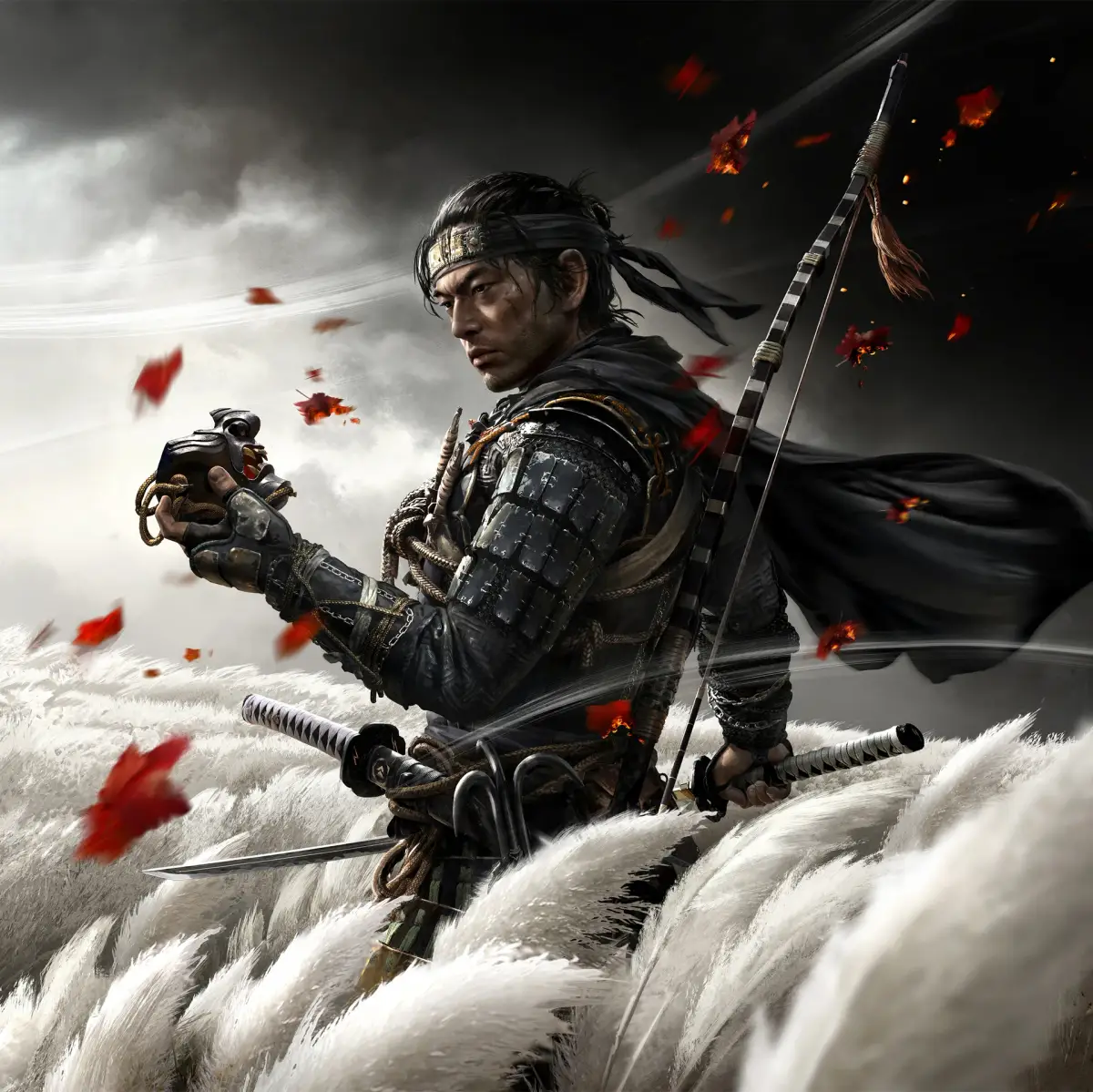
Learn how to tackle Ghost of Tsushima with the best difficulty settings and accessibility options. Get tips for a smoother, more enjoyable samurai experience on Tsushima.
Hey there! So you're diving into the world of Ghost of Tsushima and wondering about the best way to play, right? Maybe you're a seasoned gamer looking for a real challenge, or perhaps you just want to soak in the story without too much stress. Or maybe you need some specific settings to make the game more comfortable for you. Let's break down the difficulty and accessibility options so you can find your perfect fit.
Difficulty Settings
Ghost of Tsushima offers a few ways to tune the challenge:
- Easy: This is your go-to if you want to focus on the story and exploration. Combat will be much more forgiving, letting you get away with more mistakes. Enemies won't hit as hard, and you'll likely feel more powerful. Great for just enjoying the ride!
- Normal: This is the standard experience, offering a balanced challenge. You'll need to pay attention to enemy attack patterns, manage your resources, and use your samurai skills effectively. It's a good middle ground for most players.
- Hard: Ready to feel the sting of the Mongol invasion? On Hard, enemies are tougher, hit harder, and are more aggressive. You'll need to be precise with your parries, dodges, and offensive strikes. This mode really makes you feel like a skilled samurai.
- Lethal: This is the ultimate test. Both you and your enemies can die in just a couple of hits. It's incredibly intense and rewards mastery of the combat system. Every encounter becomes a high-stakes duel. If you're looking for the most challenging and rewarding combat experience, this is it.
Accessibility Options
Sucker Punch really stepped up with accessibility, making sure more players can enjoy Jin's journey. Here are some of the key features:
- Target Lock: This is a lifesaver! It helps you keep your camera focused on a specific enemy during combat, making it much easier to track your opponent and react to their attacks. You can toggle this on or off in the settings.
- Combat Aim Assist: If you find aiming your bow a bit tricky, this can help. It provides a slight assist when you're aiming, making it easier to land those crucial headshots.
- Display Options: You can tweak a lot here to make the game easier on the eyes. This includes adjusting things like text size, the color of subtitles and combat indicators, and even the intensity of screen shake. If you're sensitive to flashing lights or need larger text, these options are fantastic.
- Control Customization: While not a full remapping, you can often adjust certain control schemes or sensitivities to better suit your playstyle.
- New to action games or Ghost of Tsushima? Start with Easy or Normal. You can always change it later if you feel it's too simple or too tough.
- Looking for a challenge that requires learning? Hard is a great step up.
- A seasoned player who loves intense, tactical combat? Lethal mode is calling your name. Be prepared to die a lot, but the victories will feel earned!
- Struggling with specific mechanics like aiming or camera control? Don't hesitate to dive into the Accessibility menu. Features like Target Lock and Aim Assist can make a huge difference without necessarily lowering the overall combat difficulty.
Ultimately, the best way to play is the way you have the most fun. Experiment with the settings, find what works for you, and enjoy your adventure across Tsushima!
100% Human-Written. AI Fact-Checked. Community Verified. Learn how AntMag verifies content