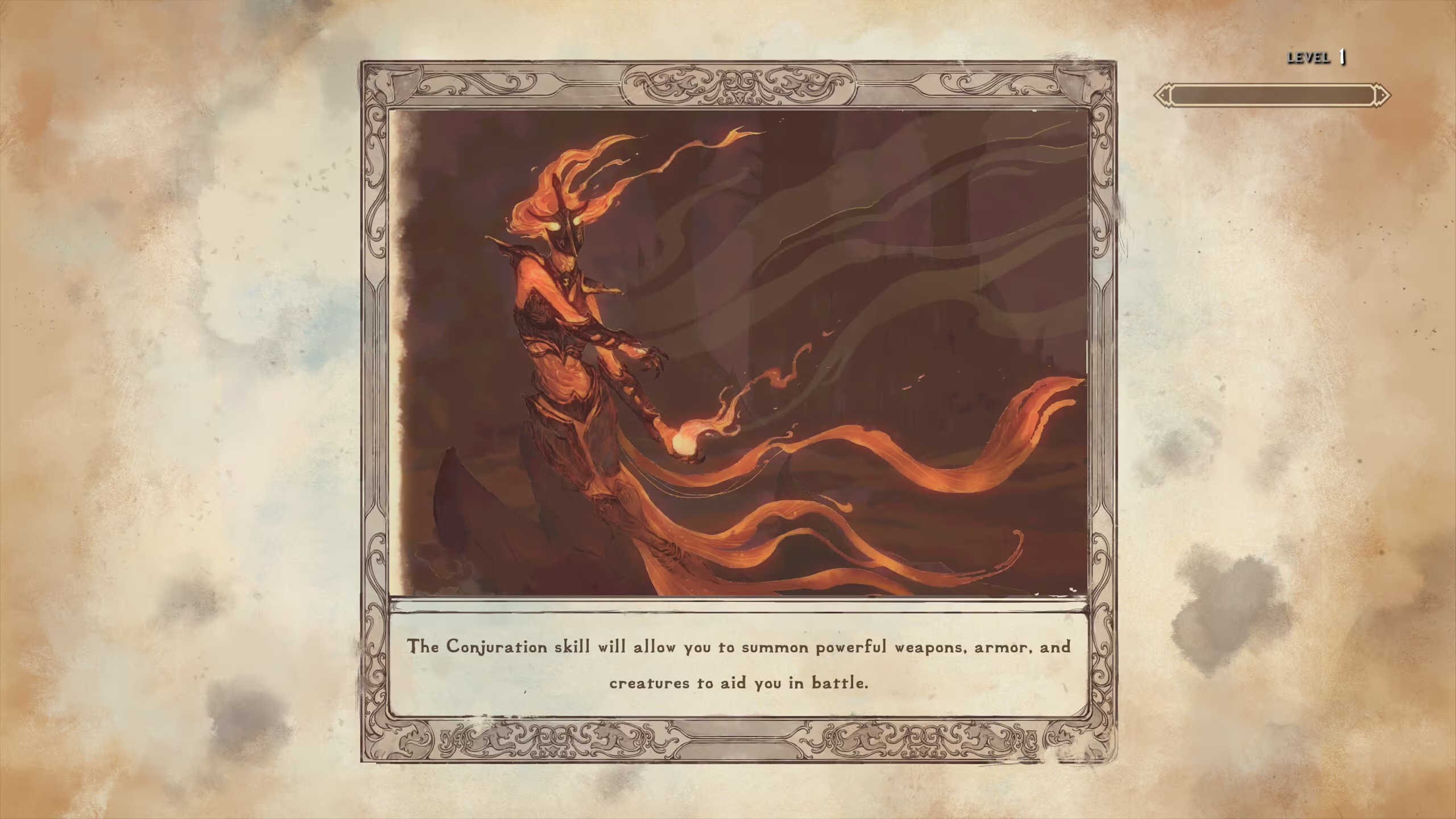
Welcome to Skyblivion, a massive fan-made project rebuilding the entirety of Oblivion within the Skyrim engine. This isn't just a graphical overhaul; it's a complete re-imagining of Cyrodiil, its iconic locations, and all the quests and characters you remember, all playable on PC. If you loved exploring the diverse provinces and engaging with the deep lore of The Elder Scrolls, Skyblivion offers a familiar yet fresh adventure.
This guide is here to help you navigate the challenges of this ambitious remake. We'll cover everything from finding those elusive collectibles scattered across the vast landscape to mastering the toughest boss encounters. Prepare to dive back into the world of Tamriel with confidence, ensuring you don't miss a single detail or fall prey to the dangers lurking within.
Getting Started & Core Mechanics
Get a grip on Skyblivion's core mechanics and get started on your adventure. This guide covers essential gameplay elements to help you navigate the world and its challenges.
Getting Started & Core Mechanics
Get a grip on Skyblivion's core mechanics and get started on your adventure. This guide covers essential gameplay elements to help you navigate the world and its challenges.
Character Creation & Customization
Learn how to create your Khajiit character in Skyblivion! Discover attribute bonuses, skill modifiers, and unique abilities to build the ultimate stealthy warrior or agile thief.
Basic Controls & Interface
Navigate Cyrodiil with ease. Understand Skyblivion's basic controls and interface, from movement and interaction to managing your inventory and spells.
Navigating the world of Skyblivion and interacting with its systems is made intuitive through a well-designed interface and a set of core mechanics. Understanding these fundamental elements is the first step towards mastering your adventure. From the moment you begin, you'll be presented with various on-screen indicators and menus that provide crucial information about your character, the environment, and ongoing events. This section will break down the essential controls and interface elements you'll encounter, ensuring you can move, fight, and interact with confidence.
Whether you're a seasoned player of The Elder Scrolls series or new to the franchise, taking a moment to familiarize yourself with the basic controls and the user interface will significantly enhance your gameplay experience. We'll cover how to move your character, engage in combat, access your inventory, and manage your quests. A solid grasp of these basics will allow you to focus on the rich narrative and expansive world that Skyblivion has to offer, rather than struggling with the controls.
Movement and Interaction
- Movement: Use the W, A, S, D keys to move your character forward, backward, left, and right, respectively. Shift is typically used for sprinting, and Ctrl for crouching.
- Camera Control: Move your mouse to look around and aim.
- Interaction: Press the E key (default) to interact with objects, NPCs, and pick up items.
- Jumping: Press the Spacebar to jump.
Combat Controls
- Attack: Left-click (default) to perform a standard attack. Holding left-click may trigger a power attack.
- Block: Right-click (default) to block with your equipped weapon or shield.
- Use Item/Spell: Press the Q key (default) to quickly equip your last used item or spell. You can also access your inventory to equip specific items.
- Magic: Press the Tab key (default) to open your magic menu and select spells.
Interface Elements
- Crosshair: The central reticle on your screen indicates your aiming point.
- Health Bar: Displays your character's current health.
- Stamina Bar: Shows your character's current stamina, used for sprinting, power attacks, and blocking.
- Magicka Bar: Displays your character's current magicka, used for casting spells.
- Compass: Located at the top of the screen, it shows nearby locations, quest markers, and important NPCs.
Core Game Mechanics
Dive into Skyblivion's core game mechanics! Learn about efficient asset creation, polygon usage, texture reuse, and optimizing your workflow for the best results.
Core Game Mechanics
Dive into Skyblivion's core game mechanics! Learn about efficient asset creation, polygon usage, texture reuse, and optimizing your workflow for the best results.
Similar guides you might like



100% Human-Written. AI Fact-Checked. Community Verified. Learn how AntMag verifies content