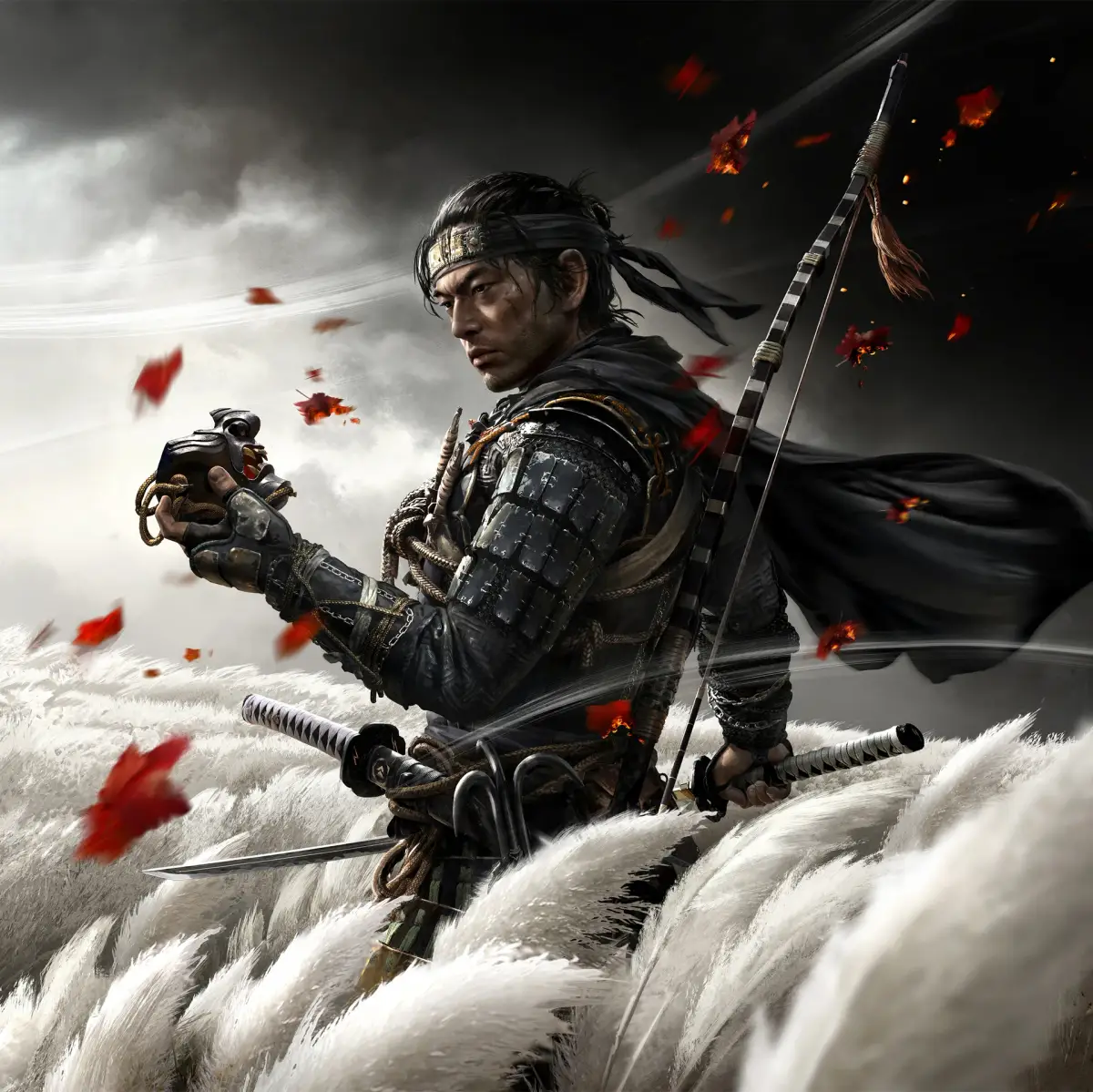
Learn how to lock on to enemies in Ghost of Tsushima. This guide explains the controls and techniques to keep your target in focus during combat.
Ghost of Tsushima features a lock-on system to help players focus on specific enemies during combat. This is crucial for precise attacks and parries.
How to Lock On:
| Action | Button |
|---|---|
| Lock On / Change Target | R3 (Right Analog Stick Click) |
To lock onto an enemy, simply press the R3 button (click the right analog stick). Once locked on, your camera will focus on that enemy, and your attacks will be directed towards them. To switch targets, continue to press R3 while locked on.
100% Human-Written. AI Fact-Checked. Community Verified. Learn how AntMag verifies content