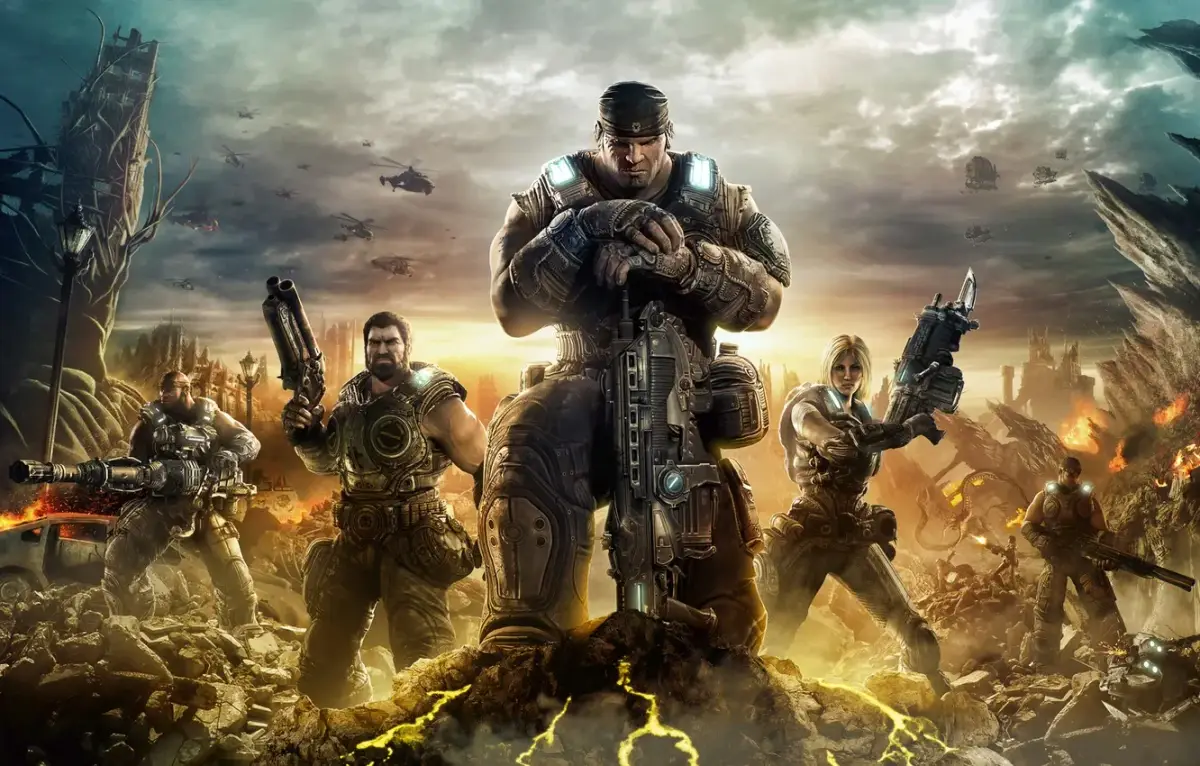
Learn how to master the reload mechanics in Gears of War 3. Understand Black, White, and Grey areas to gain damage boosts and faster reloads.
Alright, let's talk about something super important in Gears of War 3 that can really make or break your firefights: the reload mechanics. It's not just about mashing a button when your clip's empty; there's a bit more to it, and understanding it will seriously up your game.
Basically, when you're reloading, you'll see different colored areas pop up on the reload bar. These are:
- B = Black Area: If you hit the button when the indicator is in the black zone, you'll get a jammed reload. This means it takes longer, which is the last thing you want when enemies are bearing down on you. Avoid this at all costs!
- W = White Area: This is the sweet spot! Hitting the button in the white zone gives you a faster reload and a damage boost. This is what you're aiming for every single time. It's your best friend in a tough fight.
- G = Grey Area: Landing in the grey zone just gives you a faster reload. It's better than the black area, but you're missing out on that crucial damage boost you get from the white zone. So, still good, but not perfect.
Mastering these zones, especially hitting that white area consistently, will make a huge difference in how quickly you can get back into the fight and how much damage you can dish out. Practice makes perfect here!
Beyond the reload bar, here are the basic controls you'll be using constantly:
- Left Trigger (LT/L2): This is your aim button. Hold it down to look down the sights of your weapon for more precise shots.
- Right Trigger (RT/R2): This is your primary fire button. Squeeze it to shoot your weapon or throw grenades.
- D-pad: This is how you switch between your weapons. Up is for grenades, Left and Right cycles through your two main shoulder-fired weapons, and Down switches to your handgun. Make sure you know which weapon is mapped to which direction so you can switch quickly when you need to.
And a quick note on executions:
Executions are still a brutal and satisfying way to finish off downed enemies in Gears of War 3. When an enemy is in the DBNO (Down But Not Out) state, you can perform an execution. Tapping the Y button will make your character kick the enemy onto their back and then stomp their head in. It's a bit different from how it worked in Gears 1 and 2, so get used to the new timing!
100% Human-Written. AI Fact-Checked. Community Verified. Learn how AntMag verifies content