Welcome back to Sera, soldier. Gears of War 2 throws you back into the boots of Marcus Fenix and Delta Squad for another brutal fight against the Locust Horde. You'll be diving deep into enemy territory, manning heavy weapons, and executing close-quarters executions in this third-person cover shooter. It’s a non-stop thrill ride, and if you loved the first one, you’ll feel right at home.
This guide is your essential companion for mastering every aspect of Gears of War 2. We've got detailed walkthroughs covering every mission, from the opening moments in Jacinto to the final push against the Locust Queen. Stuck on a tough boss like the Reaver or the Corpser? Need help finding all the hidden COG tags scattered across the war-torn landscapes? We've got you covered. We’ll also break down the game’s scoring system, including how to earn that coveted Gold Medal, and point you toward the best strategies for tackling the game’s many challenges.
Getting Started
Survive the Locust Horde in Gears of War 2. Master basic controls and navigate the user interface to thrive on the battlefield. Learn the C.A.G.E. system.
Getting Started
Survive the Locust Horde in Gears of War 2. Master basic controls and navigate the user interface to thrive on the battlefield. Learn the C.A.G.E. system.
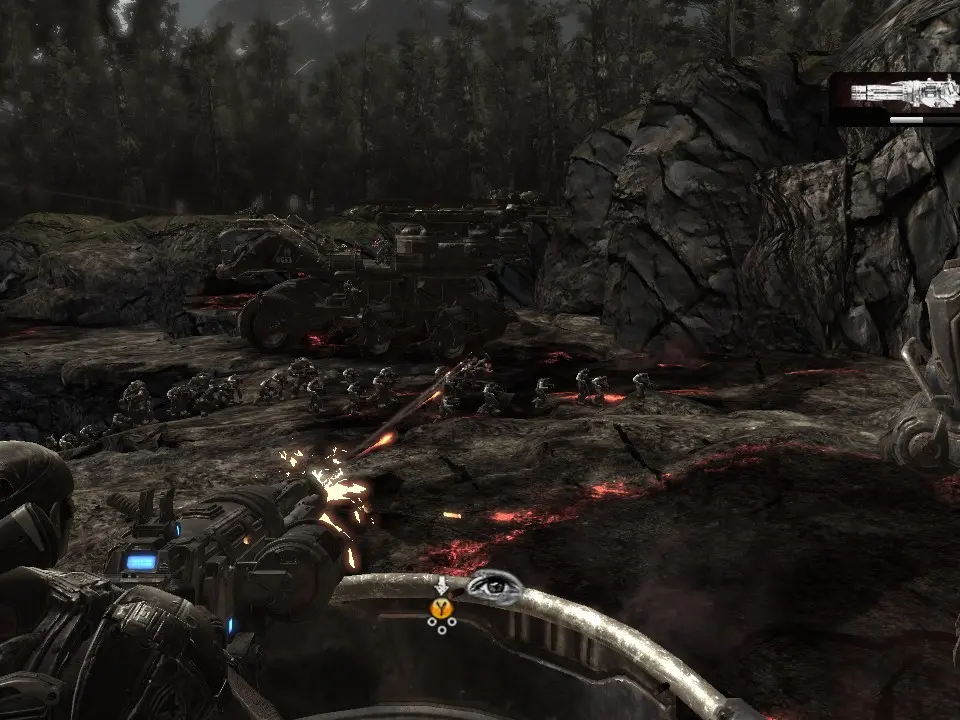
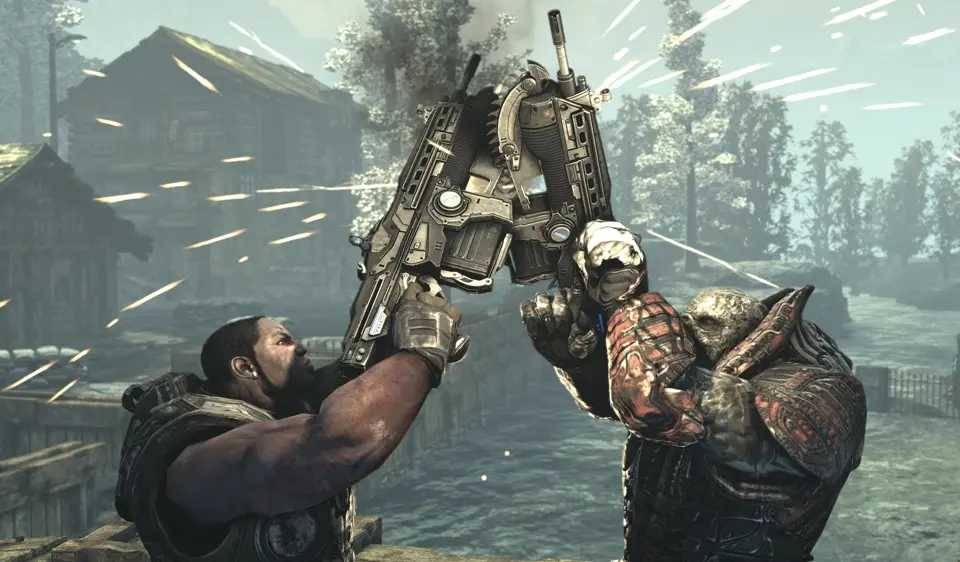
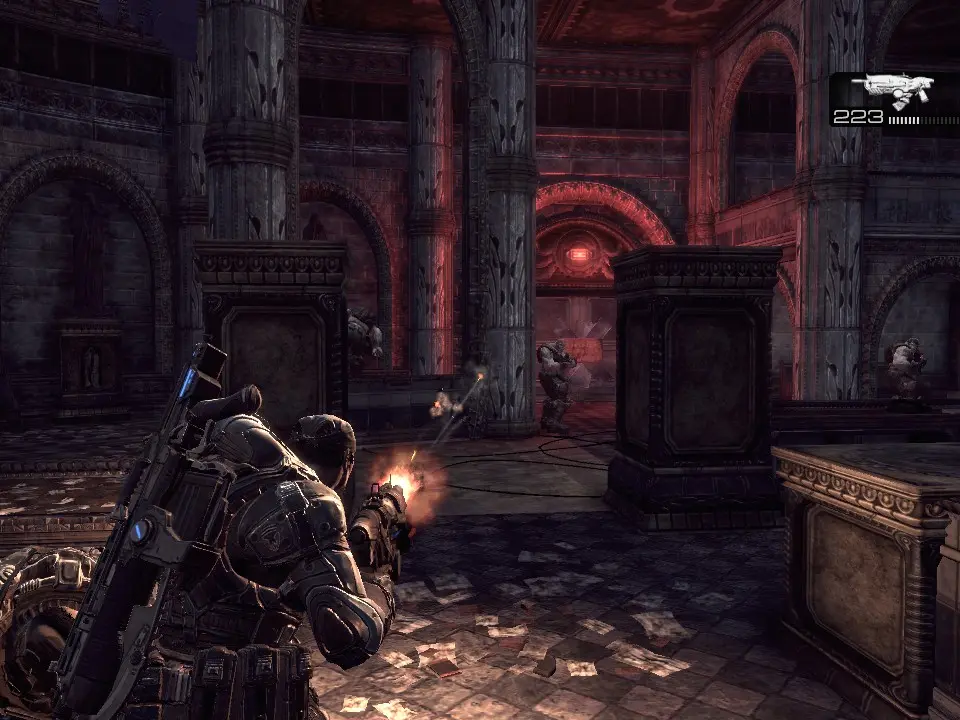
Basic Controls & Movement — Gears of War 2 Guide
Master Gears of War 2 controls: movement, cover, shooting, melee, and active reload for combat effectiveness.
Understanding your controller is the first step to survival. Gears of War 2 utilizes a robust cover-based third-person shooter control scheme. Use the left stick to move Marcus Fenix and the right stick to control the camera. Press 'A' to roadie run, allowing you to quickly traverse open areas, but be aware that you cannot fire while running. 'A' is also your context-sensitive action button, used for taking cover, vaulting over obstacles, and interacting with objects. 'B' performs a melee attack, useful for close-quarters combat or finishing off downed enemies. 'X' reloads your weapon, and a perfectly timed 'X' press during the reload animation will grant you an 'Active Reload', providing a damage boost or faster reload speed. 'Y' switches between your primary and secondary weapons. Mastering the cover system is paramount; press 'A' near a wall or object to snap into cover, then use the left stick to move along it. From cover, you can blind fire by holding the right trigger, or aim precisely by holding the left trigger and then firing with the right. Remember, staying out of cover is a death sentence on Insane difficulty.
User Interface (UI) Overview — Gears of War 2 Guide
Understand the Gears of War 2 HUD: health, ammo, grenades, active reload, and objective markers for battlefield awareness.
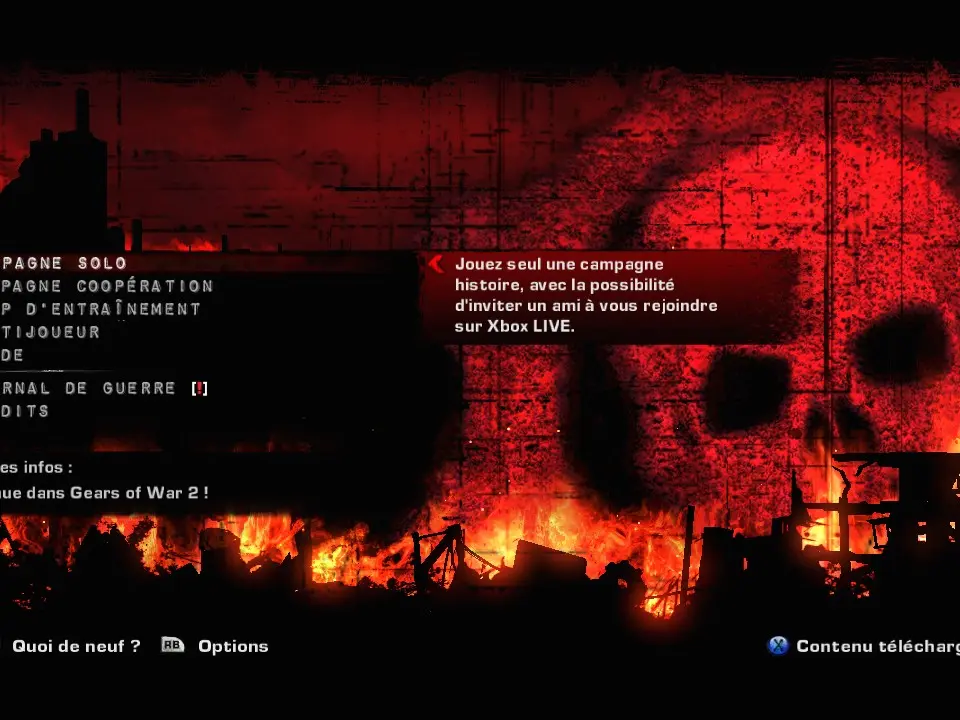
The Heads-Up Display (HUD) in Gears of War 2 provides vital information during combat. In the bottom left corner, you'll find your health bar, which regenerates over time when you're not taking damage. Below that is your current weapon and its ammunition count. Pay close attention to the reload indicator; a small bar will appear when you press 'X' to reload, and hitting 'X' again when the bar is in the white section will grant an Active Reload. The bottom right corner displays your grenades and their current count. When playing co-op, your squadmates' health and status will also be visible. A small 'X' icon will appear over a downed ally, indicating they need revival. Keep an eye out for objective markers, usually indicated by a glowing 'X' or an arrow pointing you in the right direction. Understanding these visual cues will help you make informed decisions in the heat of battle and keep your squad alive.
Difficulty Settings & Co-op — Gears of War 2 Guide
Choose your challenge with Gears of War 2 difficulty settings. Master cover, active reloads, and teamwork on Insane or enjoy a balanced experience on Normal.
Gears of War 2 offers several difficulty settings to cater to all skill levels. 'Casual' is perfect for newcomers, providing a more forgiving experience. 'Normal' offers a balanced challenge, while 'Hardcore' demands tactical play and precise aiming. For the ultimate test, 'Insane' difficulty will push your skills to their absolute limit, requiring perfect cover usage, active reloads, and teamwork. The game is designed with co-operative play in mind, allowing two players to experience the entire campaign together as Marcus Fenix and Dominic Santiago. Playing co-op significantly alters the dynamic, as you can revive downed teammates and coordinate attacks. Communication is key in co-op, especially on higher difficulties. Remember that enemies scale slightly with co-op, so don't expect an easier ride just because you have a partner. Experiment with different difficulties to find the one that suits your playstyle and challenge level.
Similar guides you might like




100% Human-Written. AI Fact-Checked. Community Verified. Learn how AntMag verifies content