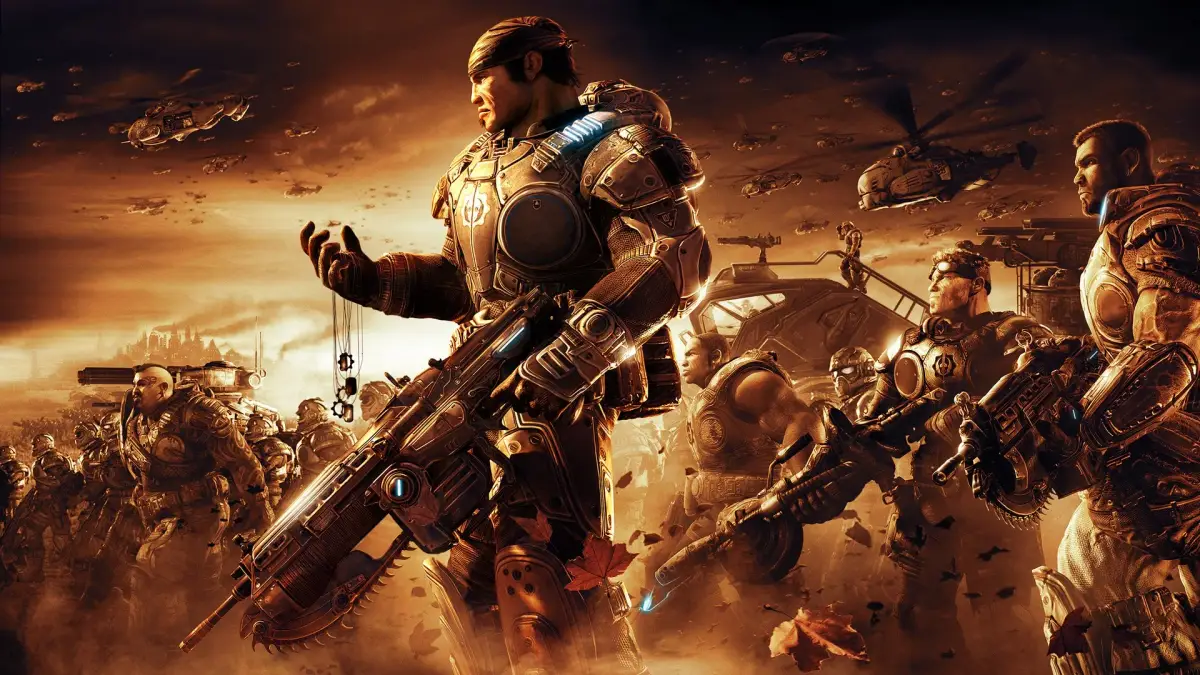
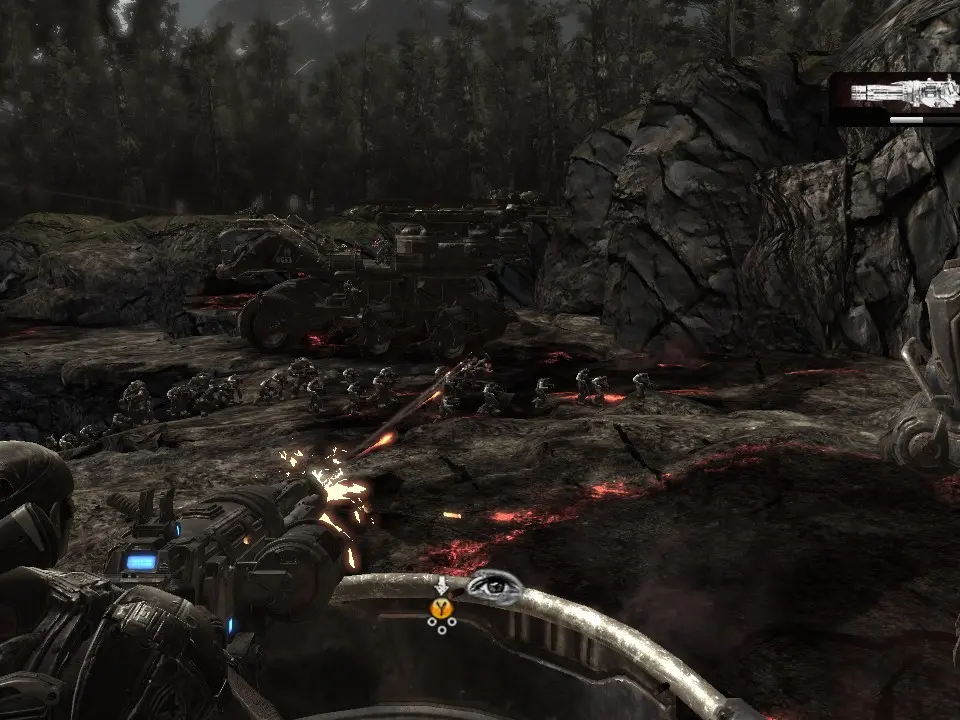
Master Gears of War 2 controls: movement, cover, shooting, melee, and active reload for combat effectiveness.
Understanding your controller is the first step to survival. Gears of War 2 utilizes a robust cover-based third-person shooter control scheme. Use the left stick to move Marcus Fenix and the right stick to control the camera. Press 'A' to roadie run, allowing you to quickly traverse open areas, but be aware that you cannot fire while running. 'A' is also your context-sensitive action button, used for taking cover, vaulting over obstacles, and interacting with objects. 'B' performs a melee attack, useful for close-quarters combat or finishing off downed enemies. 'X' reloads your weapon, and a perfectly timed 'X' press during the reload animation will grant you an 'Active Reload', providing a damage boost or faster reload speed. 'Y' switches between your primary and secondary weapons. Mastering the cover system is paramount; press 'A' near a wall or object to snap into cover, then use the left stick to move along it. From cover, you can blind fire by holding the right trigger, or aim precisely by holding the left trigger and then firing with the right. Remember, staying out of cover is a death sentence on Insane difficulty.
100% Human-Written. AI Fact-Checked. Community Verified. Learn how AntMag verifies content