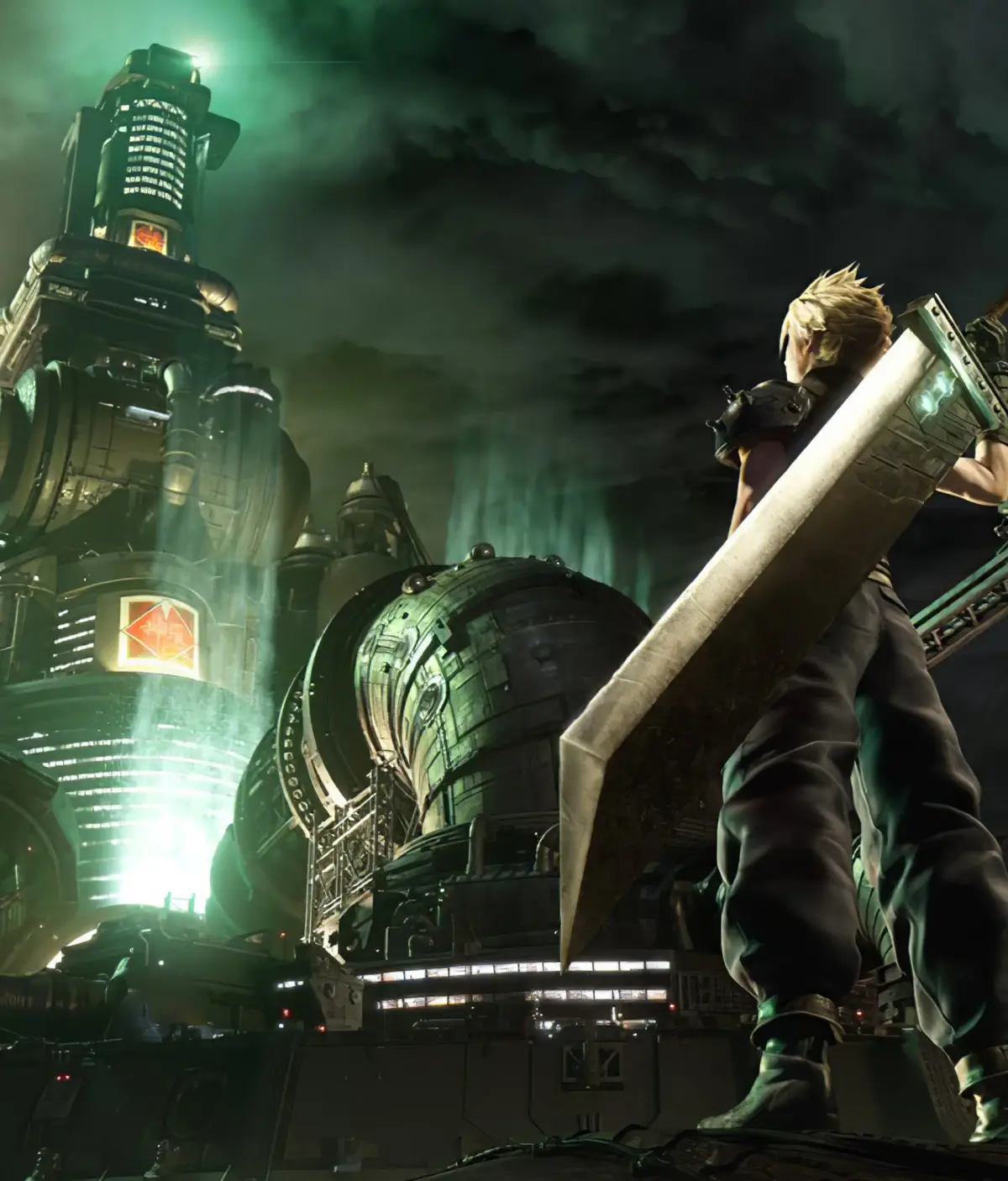
Getting started with Final Fantasy VII Remake? This guide walks you through the installation and setup process so you can jump right into the action. Let's get you playing!
Hey there! So you're ready to dive into the incredible world of Final Fantasy VII Remake? Awesome choice! Before we get to the good stuff, we just need to get the game installed and set up. It's pretty straightforward, so don't worry, we'll get you playing in no time.
First things first, you'll need to have the game installed on your platform. Whether you're playing on PlayStation or PC, the process is usually as simple as inserting the disc (if you have a physical copy) and following the on-screen prompts, or downloading it from your digital storefront (like the PlayStation Store or Steam). Make sure you have enough storage space – this game is pretty big!
Once the installation is complete, you might be prompted to download any available updates or patches. It's always a good idea to install these, as they often include important bug fixes and performance improvements that'll make your experience smoother. Just let them download and install automatically.
After everything is installed and updated, you're pretty much good to go! You can launch the game from your console or PC's game library. When you first start it up, you might see some initial setup options, like adjusting graphics settings on PC or choosing your preferred audio language. Take a moment to set these up how you like them.
And that's it! You've successfully installed and set up Final Fantasy VII Remake. Now, let's get into the game itself and start this amazing adventure!
100% Human-Written. AI Fact-Checked. Community Verified. Learn how AntMag verifies content