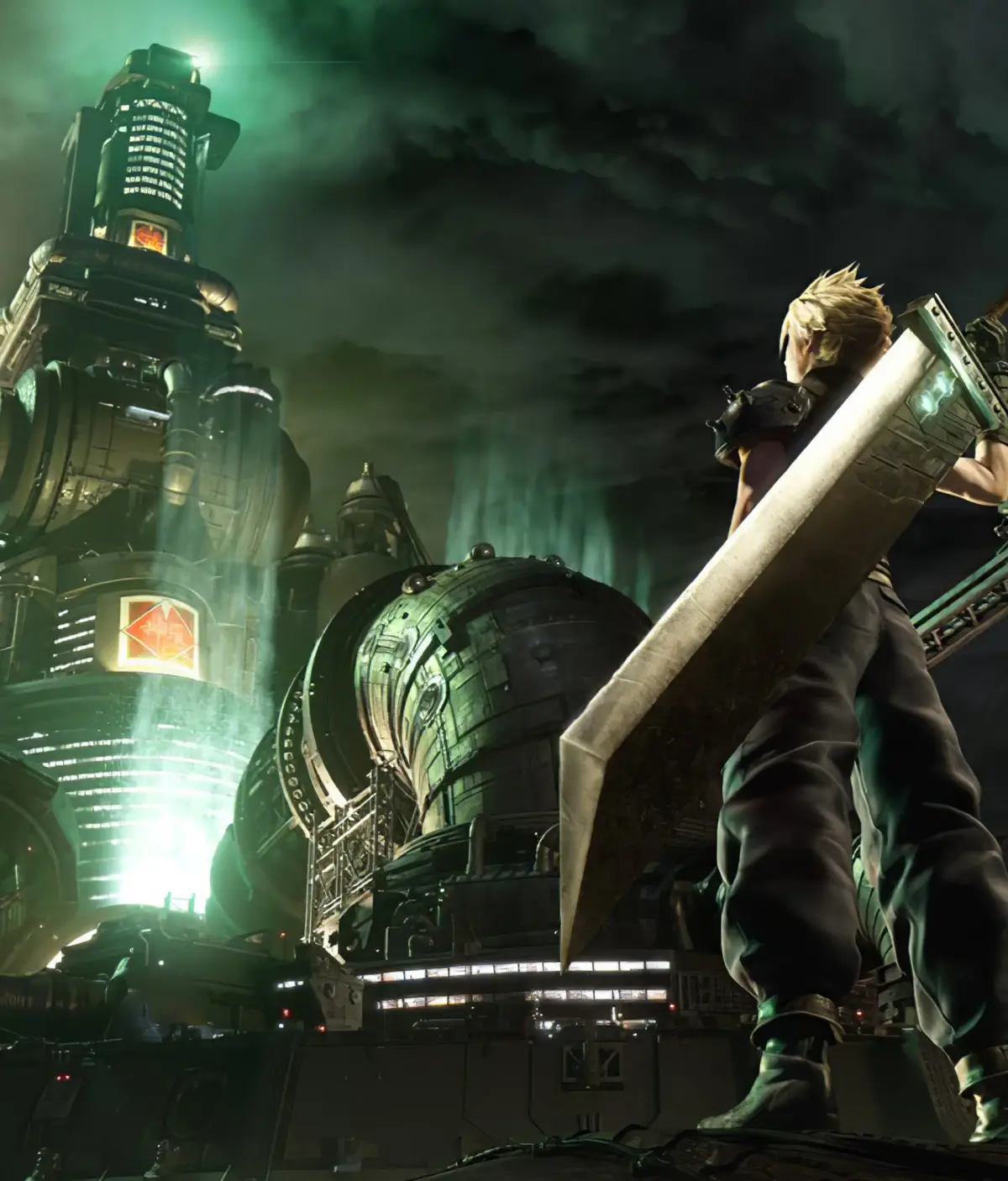
Learn how to save your progress and load your game in Final Fantasy VII Remake. This guide covers all aspects of the saving and loading system to ensure you don't lose any progress.
Walkthrough
- 1Manual Saves: Look for blue save points, often found at the beginning or end of major areas, or before significant story events. Interact with these points to bring up the save menu.
- 2Autosaves: The game automatically saves your progress at critical junctures, such as completing a chapter, defeating a boss, or reaching a new major location. An autosave icon will briefly appear on screen to indicate when this occurs.
- 3Loading a Game: From the main menu, select 'Load Game'. You will see a list of your manual saves and recent autosaves. Choose the desired save file to continue your adventure.
Tips
- It is always recommended to perform a manual save after significant progress, even if the autosave has recently activated.
- Be mindful of your save files; overwriting an older save with a newer one means you cannot return to the previous state.
- The game does not feature a traditional chapter select for loading; you must load from a specific save file.
100% Human-Written. AI Fact-Checked. Community Verified. Learn how AntMag verifies content