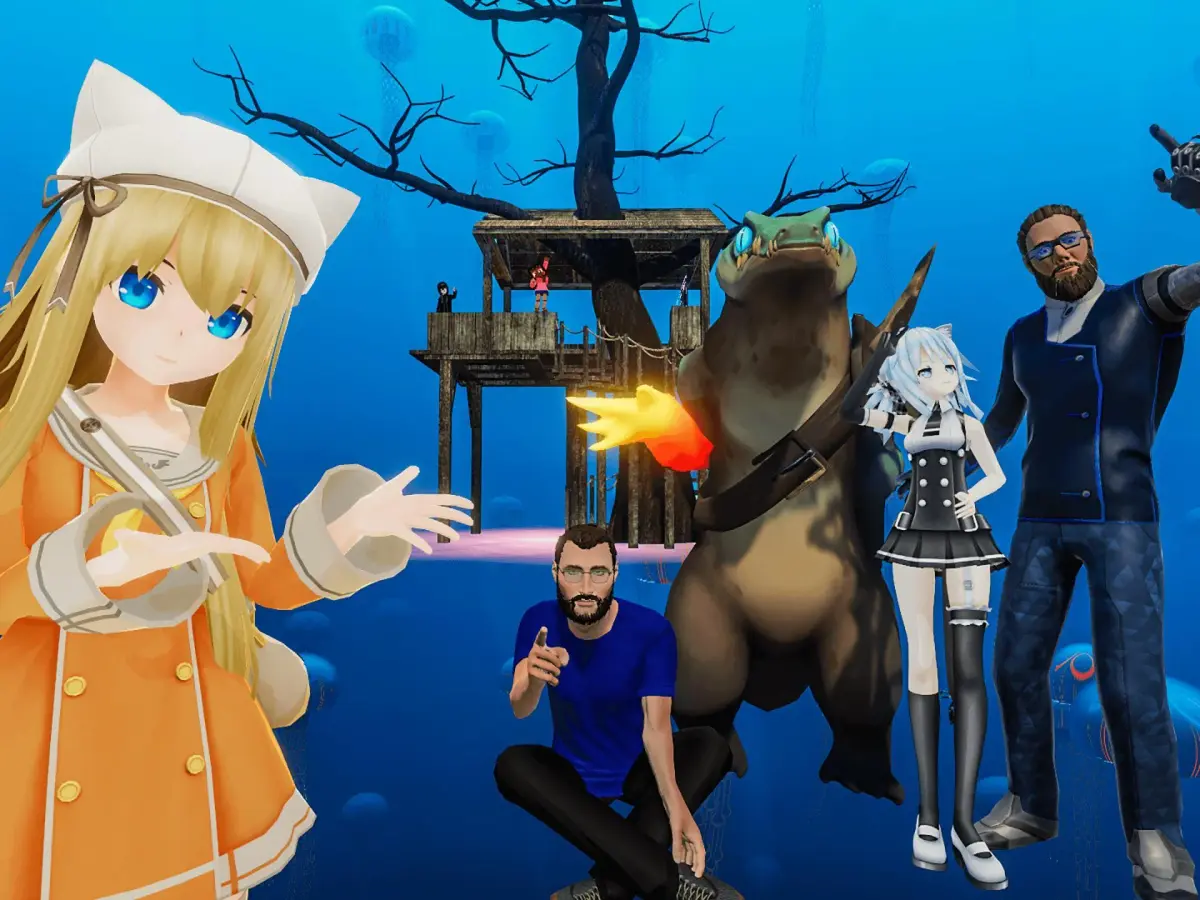
VRChat is a massive, free-to-play social VR experience where you can customize your avatar, explore countless dynamic worlds, and connect with people from all over the globe. It's a place to hang out, play games, attend events, or even build your own virtual spaces. Whether you're looking for a chill hangout or an immersive adventure, VRChat offers a unique platform for social interaction and creative expression.
This guide will help you navigate the essentials of VRChat, from getting started with avatar customization and understanding basic controls to mastering social interactions and overcoming common online challenges. We'll cover how to install and connect, dive into streamer tools, and ensure you thrive in this ever-evolving virtual reality landscape.
Getting Started
Get started in VRChat by learning essential controls, keybinds, and UI elements. This guide helps new users navigate virtual worlds and join communities confid.
Getting Started
Get started in VRChat by learning essential controls, keybinds, and UI elements. This guide helps new users navigate virtual worlds and join communities confid.
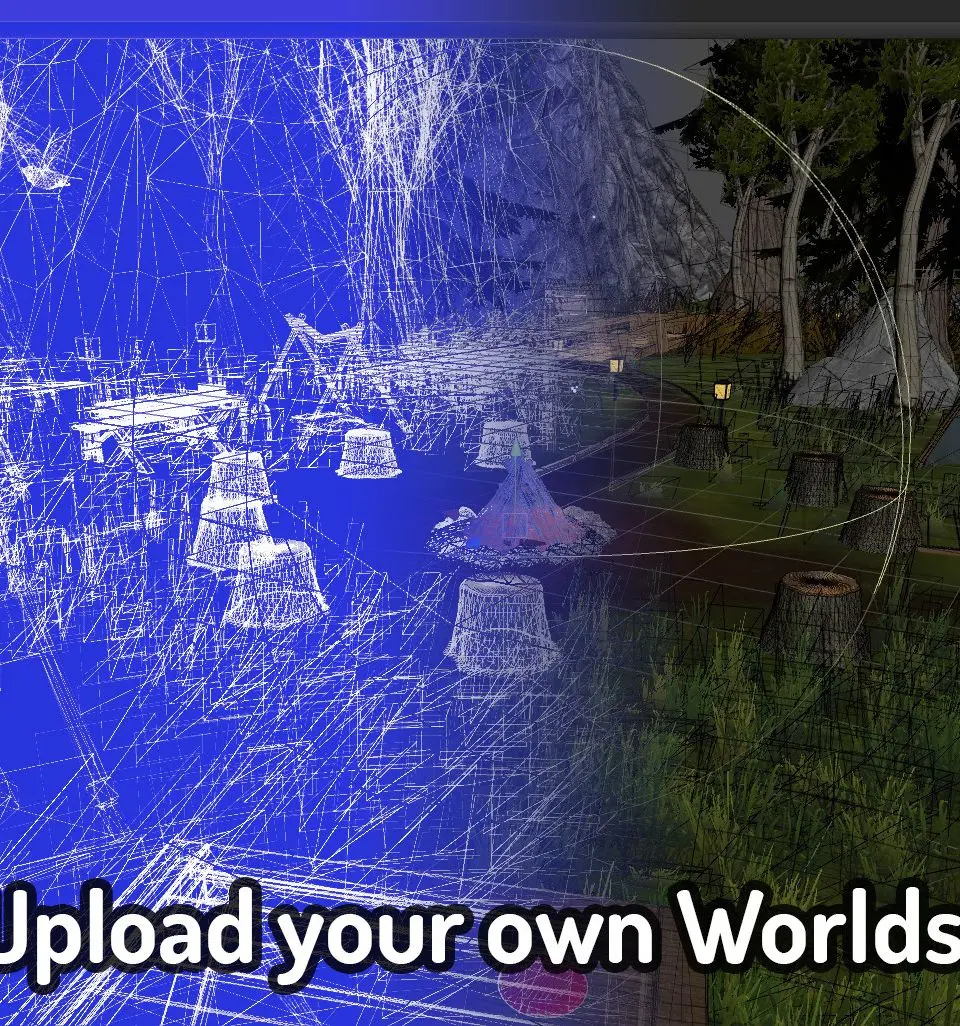
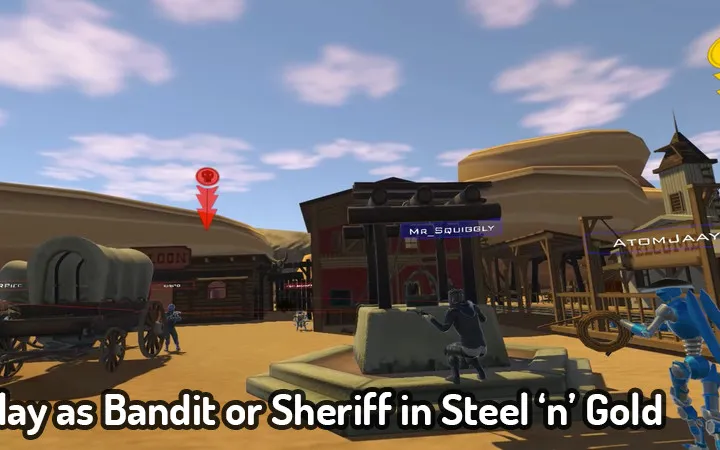
Installation and Account Creation
Ready to dive into VRChat? This guide walks you through installing the game and creating your account step-by-step, so you can start exploring virtual worlds in no time!
Hey there! So you're looking to jump into VRChat, huh? Awesome! It's a super cool place to hang out and meet people. Getting set up is pretty straightforward, but let's walk through it together so you don't miss anything.
First things first, you'll need to get VRChat installed. The easiest way to do this is through Steam. If you don't have Steam already, you'll need to download and install that first from their official website. Once Steam is up and running, just search for 'VRChat' in the store and hit that install button. It's a free download, which is great!
After VRChat is installed, you'll need to create an account. When you first launch the game, it'll prompt you to log in or create a new account. You can use your existing VRChat account if you already have one, or you can create a new one right there. Just follow the on-screen instructions – it's pretty standard stuff like picking a username and password.
Pro Tip: When picking a username, think about something you'll be happy with for a while, as changing it later can be a bit of a hassle. Also, make sure to use a strong password to keep your account safe!
Once your account is created and you're logged in, you'll be taken to the main menu. From here, you can start customizing your avatar and exploring the different worlds. Don't worry if it seems a little overwhelming at first; we'll cover more of that in the next sections. For now, just getting the game installed and your account set up is the main goal!
Home
Navigate the mysterious 'Bus To Nowhere' in VRChat! Discover biomes, complete objectives, and uncover secrets with this comprehensive guide. Your adventure starts now!
Welcome to the guide for the 'Bus To Nowhere,' a unique VRChat world created by user Beyond. This interactive map features a time-traveling bus that transports up to 20 players between various biomes. While it may seem abstract, there are many unmarked objectives to discover, making it more than just a social space.
This guide covers the following:
- Detailed breakdown of the 1st Floor, 2nd Floor, Roof, and Engine Room.
- A comprehensive list of all discoverable Locations.
- Information on Batteries and how to charge them.
- A log of encountered Events and their significance.
Basic Controls and Movement — VRChat Guide
New to VRChat? Learn the basics of movement, controls, and interacting with the world to get started on your social VR adventure. This guide covers essential controls for beginners.
Hey there! So you've jumped into VRChat and are wondering how to actually get around and interact with things? No worries, it can feel a bit overwhelming at first, but it's pretty straightforward once you get the hang of it. Think of this as your friendly guide to not bumping into walls (unless you want to!).
VRChat is all about exploring, meeting people, and having fun, and knowing your basic controls is the first step to doing all of that. We'll cover how to move, how to use your hands to interact, and some general tips to make your experience smoother. Let's dive in!
Similar guides you might like
100% Human-Written. AI Fact-Checked. Community Verified. Learn how AntMag verifies content