Unlock the full potential of VRChat by mastering emotes and gestures. Learn how to express yourself, interact with others, and enhance your virtual experiences with our comprehensive guide.
This guide is intended to help you understand and utilize the various emotes and gestures available in VRChat. These tools are essential for communication and immersion within the virtual world.
What are Emotes and Gestures?
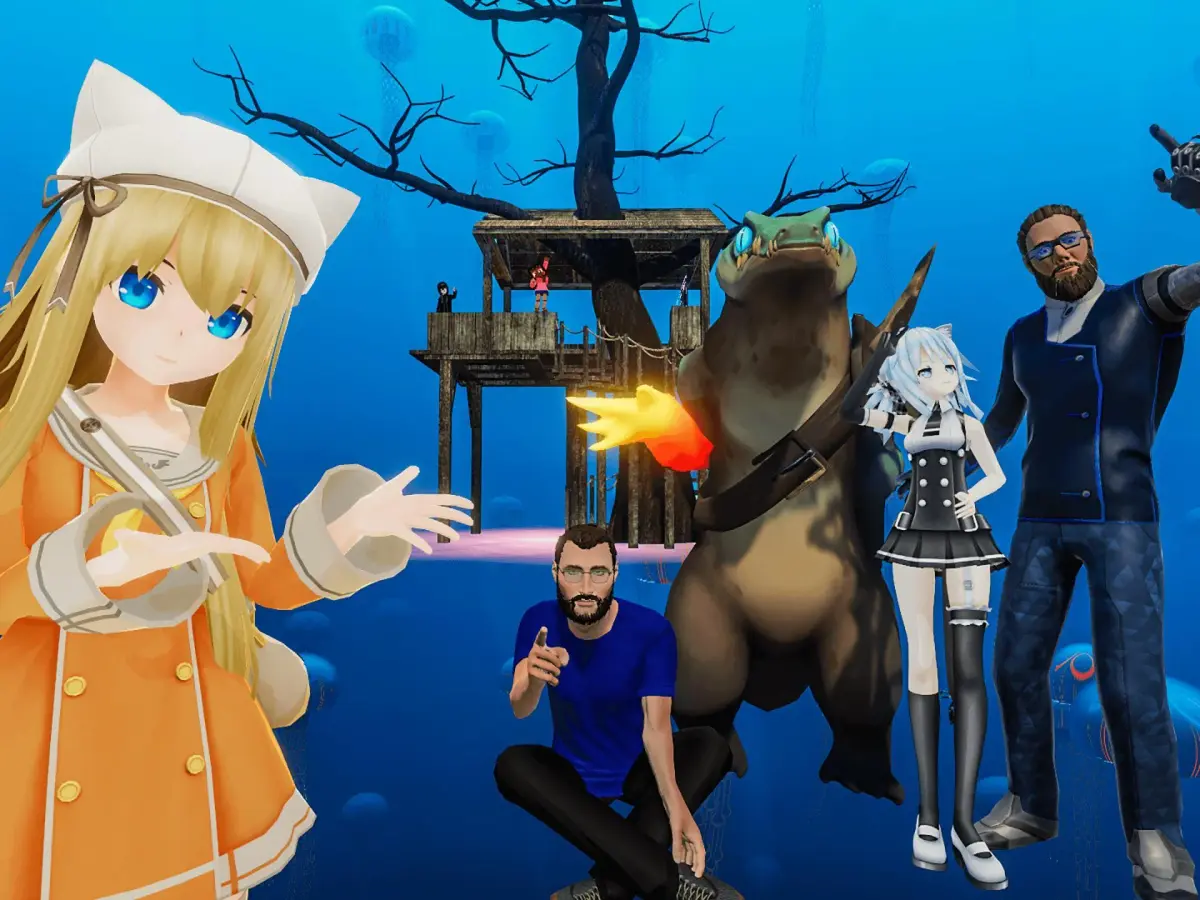
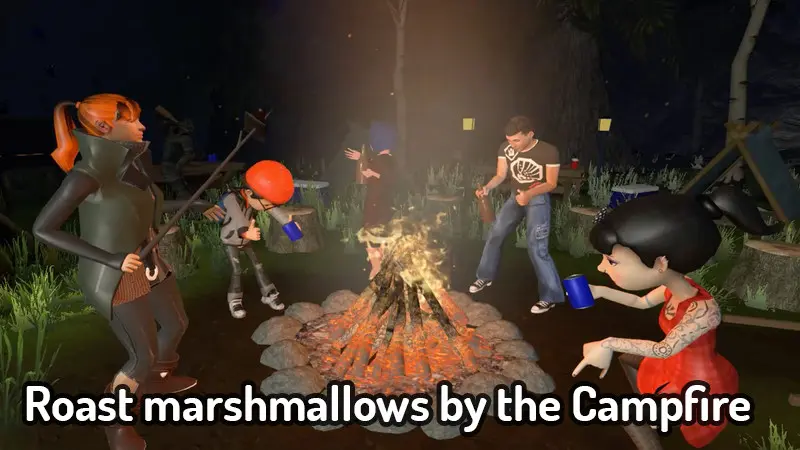
Emotes and gestures are animations and actions that your avatar can perform in VRChat. They range from simple hand movements and facial expressions to complex dances and role-playing actions. They are crucial for non-verbal communication, allowing you to convey emotions, intentions, and personality to other users.
How to Use Emotes and Gestures:
The method for accessing and using emotes and gestures can vary depending on your VRChat setup (e.g., desktop or VR) and any custom settings you may have applied. Generally, emotes are accessed through a radial menu or a dedicated keybind. Gestures are often tied to specific hand poses or controller inputs.
Common Emotes and Gestures:
- Wave: A friendly greeting, typically performed with one hand.
- Point: Used to draw attention to something specific in the environment.
- Thumbs Up/Down: Expresses approval or disapproval.
- Clap: Shows appreciation or applause.
- Dance: Various dance animations to express joy or participate in social activities.
- Sit: Allows your avatar to sit on chairs or other surfaces.
- Facepalm: Indicates frustration or disbelief.
- Blink/Blink Fast: Subtle facial animations.
- Smile/Frown: Expresses happiness or sadness.
Custom Emotes and Gestures:
VRChat also supports custom emotes and gestures, often implemented through avatar features or third-party tools. These can include unique animations, sound effects, and even interactive elements. Exploring different avatars is a great way to discover new expressive possibilities.
- Context is Key: Use emotes and gestures that are appropriate for the situation and the social environment.
- Don't Overdo It: Excessive use of emotes can be distracting or annoying to others.
- Observe Others: Pay attention to how other users employ emotes and gestures to learn new ways to express yourself.
- Experiment: Try out different emotes and gestures to find what best suits your avatar and your personal style.
- Accessibility: Be mindful that some users may have limitations with certain gestures or emotes due to technical or personal reasons.
100% Human-Written. AI Fact-Checked. Community Verified. Learn how AntMag verifies content