Learn how VRChat players exchange user-generated content and services. Understand the flow of gifted avatars and shared world assets within the community.
While VRChat isn't a traditional RPG with a complex economy, the spirit of trading and gifting thrives through its unique social interactions and the sharing of user-created content. This section will guide you through the various ways players exchange items, avatars, and even services within the VRChat universe, fostering a vibrant community spirit.
Understanding VRChat's "Items"
Unlike games with inventory systems, VRChat's "items" are primarily digital assets that can be shared or linked. These include:
- Avatars: Custom 3D models that players use to represent themselves.
- Worlds: User-created environments that can be explored.
- Prefabs/Assets: Components used in world or avatar creation (e.g., furniture, particle effects, scripts).
- Commissions: Services offered by creators for custom avatars, worlds, or assets.
The Gifting Economy: Sharing Avatars and Worlds
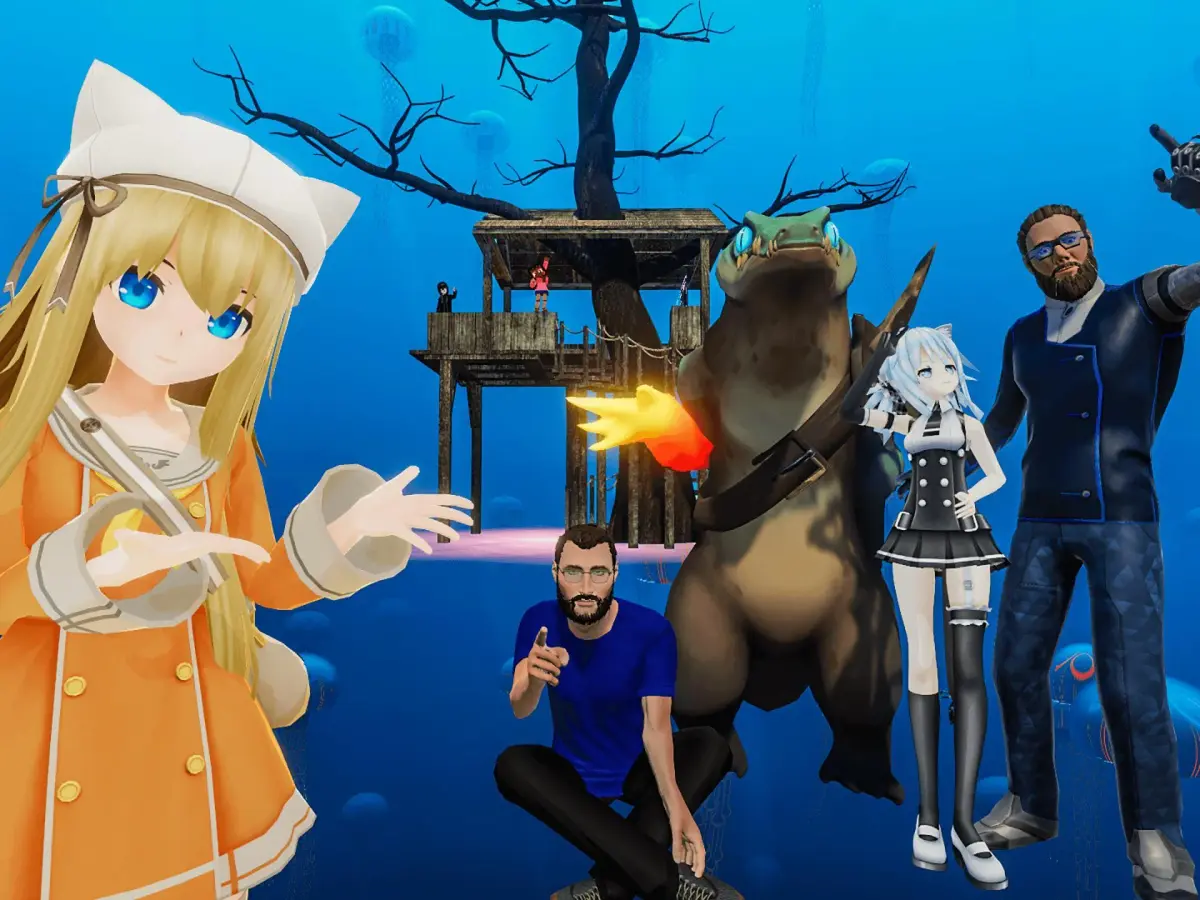
The most common form of "gifting" in VRChat involves sharing access to avatars and worlds. This is a cornerstone of the community and often happens organically.
Gifting Avatars
There are several ways to "gift" an avatar to another player:
- Public Avatar Pedestals: Many worlds feature public avatar pedestals where anyone can switch to a new avatar. To "gift" an avatar this way:
- Step 1: Find a Public Avatar World: Navigate to worlds like "Avatar Search," "The Great Pug," or "Avatar Museum." These worlds often have extensive collections.
- Step 2: Locate the Avatar: Browse the pedestals until you find an avatar you wish to share.
- Step 3: Direct Your Friend: Tell your friend the name of the world and the general location of the avatar pedestal. For example, "Head to 'Avatar Search' and look for the 'Cyberpunk Cat' avatar on the second floor, near the neon signs."
- Step 4: Confirm Acquisition: Once your friend interacts with the pedestal, they will be able to switch to and save the avatar to their favorites.
- Private Avatar Worlds (Creator-Owned): Some creators host private worlds with their exclusive avatars. To "gift" access:
- Step 1: Obtain Access: If you have access to a creator's private avatar world, invite your friend to join you.
- Step 2: Guide Your Friend: Show them the specific avatar pedestal within the world.
- Step 3: Friend Request (Optional but Recommended): Encourage your friend to send a friend request to the avatar creator if they wish to access the world independently in the future (if the creator allows it).
- Direct Avatar Upload (Advanced): For creators, it's possible to upload an avatar directly to another user's account, but this requires significant trust and technical know-how. This is generally reserved for commissioned work or close friends.
- Step 1: Obtain User ID: Your friend must provide their VRChat User ID.
- Step 2: Unity Project Setup: The creator uses the VRChat SDK in Unity to prepare the avatar.
- Step 3: Upload Target: During the upload process, the creator selects the friend's User ID as the target for the avatar.
- Caution: Only do this with trusted individuals, as it grants the creator temporary access to upload content to your account.
Gifting Worlds
Sharing worlds is simpler, as all public worlds are inherently "gifted" to anyone who can find them. For private or unlisted worlds:
- Step 1: Invite Your Friend: If you are in a private or unlisted world, simply invite your friend to join your instance.
- Step 2: Share World Link: You can copy the world's invite link from the VRChat menu and share it with your friend through an external messaging app.
- Step 3: Creator Permissions: If the world is private, your friend may need to be added to a whitelist by the world creator to access it independently.
The Trading Scene: Commissions and Custom Content
While direct item trading isn't a core VRChat mechanic, a thriving "trading" scene exists through commissions and the exchange of custom content. This often happens outside of the VRChat application itself, using platforms like Discord, Gumroad, or Booth.pm.
Commissioning Custom Content
Many talented VRChat creators offer their services for custom avatars, accessories, or world elements. This is how players "trade" real-world currency for unique digital assets.
- Finding a Creator:
- Discord Servers: Join VRChat-focused Discord communities like "VRChat Home" or specific avatar/world creation servers. Look for channels dedicated to commissions or creator showcases.
- Social Media: Search Twitter, Instagram, or ArtStation for VRChat creators using hashtags like #VRChatCommissions or #VRChatAvatar.
- In-Game Advertisements: Some creators will have signs in their public worlds advertising their services.
- Negotiating Terms:
- Contact the Creator: Reach out via their preferred method (Discord DM, website contact form).
- Specify Your Request: Clearly describe what you want (e.g., "A custom avatar based on my character concept, with dynamic bones and a few toggles"). Provide reference images if possible.
- Discuss Pricing and Timeline: Creators will provide quotes based on complexity. Be prepared for varying prices for different levels of detail and features.
- Payment Method: Most creators accept PayPal, Stripe, or other online payment services.
- Receiving Your Commission:
- Direct Upload: For avatars, the creator will often upload the finished product directly to your VRChat account (see "Direct Avatar Upload" above).
- File Transfer: For world assets or prefabs, the creator will typically send you the Unity package or relevant files via a secure file-sharing service.
Exchanging Assets and Prefabs
Some communities facilitate the exchange of pre-made assets or prefabs, often for free or in exchange for other assets. This is less about direct "trading" and more about collaborative sharing.
- Asset Hub Worlds: Worlds like "VRChat Asset Hub" or "Prefab Paradise" contain free-to-use assets that creators can incorporate into their own projects.
- Community Discords: Many creator-focused Discord servers have channels for sharing free assets or requesting specific prefabs.
- Creative Commons Licenses: Always check the licensing terms of any asset you download to ensure you are using it appropriately.
Best Practices for Trading and Gifting
- Communicate Clearly: Always be explicit about what you are offering or requesting.
- Verify Trustworthiness: Especially when dealing with commissions or direct uploads, ensure the other party is reputable. Look for reviews, portfolios, or recommendations from trusted community members.
- Respect Creator Rights: Always give credit to creators for their work. Do not re-upload or claim ownership of content you did not create unless explicitly permitted.
- Be Patient: Custom work takes time. Respect a creator's timeline.
- Use Secure Payment Methods: For commissions, use services that offer buyer protection.
By understanding these methods, you can actively participate in VRChat's unique social economy, enriching your experience and contributing to the vibrant community of creators and users.
100% Human-Written. AI Fact-Checked. Community Verified. Learn how AntMag verifies content