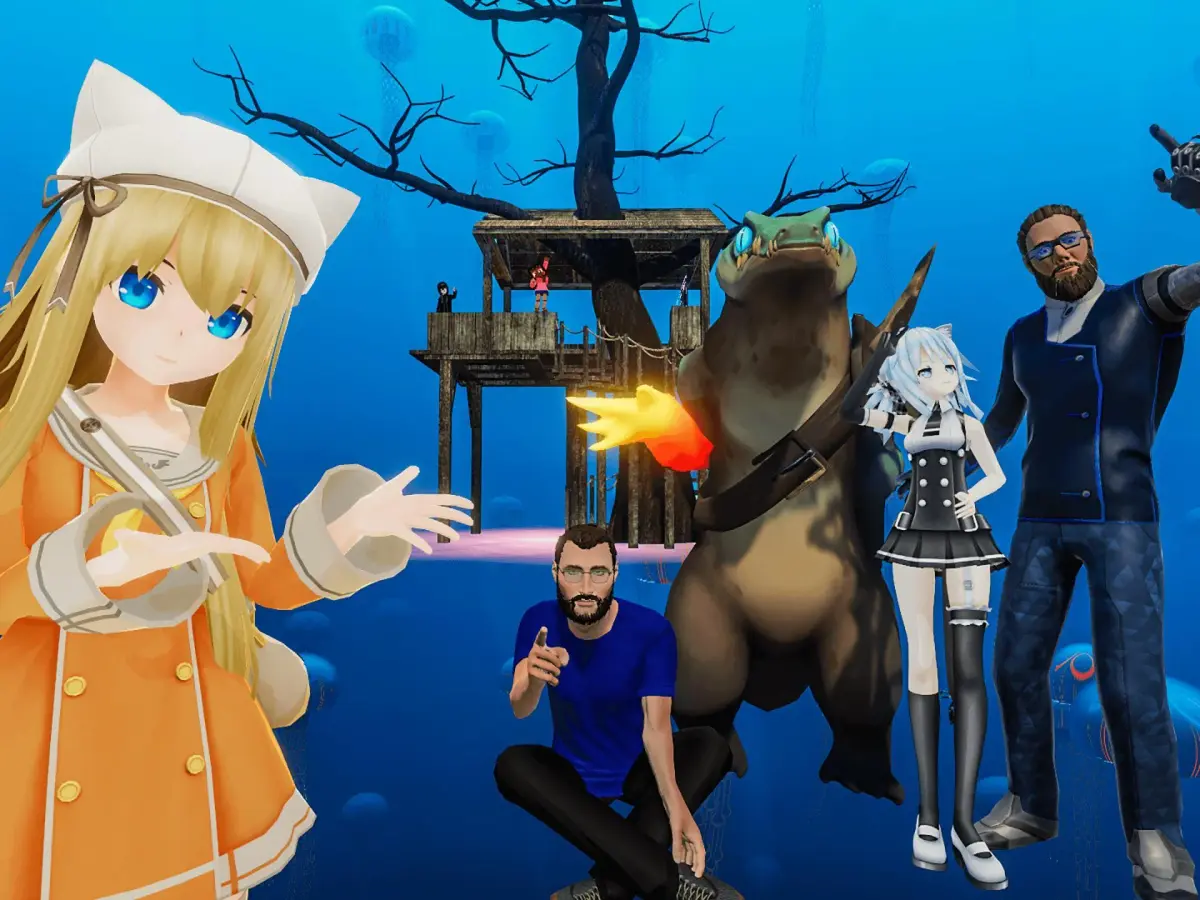
Leverage VRChat's advanced camera and Streamer Camera for professional virtual photography and content creation.
Beyond simple screenshots, VRChat's in-game camera (accessible via the Quick Menu) offers powerful features. You can detach it from your head, move it freely in 3D space, and even use it as a 'Streamer Camera' to capture third-person views of yourself for content creation. Experiment with its various settings, including field of view, depth of field, and filters, to take professional-looking virtual photos and videos. The Streamer Camera is invaluable for showcasing your avatar or interactions from a dynamic perspective, perfect for sharing your VRChat adventures.
100% Human-Written. AI Fact-Checked. Community Verified. Learn how AntMag verifies content