
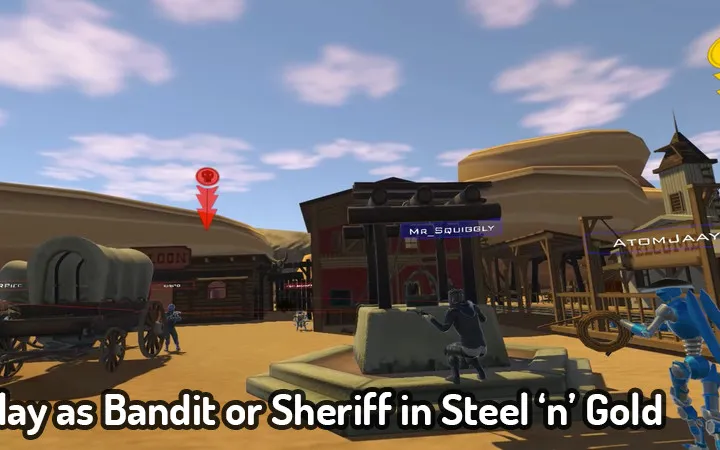
Navigate VRChat with ease! This guide breaks down the User Interface (UI), explaining HUD elements, menus, and controls to enhance your virtual reality experience.
This guide provides a comprehensive overview of the VRChat User Interface (UI), covering essential elements for new and experienced players alike.
- Understanding the HUD and its indicators (speed, time, biome, fuel).
- Navigating the driver's controls and passenger options.
- Interacting with various in-world elements like radios, TVs, and ticket machines.
- Discovering items within luggage compartments and the bathroom.
- Exploring the second floor and roof amenities.
- Investigating the Engine Room and its mysteries.
- Learning about the 32 discoverable locations and the event system.
- Understanding the function and charging of Batteries.
- Details on various in-game events like 'Machine that Knows things' and 'Power Loss'.
100% Human-Written. AI Fact-Checked. Community Verified. Learn how AntMag verifies content