
Welcome to Lara Croft's desperate fight for survival in Tomb Raider (2013). You'll navigate treacherous environments, hone your combat skills, and uncover the island's secrets as you guide a young, inexperienced Lara through her harrowing ordeal. This action-packed, third-person adventure is perfect for players who enjoy exploration and atmospheric storytelling.
This guide will help you master Lara's journey. We cover the entire single-player campaign with detailed walkthroughs, offering puzzle solutions, navigation tips, and strategies for overcoming tough enemies and bosses. Whether you're stuck on a specific section or just want to ensure you don't miss any crucial steps, we've got you covered from the Scavenger's Den to the final challenges.
Getting Started
Your essential guide to starting Tomb Raider (2013). Learn the basics, controls, and tips to survive Lara Croft's first expedition.
Getting Started
Your essential guide to starting Tomb Raider (2013). Learn the basics, controls, and tips to survive Lara Croft's first expedition.


Controls & Basic Movement — Tomb Raider (2013) Guide
Learn the essential controls and basic movement mechanics for Tomb Raider (2013). Master Lara Croft's abilities to navigate, climb, and survive the island.
Controls & Basic Movement — Tomb Raider (2013) Guide
Learn the essential controls and basic movement mechanics for Tomb Raider (2013). Master Lara Croft's abilities to navigate, climb, and survive the island.
Movement & Navigation — Tomb Raider (2013) Guide
Navigate Yamatai effectively in Tomb Raider (2013) by mastering Lara's movement and traversal skills. Overcome environmental puzzles and treacherous terrain.
Mastering Lara's movement and navigation skills is paramount to surviving Yamatai. The island is a treacherous place, filled with environmental puzzles, hidden paths, and deadly drops. Understanding how to traverse these obstacles efficiently will be the difference between a seasoned survivor and a broken archaeologist.
Basic Movement
- Walking/Running: Use the left analog stick to move Lara. Pushing it lightly will make her walk, while pushing it fully will make her run. Running is your primary mode of travel for covering ground quickly.
- Sprinting: Hold down the L3 (PS3) / Left Stick (Xbox 360) button while moving to make Lara sprint. This is crucial for escaping collapsing structures, outrunning enemies, or making long jumps. Be mindful of Lara's stamina; she can't sprint indefinitely.
- Crouching: Press the Circle (PS3) / B (Xbox 360) button to crouch. Crouching allows Lara to move silently, pass through small openings, and take cover behind low obstacles. It's essential for stealth sections and avoiding detection.
- Jumping: Press the X (PS3) / A (Xbox 360) button to jump. Lara can perform various jumps depending on the context:
- Standard Jump: A simple jump to clear small gaps or reach low ledges.
- Long Jump: Sprinting before jumping will allow Lara to cover greater distances. This is vital for many platforming challenges.
- Climb Jump: When near a climbable surface, jumping will often initiate a climb.
Advanced Navigation Techniques
As Lara progresses, she'll acquire gear that unlocks new traversal options. Pay close attention to the environment for visual cues indicating these opportunities.
The Climbing Axe
Obtained early in the game, the Climbing Axe is your most versatile tool for vertical navigation.
- Climbing Rough Surfaces: Look for walls marked with a distinct rough texture or visible handholds. Approach these surfaces and press the Square (PS3) / X (Xbox 360) button to embed your axe and begin climbing.
- Axe Ascend/Descend: Once on a climbable surface, use the left analog stick to move Lara up, down, left, or right.
- Axe Jump: While clinging to a climbable wall, you can jump to an adjacent wall or ledge by pressing X (PS3) / A (Xbox 360) and a direction. This is often required to navigate complex climbing sections, such as in the Mountain Temple area or the ascent of the Coastal Forest radio tower.
- Axe Traverse: Some surfaces allow for horizontal traversal while clinging. Move the left analog stick left or right to shimmy across.
- Rope Ascender (Upgrade): After acquiring the Rope Ascender from the Shantytown, you can use your Climbing Axe to quickly ascend thick ropes. Aim at the rope and press the appropriate action button to attach the ascender, then hold the button to rapidly climb. This is particularly useful for reaching high platforms or escaping flooded areas.
Rope Arrows
The Bow, once upgraded with Rope Arrows, opens up new pathways.
- Creating Rope Bridges: Look for specific wooden posts wrapped with rope. Aim your bow at these posts and fire a Rope Arrow. If successful, Lara will automatically create a traversable rope bridge to a corresponding post. This is frequently used in areas like the Geothermal Caverns to cross chasms.
- Pulling Down Obstacles: Certain environmental elements, like weakened wooden barriers or heavy counterweights, can be pulled down with a Rope Arrow. Aim at the designated attachment point and fire. Then, hold the action button and pull back on the left analog stick to apply tension. This is crucial for opening new paths, such as clearing the path to the Mountain Village.
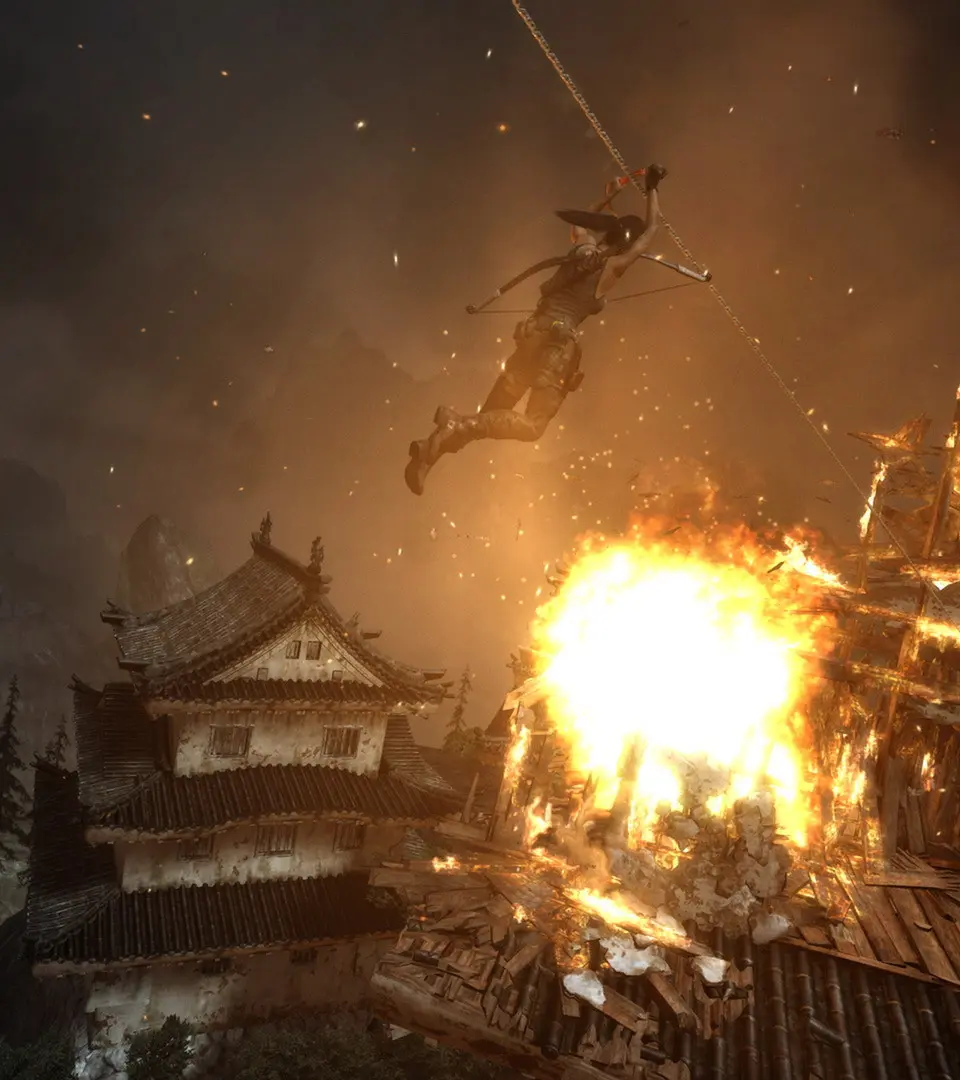
- Ziplining: After creating a rope bridge or finding a pre-existing zipline, approach the rope and press the action button to grab on and slide down. This is a fast way to descend and often leads to new areas or shortcuts.
Environmental Interaction
Always be observant of your surroundings. The environment itself often provides clues for navigation.
- Yellow Markings: Keep an eye out for yellow paint or cloth. These are almost always indicators of climbable surfaces, jump points, or interactive objects. For example, yellow painted ledges in the Shipwreck Beach often signify a path forward.
- Scaffolding and Ladders: Standard elements for vertical movement. Approach and press the action button to climb.
- Narrow Gaps: Lara can squeeze through tight spaces. Approach a narrow gap and press the action button to initiate the animation.
- Water: Lara can swim and dive. Use the left analog stick to move and the X (PS3) / A (Xbox 360) button to swim faster. Diving is automatic when submerged. Be aware of your breath meter when underwater.
By combining these techniques and staying vigilant for environmental cues, you'll navigate Yamatai's treacherous landscape with the agility and resourcefulness of a true Tomb Raider.
Reach the Radio Tower & Escape
Follow this Tomb Raider (2013) walkthrough to reach the radio tower and escape. Includes steps for finding Roth's pack, the transmitter, and sending an SOS.
- 1Cry for Help: Find Roth's pack, bring the transmitter to Roth, reach the top of the falls, find and enter the bunker, locate the communication console, climb the radio tower to send an SOS, and start a signal fire.
- 2A Road Less Traveled: Find a way back to the mountain village and regroup with Roth.
Similar guides you might like






100% Human-Written. AI Fact-Checked. Community Verified. Learn how AntMag verifies content