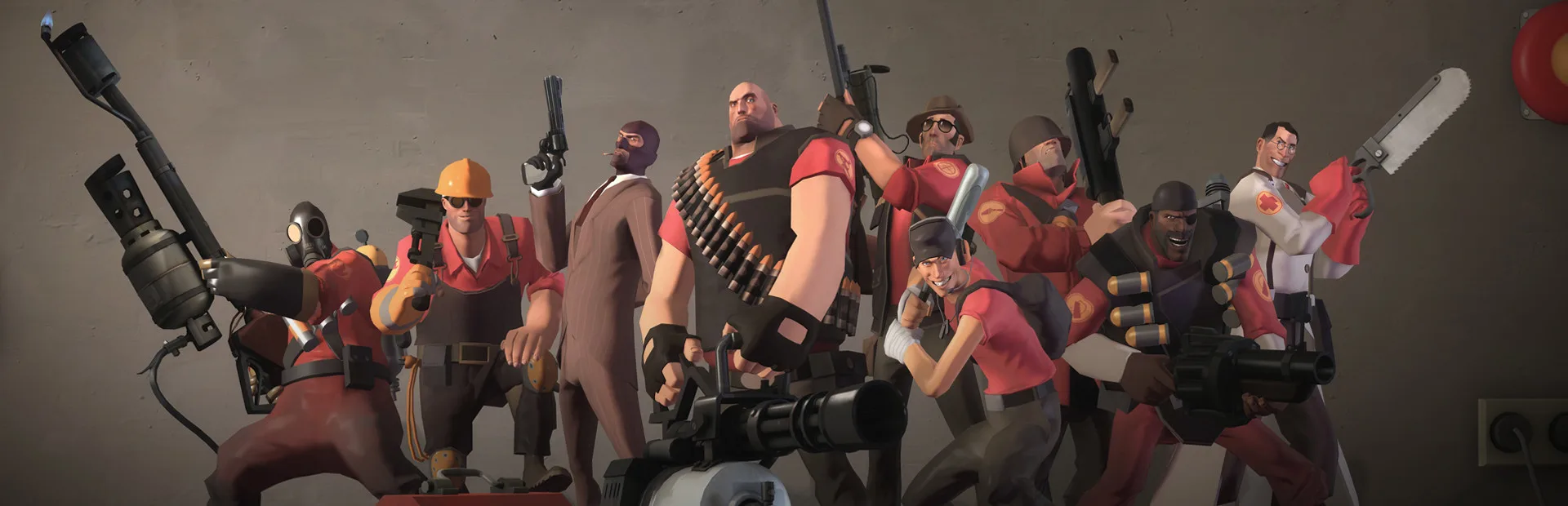
Protect your Team Fortress 2 inventory. Learn common scamming tactics and how to avoid them in the vibrant trading scene for items and keys.
The Team Fortress 2 trading economy is vibrant and offers a vast array of cosmetic items, weapons, and keys. However, like any thriving marketplace, it attracts individuals looking to exploit others. Understanding common scamming tactics is crucial for protecting your hard-earned inventory and ensuring fair trades.
Navigating the TF2 trading scene requires vigilance. This guide will equip you with the knowledge to identify and avoid prevalent scams, ensuring your trading experiences are safe and rewarding. Protect your valuable items by learning these common pitfalls.
Common Scamming Tactics:
Scammers employ several methods, often preying on newer players or those eager for a good deal. Here are some of the most frequent scams:
- The "Middleman" Scam: A scammer offers to act as a "middleman" for a high-value trade. They'll ask both parties to send their items to them, promising to deliver them to the other player. Once they have both sets of items, they disappear. Always use a trusted, well-established middleman from reputable trading communities, or avoid middlemen altogether.
- The "Item Switch" Scam: During a trade, the scammer will quickly switch an item in the trade window at the last second, hoping you won't notice. This is common with items that look similar (e.g., different quality hats, weapons with similar names). Always double-check every item in the trade window before accepting. Pay attention to the item's name, icon, quality, and any unique attributes.
- The "Fake Trade Offer" Scam: Scammers will send you a fake trade offer link that looks identical to a legitimate Steam trade offer. Clicking this link might lead you to a phishing site that steals your account credentials or prompts you to "confirm" a trade that sends your items to them. Never click on suspicious trade offer links. Always go directly to your Steam inventory or trade offers page to verify.
- The "Phishing" Scam: This involves fake websites or direct messages that claim to be from Steam support or a trading site. They might ask for your login details, trade URL, or to "verify" your account by sending items. Steam will never ask for your password or trade URL via direct message or email.
- The "Price Manipulation" Scam: Scammers will try to convince you that an item is worth significantly less or more than it actually is. They might use fake price-checking websites or claim to have "insider knowledge." Always do your own research on reputable trading sites like backpack.tf before agreeing to a trade.
- The "Gift" Scam: A scammer might offer you a valuable item for free or for a very low price, but only if you first send them a small item or a small amount of real money as a "deposit" or "for shipping." There is no such thing as a free valuable item in TF2. If it sounds too good to be true, it almost certainly is.
- The "Trade Server" Scam: Some trade servers are filled with scammers. They might advertise "free items" or "guaranteed profits" to lure you in. Be extremely wary of any server that promises free items or unrealistically high returns.
- The "Item Duping" Scam: Scammers might claim to have a "duping glitch" and ask you to send them an item to "duplicate" it for you. This is always a lie. Item duplication glitches do not exist in Team Fortress 2.
How to Protect Yourself:
Prevention is key. By following these guidelines, you can significantly reduce your risk of being scammed:
- Verify Trade Partners: Check the Steam profiles of your trade partners. Look for established accounts with good reputations, or be wary of brand new accounts with no trading history.
- Use Reputable Trading Sites: For price checking and finding trade partners, rely on well-known and trusted sites like backpack.tf.
- Be Wary of Urgency: Scammers often try to rush you into a trade to prevent you from thinking clearly. Take your time and don't be pressured.
- Never Share Account Information: Your Steam password, trade URL, and personal information are private. Never share them with anyone.
- Enable Steam Guard: Ensure Steam Guard is enabled on your account. This provides an extra layer of security for your account and trades.
- Report Scammers: If you encounter a scammer, report them to Steam. This helps protect other players.
- Trust Your Gut: If a trade or offer feels suspicious, it probably is. It's better to walk away from a potentially bad deal than to lose valuable items.
By staying informed and cautious, you can enjoy the rich trading economy of Team Fortress 2 without falling victim to scams.
100% Human-Written. AI Fact-Checked. Community Verified. Learn how AntMag verifies content