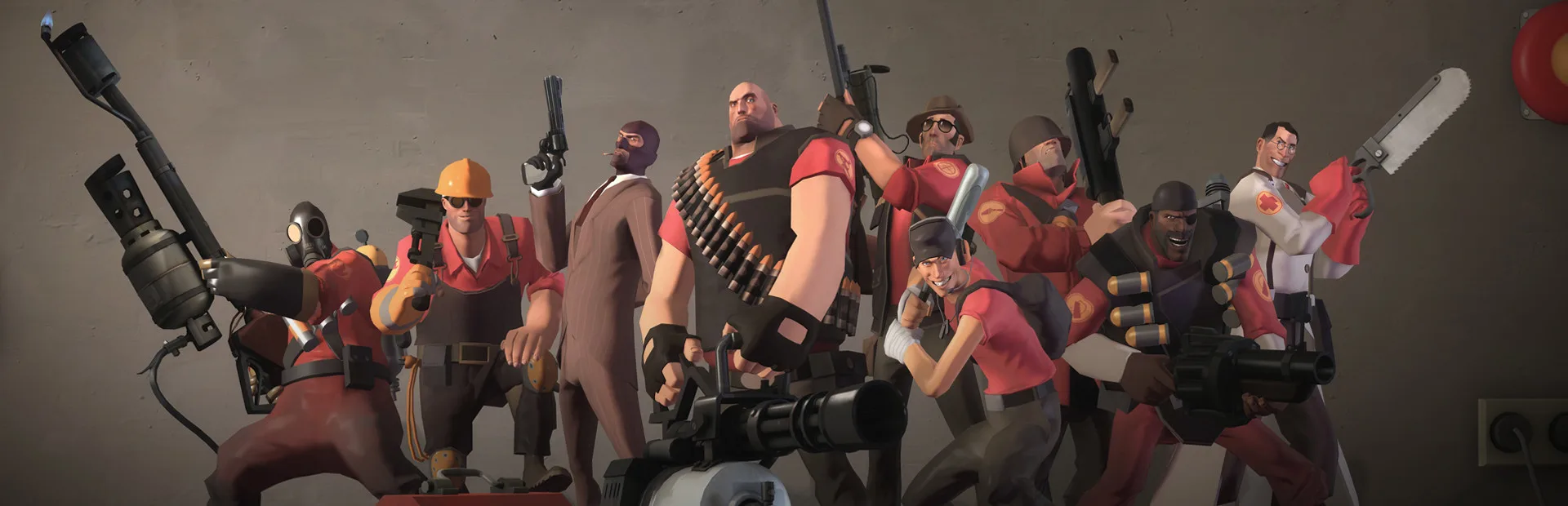
Find new Team Fortress 2 experiences with custom game modes. Learn about community-created gameplay variations offering endless replayability.
Beyond the official Valve-created game modes, Team Fortress 2 boasts a thriving community that has developed a vast array of unique and engaging custom game modes. These modes offer fresh challenges, innovative gameplay mechanics, and endless replayability, often found on community-run servers. This guide will introduce you to some of the most popular and exciting custom game modes available.
Community servers are the lifeblood of Team Fortress 2's longevity, and custom game modes are a major reason why. These modes often twist existing mechanics or introduce entirely new concepts, providing experiences you won't find in the official matchmaking. Exploring these can be incredibly rewarding and introduce you to new ways to enjoy the game.
Popular Custom Game Modes
Here are some of the most popular and widely played custom game modes you'll encounter:
- Trade Servers: While not strictly a "game mode," these servers are dedicated to trading items. Players often have custom HUDs displaying their wares and prices. It's the primary hub for TF2's economy.
- Idle Servers: These servers are designed for players to passively earn item drops and weapon cases without actively playing. Players typically stand in designated areas, and the server handles the drop mechanics.
- Surf: A movement-focused mode where players slide along ramps and obstacles, aiming to reach the end of the map as quickly as possible. It's a test of aerial control and timing.
- Jailbreak: A role-playing mode where one team (guards) tries to keep the other team (prisoners) in line. Prisoners can earn freedom through minigames or by completing tasks, while guards enforce rules and prevent escapes.
- Deathrun: One team (runners) must navigate a deadly obstacle course designed by the other team (death runners). The death runners activate traps to eliminate the runners.
- Manpower: A unique mode where players must work together to build and defend a base against waves of AI-controlled enemies. It often involves resource management and strategic placement of defenses.
- Payload Race: Similar to standard Payload, but with two opposing teams pushing their own payloads simultaneously on parallel tracks. The first team to reach the end wins.
- VS. Saxton Hale: A boss-fight mode where one player takes on the role of the powerful Saxton Hale, while the rest of the team tries to defeat him. Hale has immense health and powerful attacks.
- Prop Hunt: Players disguise themselves as various in-game props to hide from a seeker. The seeker must find and eliminate all the hidden props.
Finding and Joining Community Servers
To find these custom game modes, you'll need to use the in-game server browser:
- From the main menu, click "Find a Game."
- Select "Community Servers."
- Use the filters to search for specific game modes (e.g., "Surf," "Jailbreak"). You can also search by map name or server name.
- Click on a server that interests you and then click "Connect."
Many community servers have their own unique rules, plugins, and sometimes even custom maps. It's always a good idea to check the server's MOTD (Message of the Day) for specific information before diving in.
Tips for Playing Custom Modes
- Be Patient: Some custom modes have a learning curve. Don't get discouraged if you don't grasp them immediately.
- Communicate: Many custom modes benefit greatly from team coordination. Use voice chat or text chat to communicate with your teammates.
- Experiment: Don't be afraid to try different classes or roles within a custom mode. You might find a new favorite playstyle.
- Respect Server Rules: Each server may have its own set of rules. Violating them can lead to kicks or bans.
Exploring custom game modes is a fantastic way to experience the full breadth of what Team Fortress 2 has to offer. Dive in and discover the endless fun!
100% Human-Written. AI Fact-Checked. Community Verified. Learn how AntMag verifies content