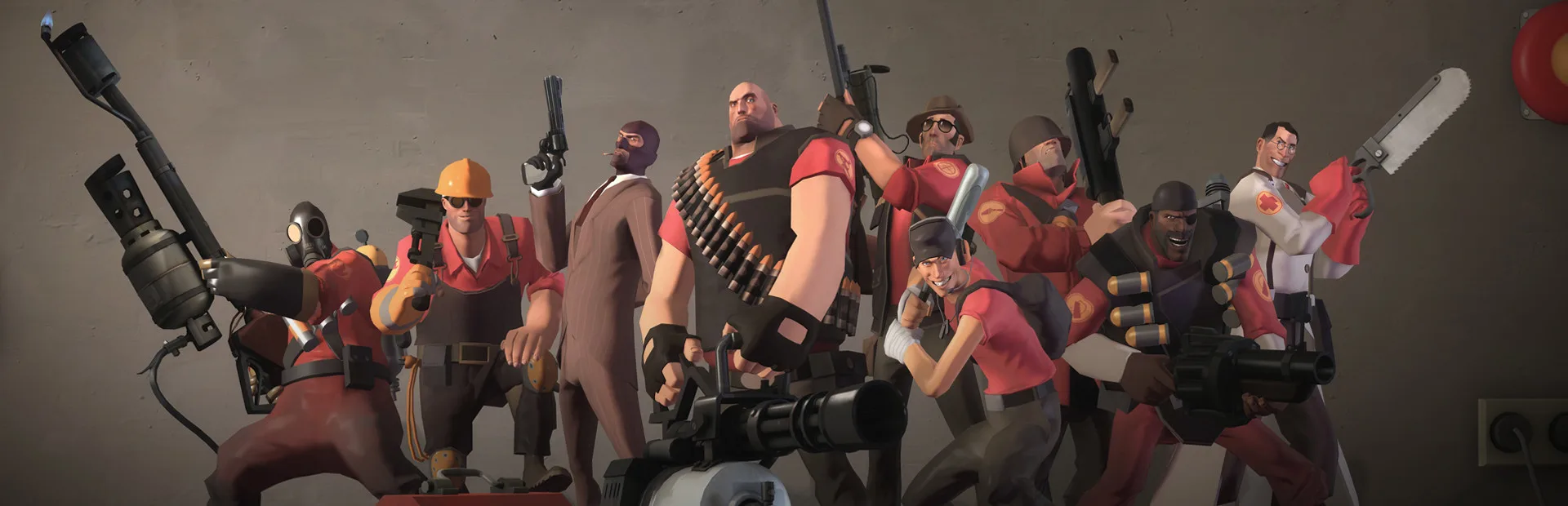
Master Team Fortress 2 trading with backpack.tf. Learn item pricing, inventory management, and effective use of Refined Metal and Keys.
In the vibrant economy of Team Fortress 2, understanding item values and trading effectively is paramount. Third-party tools, such as backpack.tf, have become indispensable resources for players looking to navigate the complexities of trading, pricing, and inventory management.
These tools provide invaluable data and functionality that go beyond what the in-game interface offers. This guide will explore the utility of backpack.tf and other similar tools, empowering you to trade smarter, manage your inventory efficiently, and get the most out of your TF2 items.
Backpack.tf: The Premier Resource
Backpack.tf is the de facto standard for TF2 item pricing and inventory management. It allows players to view their own backpack, track item prices, and find trading partners.
- Inventory Management: By linking your Steam account, backpack.tf displays your entire TF2 inventory. This is incredibly useful for seeing what you own at a glance, especially if you have a large collection.
- Price Checking: This is backpack.tf's most crucial function. It aggregates data from countless trades and player listings to provide estimated prices for virtually every item in the game. Prices are often broken down by item type, quality, and even specific attributes (e.g., unusual effects, killstreaks).
- Trade Listings: Users can create "buy" and "sell" listings for items. This allows you to find people looking to buy items you own or sell items you need. You can filter these listings by item, price, and even specific attributes.
- Price History: For many items, backpack.tf provides historical price data, allowing you to see how an item's value has fluctuated over time. This is essential for making informed trading decisions.
- Item Quality and Attributes: The site clearly displays item qualities (e.g., Unique, Vintage, Genuine, Strange, Unusual) and special attributes (e.g., painted items, Australium weapons, killstreak kits), which significantly impact value.
How to Use backpack.tf Effectively:
- Link Your Steam Account: Visit backpack.tf and log in using your Steam account. Ensure Steam Guard is enabled for security.
- Check Prices Regularly: Before buying or selling, always check the current prices on backpack.tf. Understand the difference between "buy" and "sell" prices (the "spread"), as this indicates profit potential.
- Filter Trade Listings: When looking for trades, use the filters to narrow down your search. Specify the item, quality, and desired price range.
- Understand "Metal" and Keys: TF2 trading primarily uses Refined Metal (3 Reclaimed = 1 Refined) and Keys (Mann Co. Supply Crate Keys) as currency. Backpack.tf provides current exchange rates for these.
- Be Wary of "Outliers": While backpack.tf is generally accurate, individual listings can sometimes be significantly higher or lower than the average. Use these as reference points, but don't base your entire decision on a single extreme listing.
Other Useful Third-Party Tools:
While backpack.tf is the most comprehensive, other tools can be helpful:
- SteamAnalyst: Offers price tracking and market analysis for various Steam games, including TF2. It can provide alternative price perspectives.
- TF2 Trader (Browser Extension): Some browser extensions can integrate with Steam's trading interface or backpack.tf to provide real-time price suggestions or highlight potential scams. Use these with caution and ensure they are from reputable sources.
- TF2Items.com (Archived but useful for historical data): While not as actively maintained for current prices, TF2Items.com was a pioneer in TF2 item tracking and can sometimes offer historical context.
- Community Forums and Discord Servers: Many dedicated TF2 trading communities exist on platforms like Reddit (e.g., r/tf2trade) and Discord. These can be excellent places to find trading partners, get advice, and stay updated on market trends.
Important Considerations:
- Scam Prevention: Always cross-reference information and be wary of any offer that seems too good to be true. Never share your Steam login details or trade URL.
- Market Fluctuations: The TF2 market is dynamic. Prices can change due to updates, new item drops, or community trends. Stay informed.
- Item Specifics: Unusual hats with rare effects, Australium weapons, and specialized killstreak kits command premium prices. Understanding these nuances is key to profitable trading.
By leveraging tools like backpack.tf, you can approach the Team Fortress 2 trading economy with confidence, making informed decisions and securing the best deals for your items.
100% Human-Written. AI Fact-Checked. Community Verified. Learn how AntMag verifies content