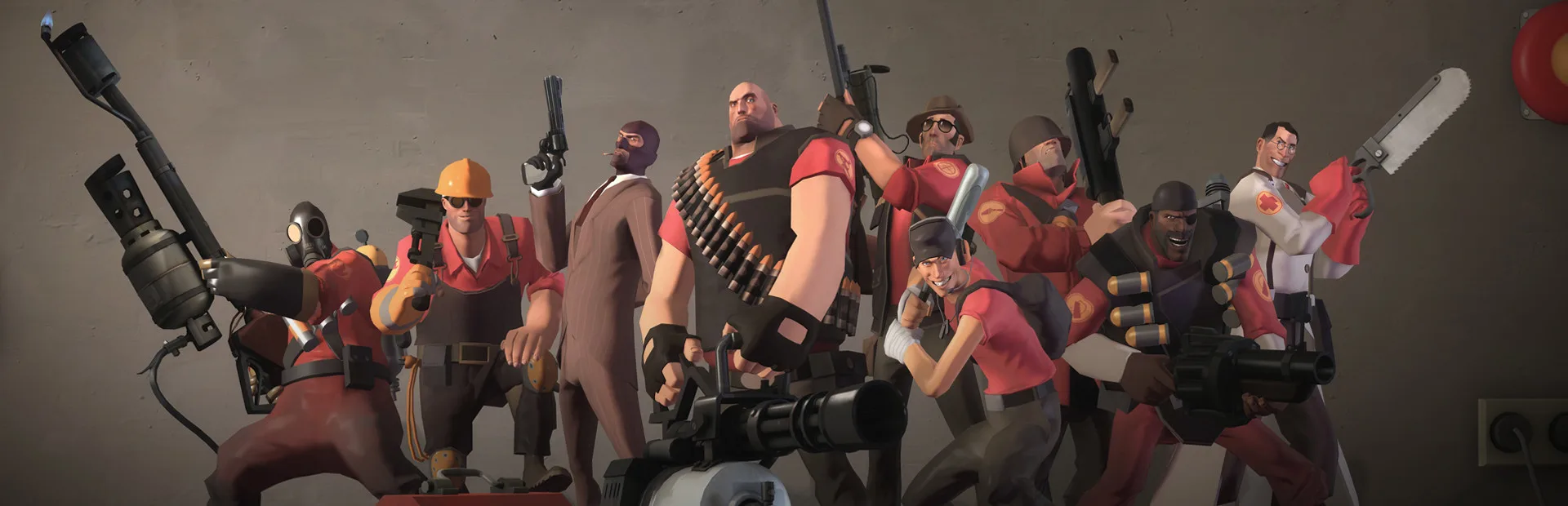
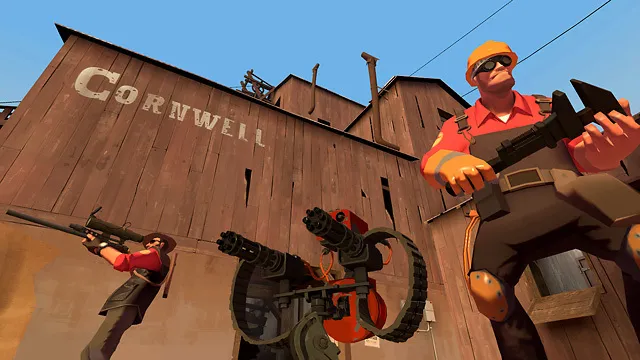
Engage with Team Fortress 2's vibrant community and custom content. Access user-created maps, game modes, and items to refresh your gameplay.
Team Fortress 2 thrives on its vibrant community, offering a wealth of user-created content that significantly expands the game beyond its official offerings. From custom maps and game modes to unique cosmetic items and advanced gameplay modifications, diving into the community scene can refresh your TF2 experience. This section will guide you through accessing and enjoying these community contributions.
Accessing Community Servers
Community servers are the backbone of custom content in TF2. Unlike official Valve servers, these are run by players and often feature unique rulesets, custom maps, and even entirely new game modes. Here's how to find them:
- Launch Team Fortress 2: Start the game as usual.
- Navigate to the Server Browser: From the main menu, click on "Find a Game," then select "Community Servers."
- Filter Your Search: The server browser can be overwhelming. Use these filters to find what you're looking for:
- Map: If you know a specific custom map you want to play (e.g., cp_orange_x3, surf_kitsune), type its name here.
- Game Mode: Look for popular custom modes like Deathrun, Prop Hunt, Saxton Hale, or Vs. Saxton Hale.
- Tags: Many servers use tags to indicate their focus (e.g., "trade," "idle," "friendly," "MvM custom").
- Latency: Sort by latency to find servers closest to you for a smoother experience.
- Players: Filter by player count to find active servers.
- Join a Server: Once you've found a server that interests you, select it and click "Connect." Be prepared for a short download if the server is hosting custom maps or assets you don't already have.
Pro Tip: Many community servers have their own websites or Discord channels. A quick search for a server's name can often lead you to their community hub for rules, events, and direct connection links.
Exploring the Steam Workshop
The Steam Workshop is the official platform for players to create and share cosmetic items, weapon skins, and even map concepts directly with the TF2 community. Items that gain significant traction here often get added to the official game through community cases or updates.
- Access the Workshop:
- In-Game: From the TF2 main menu, click on "Items," then "Workshop." This will open an in-game browser to the TF2 Workshop page.
- Steam Client: Open your Steam client, navigate to "Community," then "Workshop," and search for "Team Fortress 2."
- Browse and Discover:
- Categories: Filter by "Cosmetic," "Weapon," "Taunt," "Map," or "Misc" to narrow down your search.
- Popular Items: Check the "Most Popular" or "Top Rated" sections to see what the community is currently excited about.
- Collections: Many creators group their items into themed collections, making it easier to find related content.
- Vote and Comment: If you like an item, give it a "thumbs up" and leave a constructive comment. Your feedback helps Valve identify popular items for potential inclusion in the game.
- Subscribing to Maps: While most cosmetic items are just concepts, you can subscribe to custom maps directly from the Workshop. Subscribing will automatically download the map files to your game, making them available if you join a server hosting that map.
Note on Custom Skins/HUDs: While the Workshop focuses on official submissions, many players use custom skins for weapons, characters, and custom HUDs (Heads-Up Displays) that are installed locally. These are typically found on third-party websites like GameBanana. Be cautious when downloading files from external sources and always ensure they are from reputable creators to avoid potential security risks.
Joining the Community Discussions
Engaging with other players is a fantastic way to learn more about TF2, find new content, and even participate in community events. Here's where to look:
- Boards: Our very own Boards for Team Fortress 2 are a great place to ask questions, share strategies, and discuss game updates. Look for the specific TF2 board under the PC section.
- Steam Community Hub: The Steam Community Hub for TF2 features forums, guides, and artwork created by players. It's an active place for general discussion and finding groups.
- Official TF2 Wiki: The Official Team Fortress Wiki is an invaluable resource for game mechanics, lore, and community content. Many custom items and maps have their own dedicated pages here.
- Reddit (r/tf2): The Team Fortress 2 subreddit is a highly active community for news, memes, gameplay clips, and discussions.
- Discord Servers: Many TF2 communities, competitive leagues, and content creators host their own Discord servers. These are excellent for real-time communication, finding teammates, and staying updated on specific community events.
By actively participating in these communities and exploring the vast amount of custom content available, you'll discover new ways to enjoy Team Fortress 2 and deepen your appreciation for its enduring legacy.
100% Human-Written. AI Fact-Checked. Community Verified. Learn how AntMag verifies content