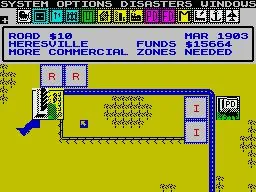
Learn SimCity menu controls: how to move the cursor with the D-Pad, confirm with START or A, and back out with B.
Understanding the controls for the SimCity set-up menus is crucial for efficient city building. When you are in the menu screen, the controls function as follows:
D-Pad - Pressing a direction on the D-Pad will move your cursor in the corresponding direction on the menu.
SELECT - This button has no apparent use within the menu screens.
START - Pressing the START button will confirm your current selection.
B Button - The B button functions to back out of a selection or menu.
A Button - Pressing the A button will also confirm your current selection.
- The START and A buttons perform the same function: confirming a selection.
- Use the D-Pad for precise cursor movement across menu options.
100% Human-Written. AI Fact-Checked. Community Verified. Learn how AntMag verifies content