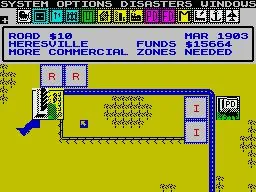
Learn how to use the cursor in SimCity to place buildings like Schools and Colleges. Understand coverage areas and placement tips for a thriving city.
Alright, let's talk about the cursor in SimCity. It's your main tool for pretty much everything you build, so getting the hang of it is key. When you're about to place a building, like a School, you'll notice the roads around where you're hovering get highlighted. This shows you the building's coverage area. It's super important to pay attention to this, especially with things like Schools, so you know where your services will actually reach. Once you've found the perfect spot and you're happy with the highlighted area, just left-click to place the building. Easy peasy! Keep in mind, after you place a building, you can often expand it with modules. For example, you can add more to a School to accommodate more students. Also, don't forget to place things like School Bus Stops strategically so Sims can actually get to the education facilities you build. It's all about planning ahead to make sure your city runs smoothly!100% Human-Written. AI Fact-Checked. Community Verified. Learn how AntMag verifies content