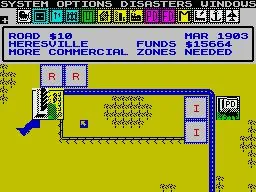
Learn SimCity game controls for D-Pad, SELECT, START, B, and A buttons for city building and map navigation.
Controls:
- D-Pad - Moves your cursor in the direction pressed.
- SELECT - Press once to go to the Building Menu on the left side of the screen. Press it again to return to the place your cursor was on the map to begin with.
- START - Press once to go to the Building Menu (Options on SNES) on the left side of the screen. Press it again to return to the place your cursor was on the map to begin with.
- B Button - When held, it will remove the Options and Building Menus from the screen and allow you to zoom around the map quickly.
- A Button - Confirms any selections you make on both menus. This will also build something when selected from the Building Menu as well as use the Bulldoze selection.
100% Human-Written. AI Fact-Checked. Community Verified. Learn how AntMag verifies content