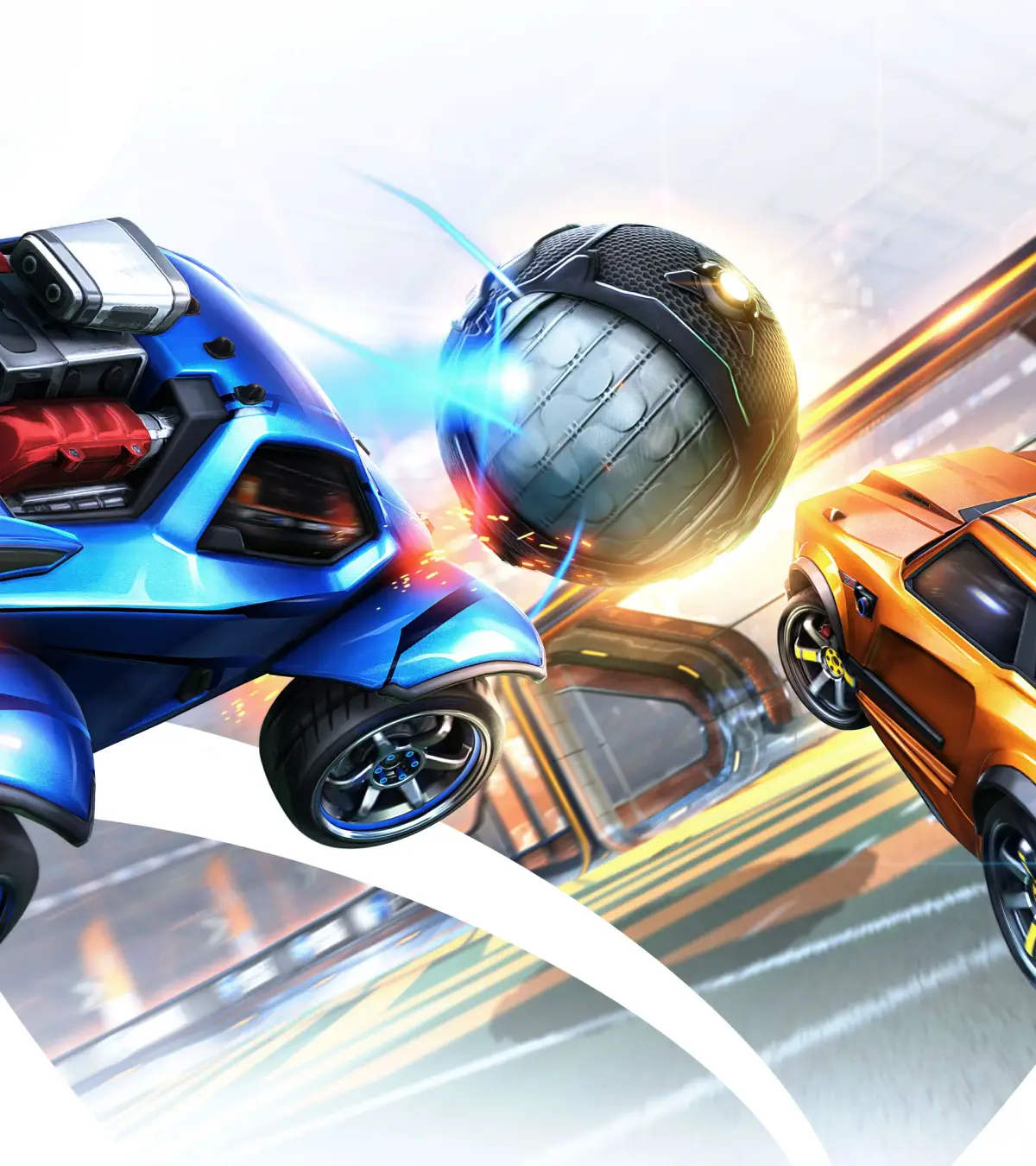
Confused about Ball Cam vs. Car Cam in Rocket League? Learn when to use each camera setting to improve your gameplay and dominate the field. Get the best of both worlds!
Hey there! So, you're diving into Rocket League and wondering about those camera settings, huh? Specifically, Ball Cam versus Car Cam. It's a common question for new players, and honestly, understanding when to use each is a game-changer. Let's break it down like we're just chatting over a few games. Think of it this way: Ball Cam is your go-to for most of the match. It keeps the camera locked onto the ball, which is super helpful for tracking its movement, predicting passes, and lining up shots. You'll want to have Ball Cam on probably 90% of the time when the ball is in play. It helps you see the bigger picture and react faster. Now, Car Cam. This is where you switch to seeing your car and its immediate surroundings. When do you actually need this? Well, it's mostly for those moments when you need to know exactly where *you* are in relation to the ball, your teammates, or opponents. For instance, if you're going for a tricky aerial or need to make a precise dribble, Car Cam can give you that close-up view. Also, after you get demolished (ouch!), the game now gives you a bit of a camera tour. After a demolition, the camera flies from where you were taken out to your respawn point. It even lets you move the camera around to scout your surroundings before your car pops back into the action. You can even tweak how fast this camera transition happens in your Settings under Camera -> Demo Transition Time. The default is 0.75 seconds, but you can set it anywhere from 0.00 to 1.00 second. A shorter time means the camera gets to your spawn faster, giving you more time to look around before you're back in the game. A longer time gives you a better view of the field before you respawn. Just remember, this slider only affects the camera's movement, not how long your car is actually out of commission. So, the key is to switch between them. Ball Cam for tracking the ball and general play, Car Cam for those specific moments where you need to see your car's position or get a better sense of your immediate surroundings. It might feel a bit awkward at first, but with practice, you'll get a feel for when to toggle between them. It's all about using the right tool for the right job to keep that ball in the air and those goals coming!100% Human-Written. AI Fact-Checked. Community Verified. Learn how AntMag verifies content