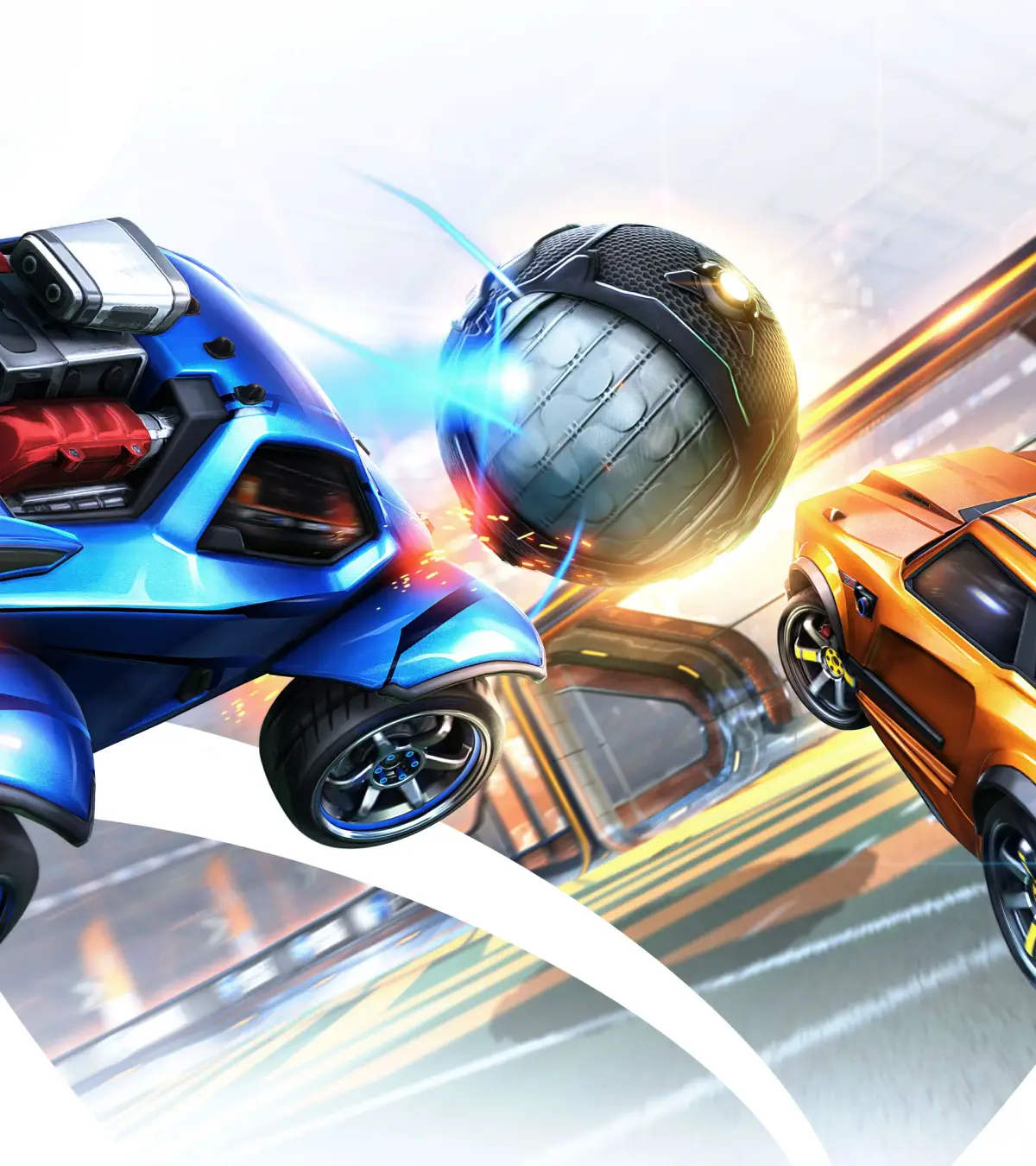
Rocket League is a high-octane, physics-based vehicle soccer game where teams battle it out to score goals. Since its release in 2015, it's become a staple for players who love fast-paced action, strategic team play, and endless customization.
This guide will help you master Rocket League, covering everything from fundamental controls and training drills to advanced tournament strategies. We'll also dive into the game's extensive item collection system, including Decals, Wheels, Rocket Trails, and Toppers, and explain how to make the most of your Season Tournament Credits.
Game Introduction
Learn about the different car bodies in Rocket League, including base models, unlockable vehicles, and console exclusives. Customize your playstyle with the perfect Battle-Car.
Welcome to the world of Rocket League! This guide will introduce you to the various vehicle bodies, also known as Battle-Cars, which are the core of player customization. Understanding these different cars is essential for tailoring your gameplay experience.
- An overview of the standard car bodies available in Rocket League.
- How to unlock additional vehicles through gameplay.
- Details on special console-exclusive Battle-Cars.
- Information on how new cars are introduced via Blueprints, the Item Shop, and Rocket Pass.
Game Overview
Explore the diverse world of Rocket League vehicles, from default bodies to rare imports. Learn how to unlock and customize every Battle-Car to dominate the arena.
Rocket League's vehicles, also known as Battle-Cars, are the core of player customization. The game features a wide variety of car bodies, each with unique characteristics and unlock methods.
- Default Cars: Four cars are available from the start, with six more unlockable through gameplay. These are classified as Base rarity.
- New Cars: Psyonix introduces new Battle-Cars through Blueprints, the Item Shop, and Rocket Pass.
- Common Bodies: Most Common bodies are unlocked by completing matches. Octane, Breakout, and Merc are available by default.
- Console Exclusives: Specific vehicles are tied to console platforms, including Sweet Tooth (PS4), Hogsticker and Armadillo (Xbox One), and Mario NSR, Luigi NSR, and Samus' Gunship (Nintendo Switch).
- Very Rare Bodies: Introduced in Patch v1.81, these can be obtained from Drops.
The Ultimate Guide
Explore the ultimate guide to Rocket League vehicles, covering all car bodies, their types, unlock methods, and exclusive console content. Become a master of the arena!
The Ultimate Guide
Explore the ultimate guide to Rocket League vehicles, covering all car bodies, their types, unlock methods, and exclusive console content. Become a master of the arena!




Game Overview & Core Concepts
Dive into Rocket League's core customization with vehicle bodies. Learn about default cars, unlockable Battle-Cars, and console-exclusive vehicles to personalize your gameplay.
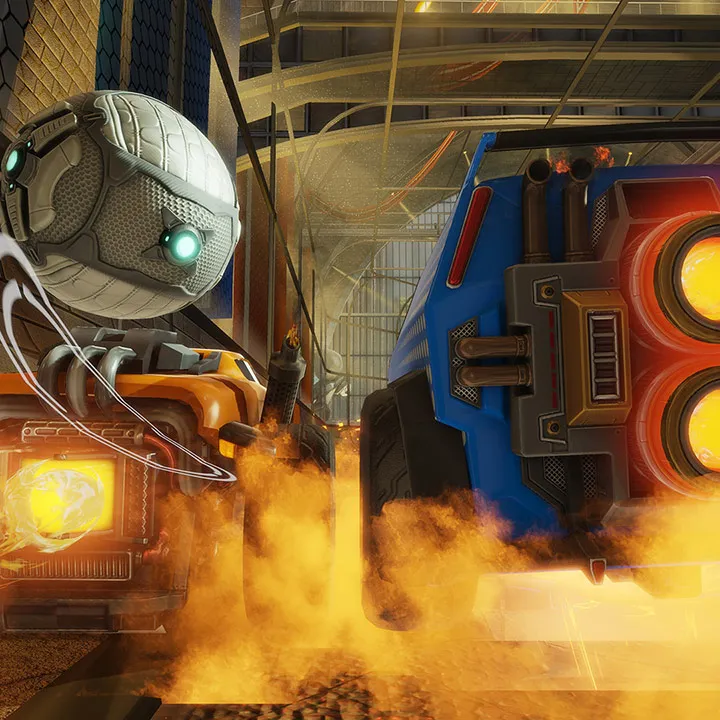
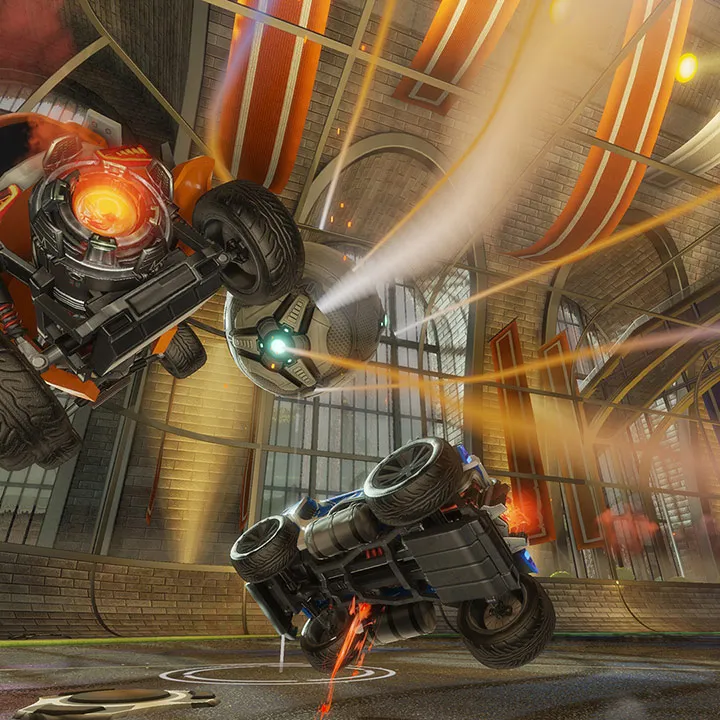
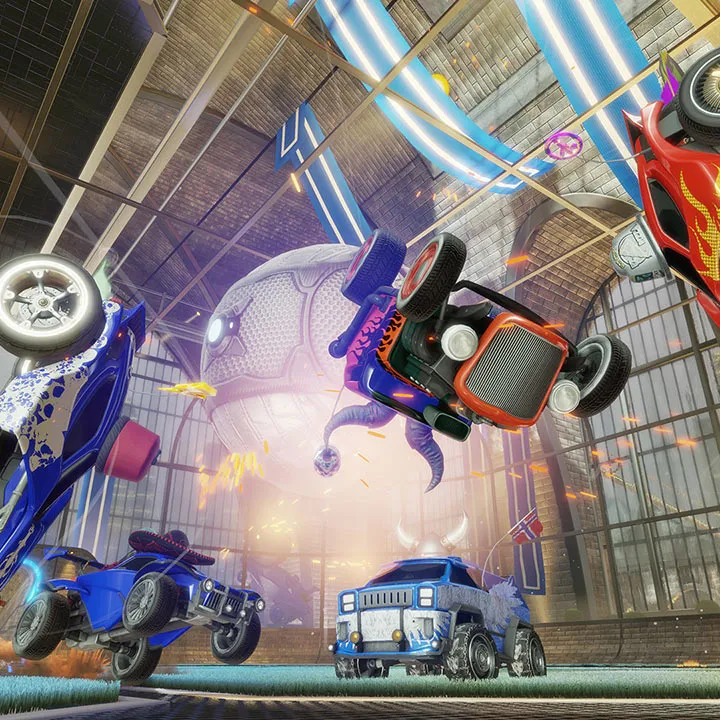
Rocket League's customization centers around vehicle bodies, also known as Battle-Cars. The game features ten standard car bodies, with four available by default and six unlockable through gameplay. These base cars are categorized by rarity and assigned to one of six body types. Psyonix continually adds new vehicles through Blueprints, the Item Shop, and Rocket Pass, bringing the total to over 75 unique bodies.
- Base Cars: Octane, Breakout, and Merc are available from the start. Other base cars like Gizmo, Road Hog, and X-Devil are unlocked by completing matches.
- Console Exclusives: Specific vehicles are tied to console platforms: Sweet Tooth (PS4), Hogsticker and Armadillo (Xbox One), and Mario NSR, Luigi NSR, and Samus' Gunship (Nintendo Switch).
- Unlock Methods: Common bodies are often unlocked by completing matches or New Driver Challenges. Console exclusives have specific unlock requirements, such as completing a season for the Armadillo or playing with every common body for the Hogsticker.
Similar guides you might like






100% Human-Written. AI Fact-Checked. Community Verified. Learn how AntMag verifies content