
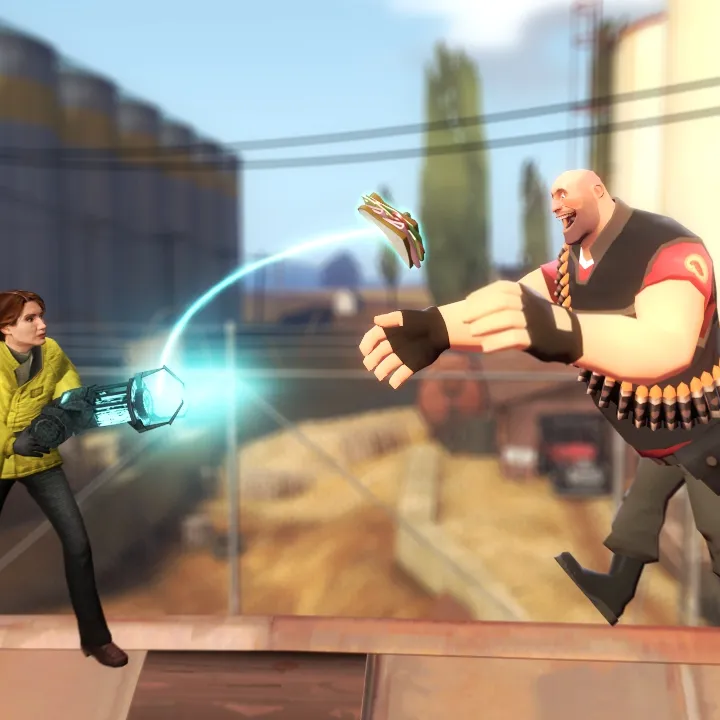
Personalize Garry's Mod. Learn to customize player models, HUD, sounds, graphics, and use addons to make the game uniquely yours.
Category
Customization and Personalization
Personalize Garry's Mod. Learn to customize player models, HUD, sounds, graphics, and use addons to make the game uniquely yours.
Sections in this chapter (10)

Changing Player Models and Skins
Customize your look in Garry's Mod. Learn to change player models and skins using the spawn menu and Steam Workshop.
Customizing Your HUD and UI
Customize Garry's Mod HUD and UI. Learn about Steam Workshop addons, config files, and basic Lua scripting for a personalized interface.
Creating Custom Sprays and Decals
Create custom Garry's Mod sprays and decals. Learn image prep, VTFEdit conversion, VMT file creation, and in-game usage.
Personalizing Your Tool Gun and Physics Gun
Personalize your Garry's Mod Tool Gun & Physics Gun. Learn about custom skins, beam colors, keybinds, and addons to make your tools unique.
Customizing Game Settings and Keybinds
Optimize your Garry's Mod experience. Customize graphics, audio, and keybinds for better performance and control.
Using Console Commands for Personalization
Personalize Garry's Mod with console commands. Learn to adjust FPS, physics, enable cheats, and more for a tailored sandbox experience.
Creating Custom Crosshairs
Learn how to create and customize your own unique crosshairs in Garry's Mod with this easy-to-follow guide. Make your game stand out!
Sound Customization and Music
Customize Garry's Mod sounds and music. Learn to replace default audio files, add custom music, and use Lua for dynamic sound effects.
Advanced Graphics Settings and Optimization
Optimize Garry's Mod graphics with advanced settings. Learn console commands for textures, anti-aliasing, shadows, and more to boost performance.
Backing Up Your Garry's Mod Data
Learn how to create backups for your Garry's Mod server on GPORTAL. Follow these steps to ensure your game progress is saved and can be restored if needed.
100% Human-Written. AI Fact-Checked. Community Verified. Learn how AntMag verifies content