
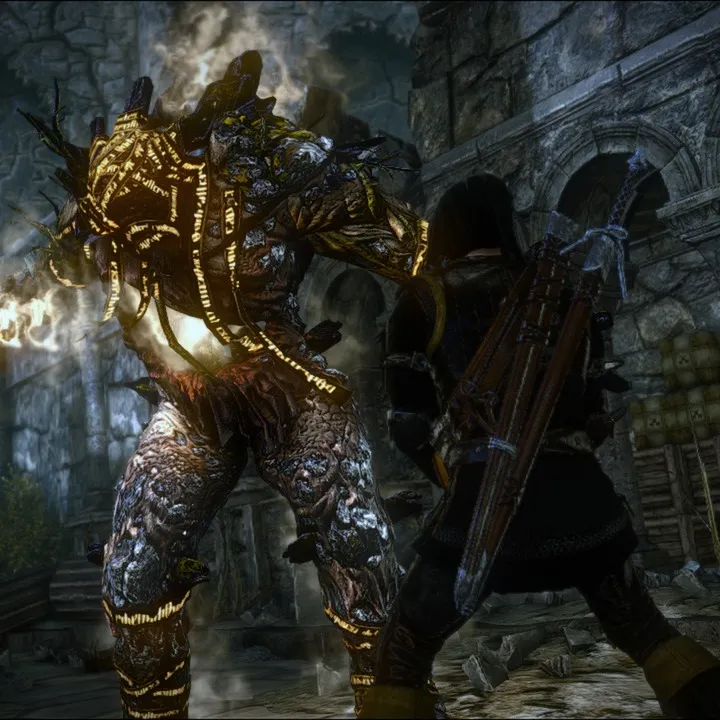
Master the Training Branch in The Witcher 2: Assassins of Kings Enhanced Edition. This guide covers controls, tutorial walkthrough, and essential gameplay mechanics for PC and Xbox 360.
This guide covers the Training Branch section for The Witcher 2: Assassins of Kings Enhanced Edition, detailing controls for both Xbox 360 and PC, and providing a walkthrough of the tutorial.
Walkthrough
- 1Tutorial: Learn to use the Back button to open tutorial panels and the mini-map for quest objectives.
- 2Camera and Controls: Use the Right Analog Stick (Xbox 360) or mouse to rotate the camera and select targets. Use the Left Analog Stick (Xbox 360) or WSAD keys (PC) to move your character.
- 3Picking up loot: Press the A Button (Xbox 360) or interact with containers/corpses (PC) to collect items. A window will show the top four most valuable items.
- 4Inventory: Press the Back Button (Xbox 360) or 'I' key (PC) to open the Inventory Panel. Use the A Button (Xbox 360) or interact within the panel (PC) to equip and unequip items.
Tips
- It is recommended to play through the tutorial to familiarize yourself with the complex controls, especially on Xbox 360.
- Use the CTRL+F feature to search the Table of Contents for faster navigation through the guide.
- The guide is based on the Xbox 360 version but attempts to note differences for the PC version.
100% Human-Written. AI Fact-Checked. Community Verified. Learn how AntMag verifies content