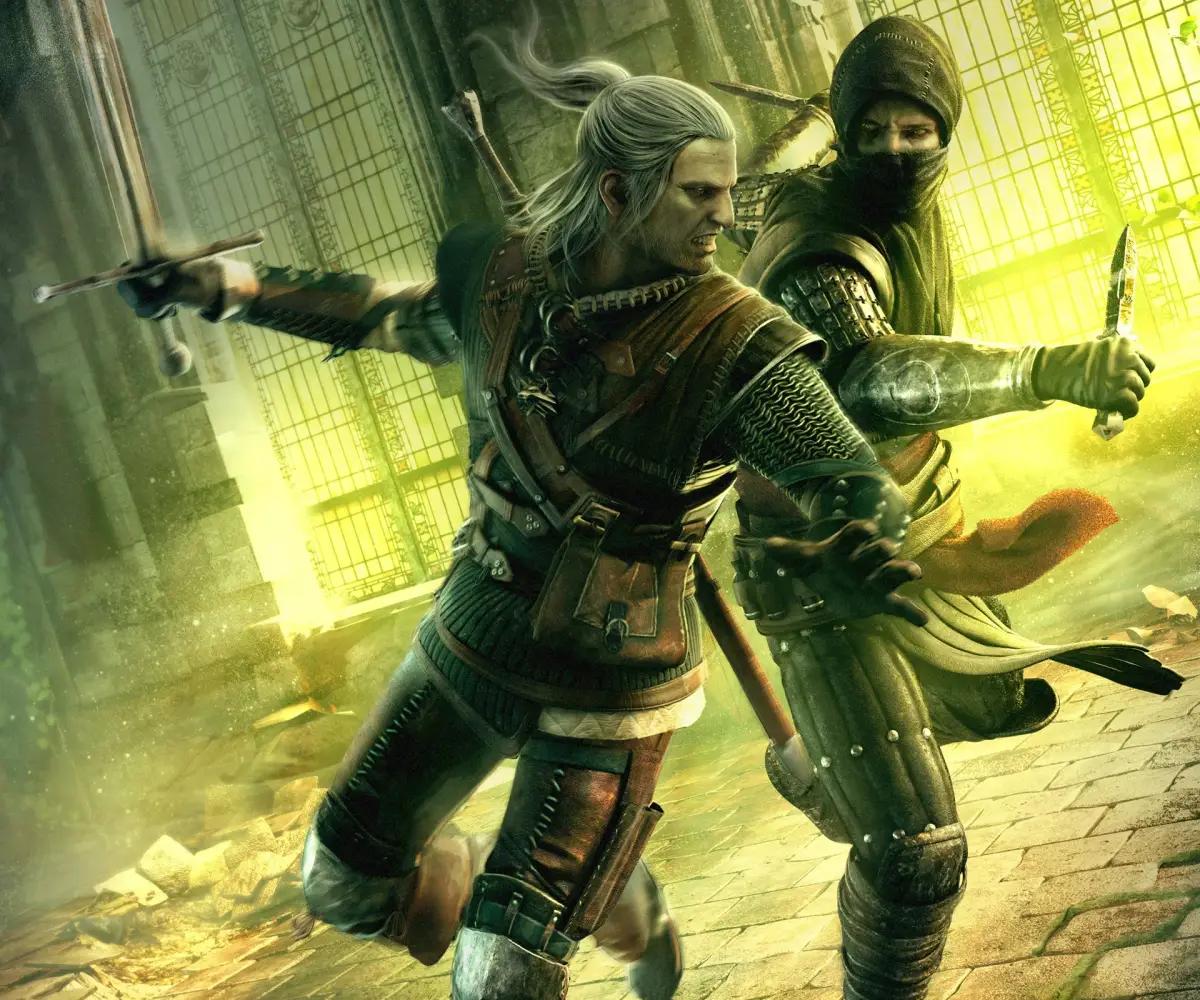
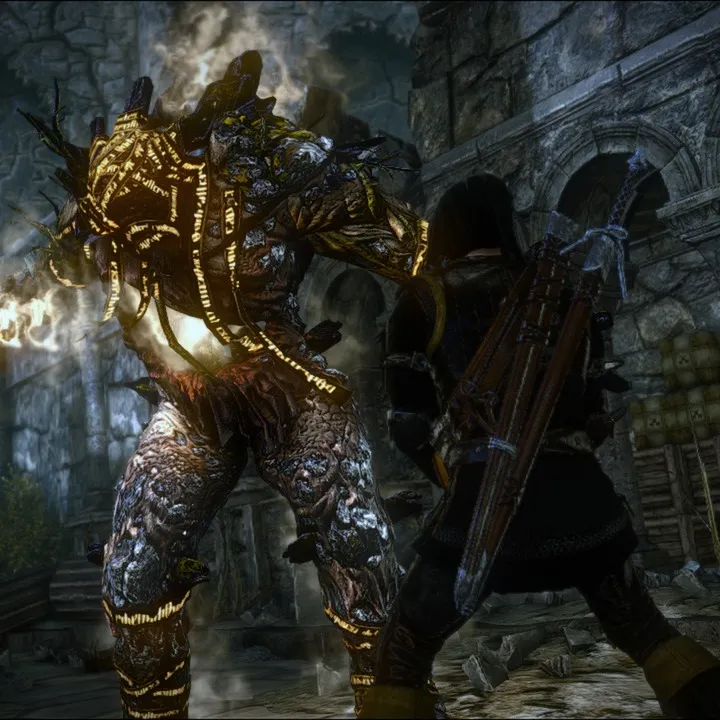
Master The Witcher 2: Assassins of Kings Enhanced Edition with our comprehensive guide to Xbox 360 and PC controls. Learn every button prompt and action for seamless gameplay.
This guide covers the control schemes for both the Xbox 360 and PC versions of The Witcher 2: Assassins of Kings Enhanced Edition, detailing every action and its corresponding button prompt.
| Action | Xbox 360 Button | PC Key |
|---|---|---|
| Move Character | Left Analog Stick | WSAD |
| Rotate Camera / Target Select | Right Analog Stick | Mouse |
| Use Witcher's Medallion | Left Stick Press | Z |
| Collect Items | A Button | F |
| Equip Items | A Button | I (Inventory) |
| Quick Attack | A Button | Left Mouse Click |
| Dodge | B Button + Left Analog Stick | Space |
| Parry | Right Trigger (Hold) | E |
| Cast Sign | Y Button | Q / 5-9 |
| Draw/Sheathe Steel Sword | D-Pad Left | 1 |
| Draw/Sheathe Silver Sword | D-Pad Right | 2 |
| Lock on Target | Left Trigger (Hold) | Alt |
| Open Inventory Panel | Back Button | I |
| Open Journal Panel | Back Button | J |
| Show/Hide HUD | N/A | H |
| Quick Menu | Left Trigger (Hold) | Left CTRL |
| Sheathe Weapon | N/A | 0 |
| Next Sign | N/A | 3 |
| Next Item | N/A | 4 |
| Adrenaline | N/A | X |
| Map | N/A | M |
| Quicksave | N/A | F5 |
| Quickload | N/A | F9 |
| Exit | N/A | Esc |
100% Human-Written. AI Fact-Checked. Community Verified. Learn how AntMag verifies content