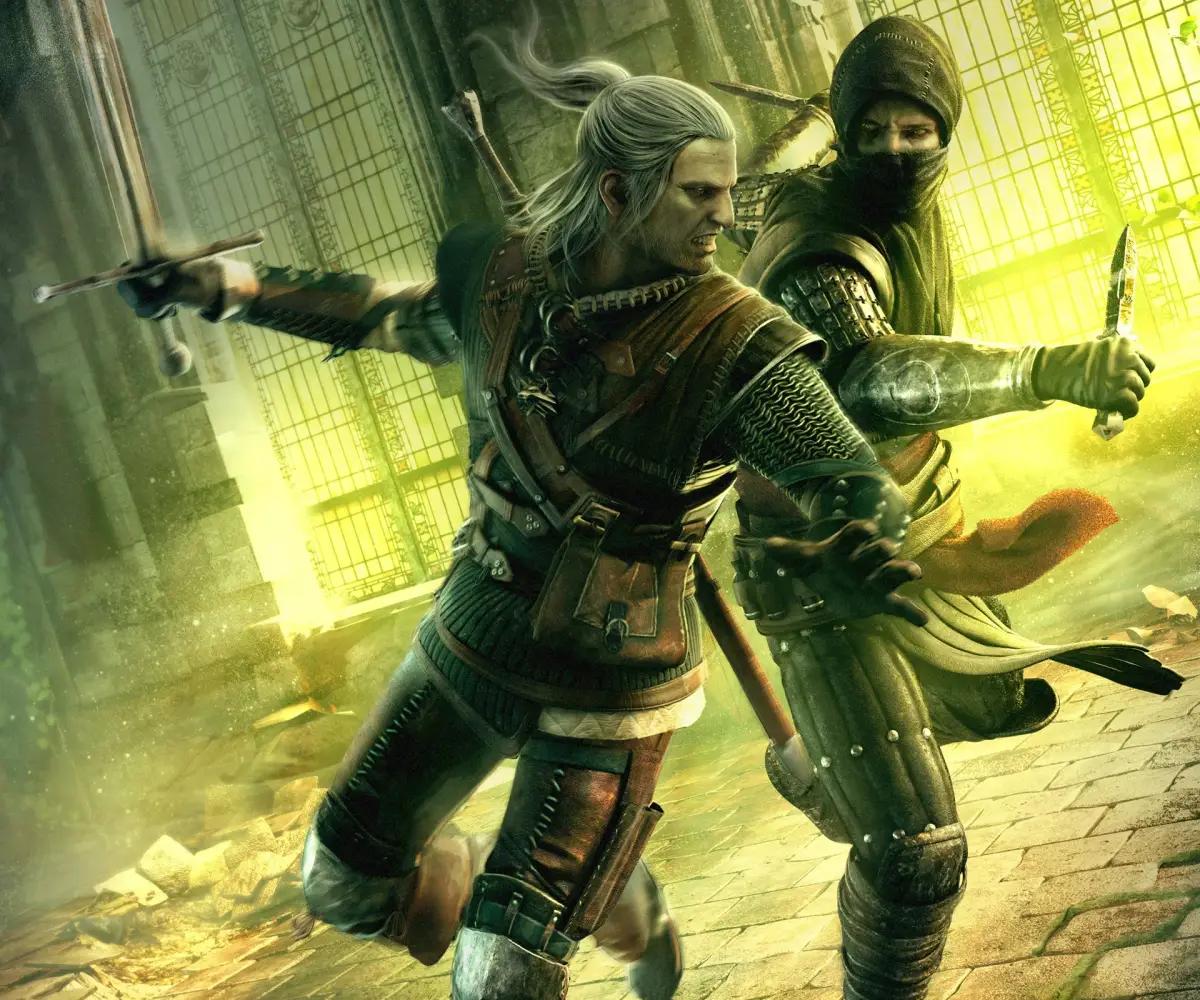
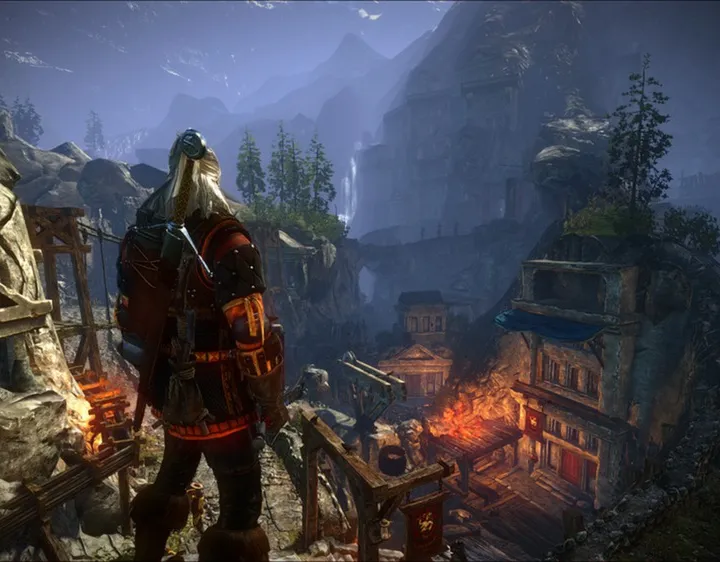
Learn the essential controls for The Witcher 2: Assassins of Kings Enhanced Edition on both Xbox 360 and PC. Master combat, movement, and inventory management to conquer the game.
This guide covers the essential controls for The Witcher 2: Assassins of Kings Enhanced Edition on both Xbox 360 and PC. Understanding these controls is crucial for navigating the game's complex mechanics, from combat to inventory management.
It is highly recommended to play through the tutorial section of the game to familiarize yourself with the controls before diving into the main story.
Xbox 360 Controls
| Action | Button |
|---|---|
| Hold to enter/exit tutorial windows, Open Inventory/Journal Panel | Back Button |
| Move Character, Control Cursor in Arm Wrestling | Left Analog Stick |
| Use Witcher's Medallion | Left Stick Press |
| Rotate Camera, Select targets during combat, Control Cursor in Dice Poker | Right Analog Stick |
| Collect items, Equip items, Track quest, Talk to NPC, Accept in menus, Quick Attack | A Button |
| Dodge attacks (combo with Left Analog Stick) | B Button |
| Drop items, Cast Sign | Y Button |
| Sort Items | Left Bumper / Right Bumper |
| Switch to Journal (from Inventory), Open quick menu, Target lock | Left Trigger |
| Switch to Journal (from Inventory), Parry | Right Trigger |
| Draw/Sheathe Steel Sword | Directional Pad Left |
| Draw/Sheathe Silver Sword | Directional Pad Right |
PC Controls
| Action | Key |
|---|---|
| Movement | WSAD |
| Run | Caps Lock |
| Walk/Run | Left Shift |
| Fast Attack | Left Mouse Click |
| Strong Attack | Right Mouse Click |
| Dodge | Space |
| Block | E |
| Lock on Target | Alt |
| Additional Weapon | R |
| Cast Sign | Q |
| Adrenaline | X |
| Sheathe Weapon | 0 |
| Steel Sword | 1 |
| Silver Sword | 2 |
| Next Sign | 3 |
| Next Item | 4 |
| Cast Aard | 5 |
| Cast Yrden | 6 |
| Cast Igni | 7 |
| Cast Quen | 8 |
| Cast Axii | 9 |
| Medallion | Z |
| Quick Menu | Left CTRL |
| Special Action | F |
| Show/Hide HUD | H |
| Character Attribute | C |
| Inventory | I |
| Journal | J |
| Map | M |
| Quicksave | F5 |
| Quickload | F9 |
| Exit | Esc |
100% Human-Written. AI Fact-Checked. Community Verified. Learn how AntMag verifies content