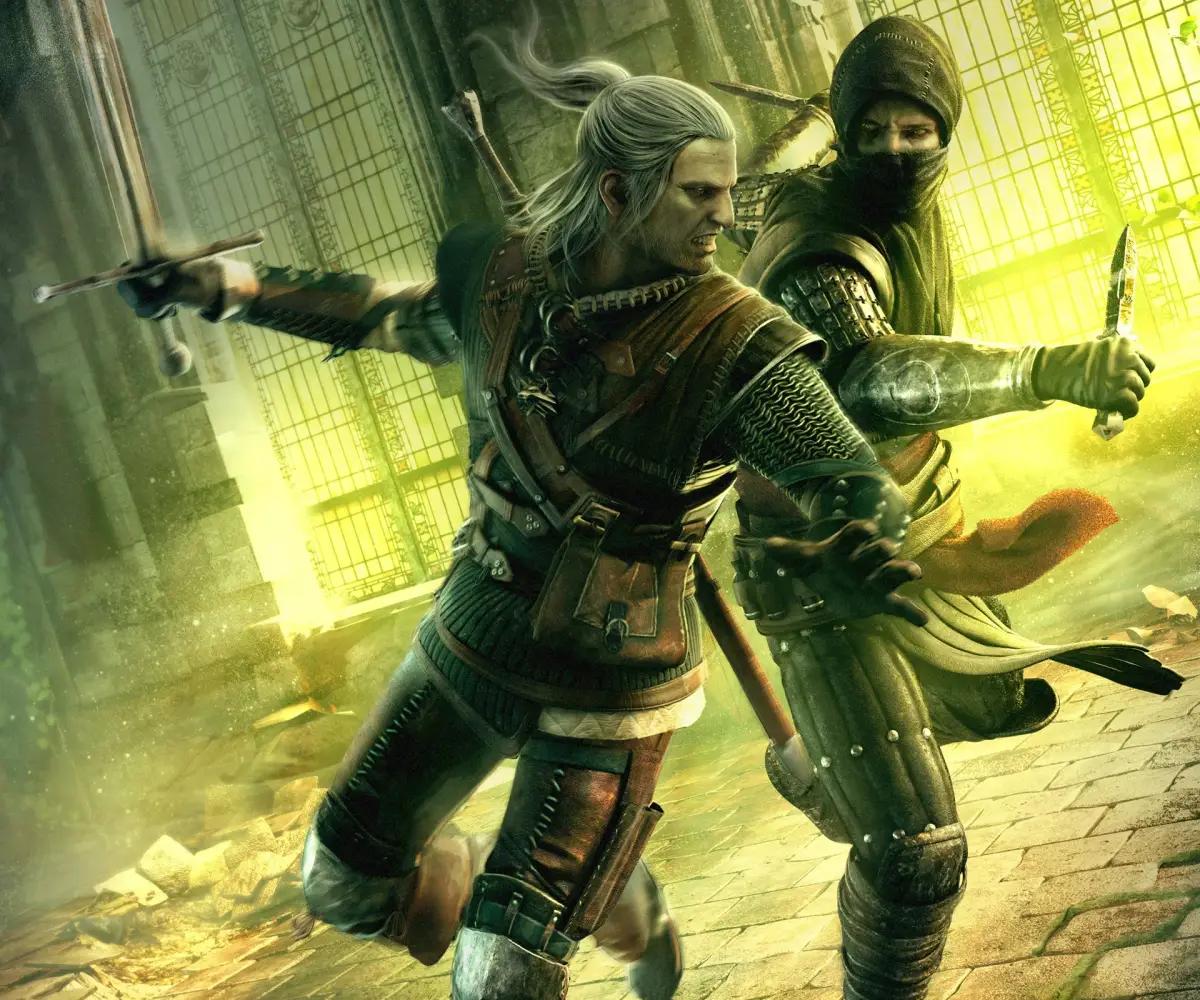
Learn how to install and set up The Witcher 2: Assassins of Kings Enhanced Edition with our comprehensive guide. Covers PC and Xbox 360 controls.
This guide section focuses on the controls for The Witcher 2: Assassins of Kings Enhanced Edition, covering both Xbox 360 and PC. It is recommended to play through the tutorial before starting a new game due to the complexity of the controls.
| Action | Xbox 360 Button | PC Key |
|---|---|---|
| Move Character | Left Analog Stick | WSAD |
| Rotate Camera / Target Lock | Right Analog Stick | Alt (Lock on Target) |
| Quick Attack | A Button (when sword is drawn) | Left Mouse Click |
| Strong Attack | N/A | Right Mouse Click |
| Dodge | B Button (combo'd with Left Analog Stick) | Space |
| Block / Parry | Right Trigger (hold) | E |
| Use Witcher's Medallion | Left Stick Press | Z |
| Draw/Sheathe Steel Sword | Directional Pad Left | 1 |
| Draw/Sheathe Silver Sword | Directional Pad Right | 2 |
| Cast Sign | Y Button | Q (Next Sign) / 5-9 (Specific Signs) |
| Inventory Panel | Back Button (hold Left/Right Trigger) | I |
| Journal Panel | Back Button (hold Left/Right Trigger) | J |
| Map | N/A | M |
| Special Action | N/A | F |
| Sheathe Weapon | N/A | 0 |
| Quick Menu | Left Bumper (hold) | Left CTRL |
| Show/Hide HUD | N/A | H |
| Character Attributes | N/A | C |
| Quicksave | N/A | F5 |
| Quickload | N/A | F9 |
| Exit | N/A | Esc |
| Collect Items | A Button | N/A |
| Equip Items | A Button | N/A |
| Track Quest | A Button (in Journal) | N/A |
| Talk to NPC | A Button | N/A |
| Accept in Menus | A Button | N/A |
| Drop Items | Y Button | N/A |
| Sort Items | Left Bumper / Right Bumper | N/A |
| Control Cursor in Arm Wrestling | Left Analog Stick | N/A |
| Roll Dice in Dice Poker | Right Analog Stick | N/A |
| Enter/Exit Tutorial Windows | Back Button (hold) | N/A |
100% Human-Written. AI Fact-Checked. Community Verified. Learn how AntMag verifies content