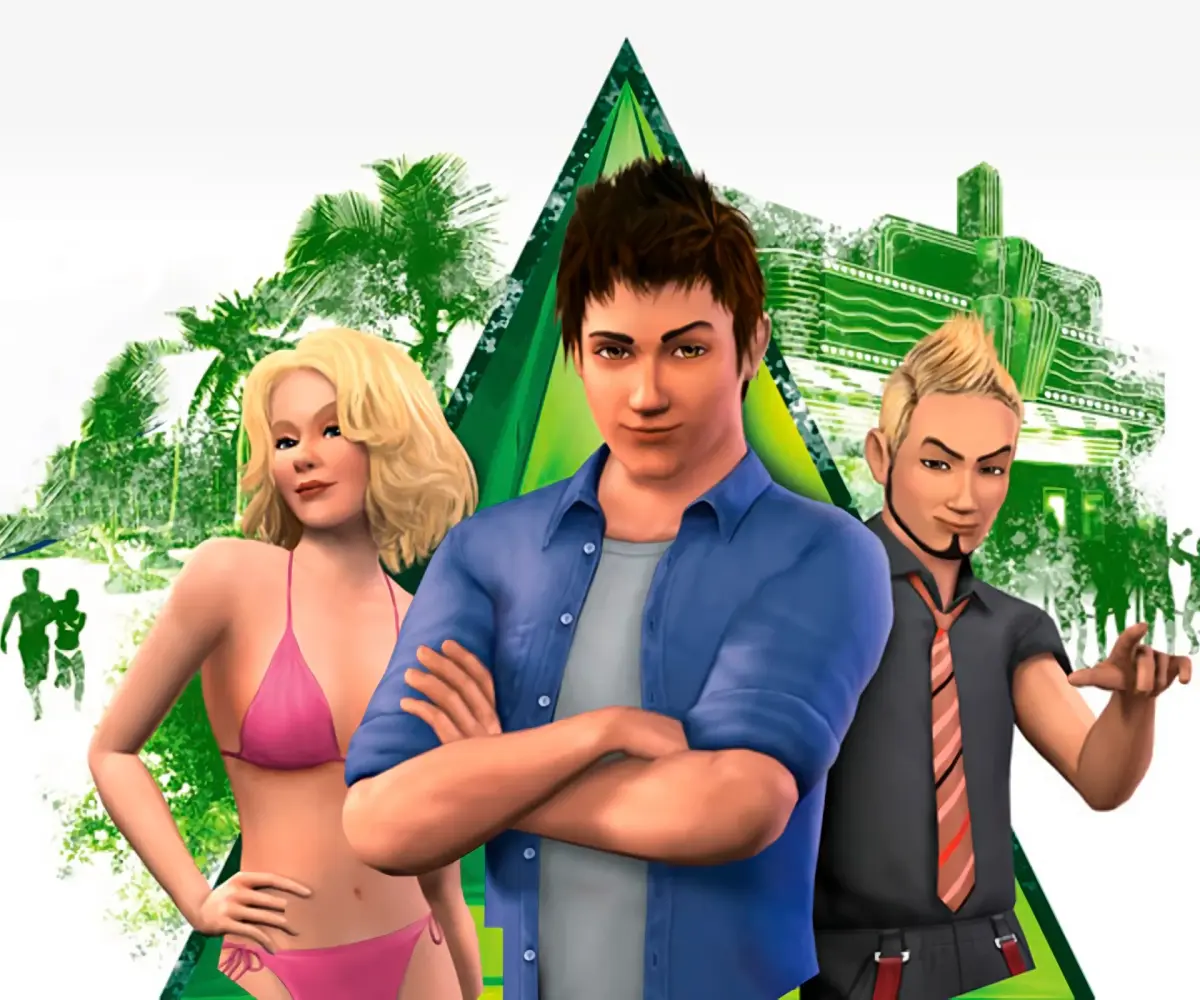
Learn how to install The Sims 3 Patch 22, released May 31, 2011. Discover new features like Memories, adjustable lifespan, romantic reputations, and body hair!
Hey there! So, you're looking to get Patch 22 installed for The Sims 3? Great! This patch dropped on May 31, 2011, right around the same time as the awesome *The Sims 3: Generations* expansion. You can grab it right through The Sims 3 Launcher. Before we dive in, let's make sure your game is prepped and ready to go smoothly. ## Installing Before you install any update, Expansion Pack, or Stuff Pack, it's a super good idea to run through this checklist. It helps make sure your game stays happy and healthy. If you get stuck or have questions, the official Sims 3 Technical Support forum is your best bet. You can find it at: https://forums.ea.com/category/the-sims-3-game-en/discussions/the-sims-3-technical-issues-en Step 1: Disable Custom Content Anything that didn't come straight from an official Sims 3 Update, The Sims 3 Store, Expansion Pack, or Stuff Pack is considered custom content. Since it's made by third-party creators, it might not play nice with new updates and could cause your game to act weird or even stop working. To disable it, just undo whatever you did to install it. If you put files in your Sims 3 folder, move them out to a new folder *outside* of your game's directory. Here's where you can usually find that folder: * Windows XP: `C:\Documents and Settings\USER\My Documents\Electronic Arts\The Sims 3` * Windows Vista and later: `C:\Users\USER\Documents\Electronic Arts\The Sims 3` * Windows 10 (with OneDrive syncing Documents): `C:\Users\USER\OneDrive\Documents\Electronic Arts\The Sims 3` * Mac: `~/Documents/Electronic Arts/The Sims 3/` Once the official update is installed, you can re-enable your custom content. If you run into any issues, just disable it again until the creator updates their content. Step 2: Back Up Your Save Files It's always smart to back up your saves before installing anything new. Just copy the `.sims3` folders from your Saves folder to your desktop or another safe spot. Your Saves folder is usually located here: * Windows XP: `C:\Documents and Settings\USER\My Documents\Electronic Arts\The Sims 3\Saves` * Windows Vista and later: `C:\Users\USER\Documents\Electronic Arts\The Sims 3\Saves` * Windows 10 (with OneDrive syncing Documents): `C:\Users\USER\OneDrive\Documents\Electronic Arts\The Sims 3\Saves` * Mac: `~/Documents/Electronic Arts/The Sims 3/Saves` After the update, fire up the game and make sure your saves are still working. Step 3: Let the Update Complete Entirely These updates can sometimes be pretty big, so they might take a while to download and install. Don't cancel it partway through, or you might run into problems. Make sure the Launcher says the update is fully installed before you close it – closing it early will cancel the process. ## Release Notes This patch brought some cool new stuff to the base game and polished up existing features in the expansions: Base Game Updates * Memories: You can now collect and save Memories of important moments in your Sims' lives in a new Scrapbook. You can even create custom memories with the 'Capture This Moment' tool! Plus, you can share them on TheSims3.com and Facebook. * Adjustable Lifespan: You can now tweak the lifespan for each life stage individually in the Options menu. Pretty neat, right? * Toddler Glitch Fixed: A bug where toddlers in inactive households would randomly get sad and cry endlessly has been fixed. Live Mode * Dates: Sims can now ask each other out on dates! * Romantic Reputation: Your Sims will now get a Romantic Reputation based on their dating scene interactions. Create a Sim * Body Hair: Good news for realism – male Sims can now have body hair from head to toe! Build/Buy Mode * Catalog Filter: You can now use a Catalog Filter in Build and Buy Mode to sort content by Expansion Pack, Stuff Pack, or The Sims 3 Store items. This makes finding what you need so much easier! Expansion Pack Updates * World Adventures: Some bug fixes and general polish. * Ambitions: More bug fixes and polish. * Late Night: Even more bug fixes and polish. * Generations: Bug fixes and polish for this pack too.100% Human-Written. AI Fact-Checked. Community Verified. Learn how AntMag verifies content