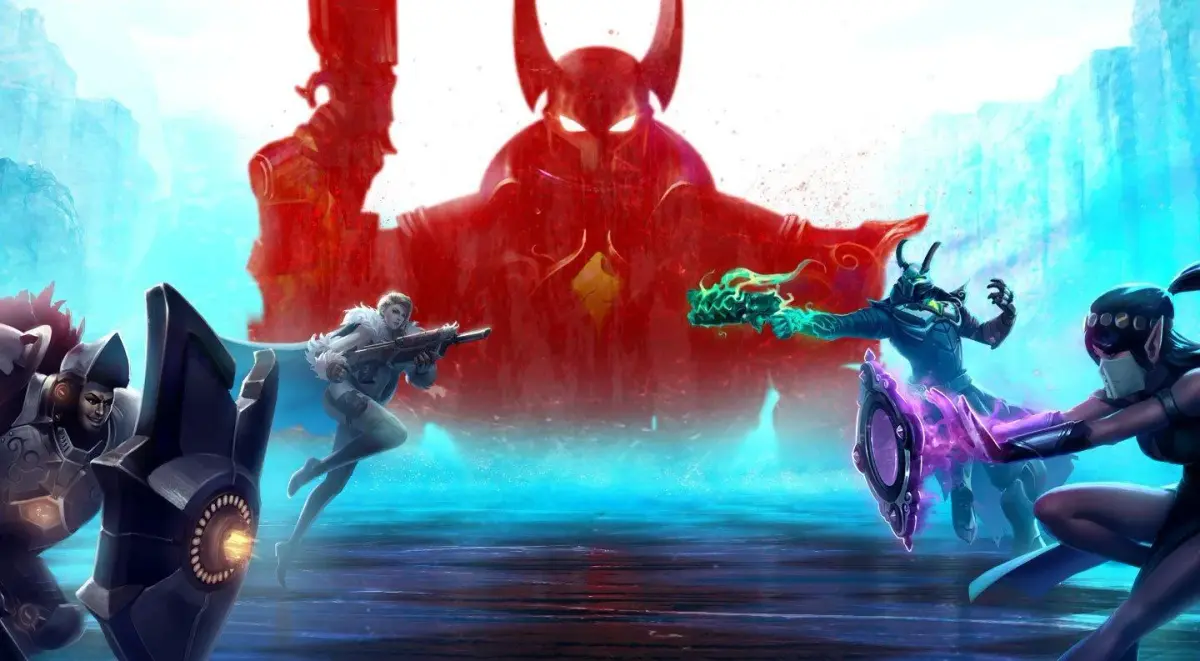
Encountering bugs or glitches in Paladins? This guide provides solutions and workarounds for common issues to ensure a smooth gameplay experience.
This section is dedicated to addressing any bugs or glitches players might encounter while playing Paladins. While the game is generally stable, occasional issues can arise. Below is a compilation of known problems and their potential solutions.
Common Bugs and Glitches:
- Graphical Artifacts: Players may sometimes experience visual glitches such as flickering textures, incorrect lighting, or character models appearing distorted.
- Audio Issues: Sound effects may cut out, loop incorrectly, or fail to play altogether. This can include ability sounds, character voice lines, or environmental audio.
- Connection Problems: While not strictly a bug, frequent disconnections or lag spikes can significantly impact gameplay. This can be due to server issues or the player's own network.
- UI Glitches: The user interface might display incorrect information, buttons may become unresponsive, or elements may overlap improperly.
- Ability Malfunctions: Certain character abilities might not function as intended, such as failing to activate, having incorrect cooldowns, or producing unintended effects.
Troubleshooting Steps:
- Restart the Game: Often, a simple restart can resolve temporary glitches.
- Verify Game Files: If playing on PC via Steam or another launcher, verifying the integrity of game files can fix corrupted data.
- Update Graphics Drivers: Outdated graphics drivers are a common cause of visual bugs. Ensure your drivers are up to date.
- Check Network Connection: For connection issues, restart your router and modem, and ensure your internet connection is stable.
- Lower Graphics Settings: Sometimes, high graphics settings can lead to instability or visual glitches. Try lowering them to see if the issue resolves.
- Report the Bug: If you encounter a persistent or unique bug, report it to the Paladins developers through their official channels. This helps them identify and fix the problem in future updates.
Note: Specific bugs may be patched or introduced with game updates. Always ensure your game is updated to the latest version.
100% Human-Written. AI Fact-Checked. Community Verified. Learn how AntMag verifies content