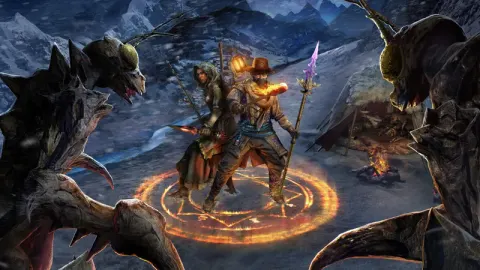
Learn how to unlock the 'Take my Hand!' achievement in Outward by reviving another player. This guide covers co-op and split-screen methods, ensuring you get the achievement easily.
Walkthrough
- 1In co-op mode, wait for another player to die.
- 2Use the 'Interact' button to revive them.
- 3Alternatively, if you have a second computer or controller, start a split-screen session.
- 4Create a new character and ensure they die (e.g., by jumping off a cliff or engaging mobs).
- 5Switch to your main character and revive the second character.
Tips
- Reviving another player is required to unlock the 'Take my Hand!' achievement.
- The game world in Outward can be challenging, making player deaths a common occurrence.
- If playing solo, creating a second character via split-screen is a viable method.
100% Human-Written. AI Fact-Checked. Community Verified. Learn how AntMag verifies content