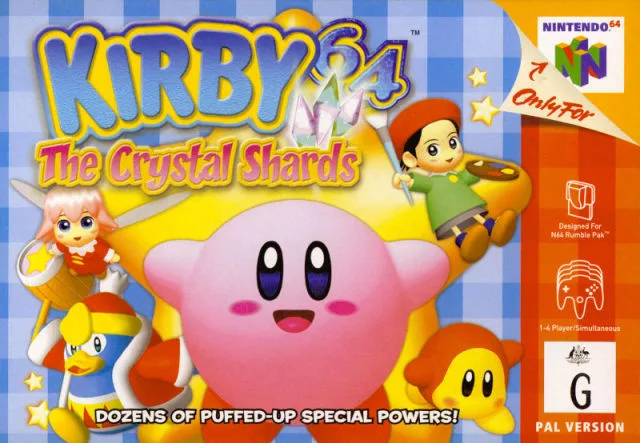
Learn about worlds, courses, and sections in Kirby 64: The Crystal Shards. Discover how to advance and collect crystal shards.
After selecting "Start" from the file selection screen, you will be in the Universe. You cannot return to the file selection screen unless you press the "reset" button. You will see a planet in front of you; enter it by pressing "A". If you have beaten the boss of a world, you can press "left/right" to access another planet. These planets are the worlds, or levels.
Inside each world, there are three or four courses. Press "B" or "A" on the image of the planet to return to Space. You must finish the courses in order. After finishing the last course in a world, you will face the boss. Beating the boss grants entrance to a new world.
Courses are divided into sections. Switching sections occurs when you step out of one screen and appear in another. Courses consist of four to ten sections, often five or six. Every course has three crystal shards. You do not need to collect any crystal shards to advance in the game. You can always return to courses to collect crystal shards.
- Press "reset" to return to the file selection screen from the Universe.
- Press "B" or "A" on a planet's image in Space to return to Space.
- You can revisit courses to collect any missed crystal shards.
100% Human-Written. AI Fact-Checked. Community Verified. Learn how AntMag verifies content