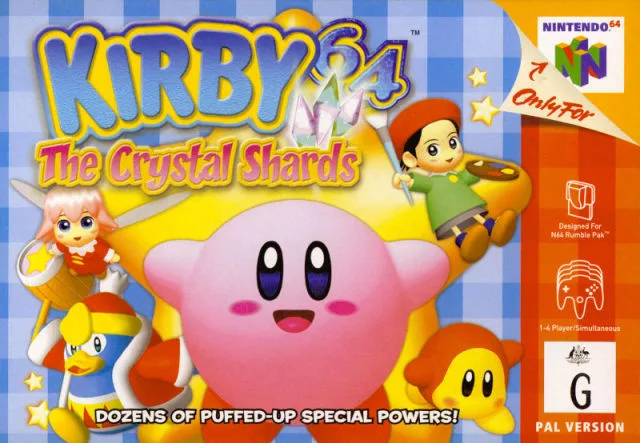
Learn about the energy meter and lives system in Kirby 64: The Crystal Shards. You start with three lives and can find 1UPs.
The energy meter is represented by six slots near the bottom of your screen (HUD (heads-up display — the on-screen icons showing health, ammo and the minimap) - Heads-Up Display). Every time you get hurt by an enemy, you lose one unit on your energy meter. You can get more units by eating food on the courses. When you've lost all your units, you lose a life. Your amount of lives are displayed in the bottom-left corner of the screen (HUD). It displays how many lives you have in stock.
You can collect more lives by collecting "1UP" symbols and stars. You will always begin with three lives when you turn on the game: two in stock and one which you are currently using. When you lose a life, you will begin in the same section as you lost in.
Warning: If you have 00 lives left, you will get "Game Over" next time you lose all your energy units. When you get "Game Over", you return to the title screen. You must play through the course which were playing on again. If you have collected a crystal shard, it is saved into the back-up. You never have to collect again, even if you get "Game Over".
- Always try to find food to replenish your energy meter to avoid losing lives.
- Keep an eye on your lives count in the bottom-left corner to know when to play more cautiously.
- Collecting "1UP" symbols and stars is crucial for extending your playtime.
100% Human-Written. AI Fact-Checked. Community Verified. Learn how AntMag verifies content