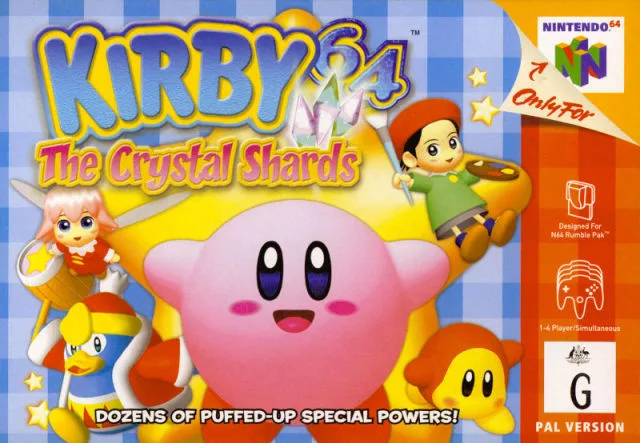
Learn how to start a new game in Kirby 64: The Crystal Shards, including file selection and understanding the HUD.
Walkthrough
- 1Upon starting Kirby 64: The Crystal Shards, you will see the first movie (a type of cutscene (a non-interactive cinematic the game plays automatically)).
- 2Press the "Start" button during the movie to reach the title screen.
- 3If you wait at the title screen, a demo will play.
- 4Press "Start" again to access the file selection screen.
- 5Choose an empty file labeled "File 1", "File 2", or "File 3" to begin. The gameplay is not affected by which file you choose.
- 6The top-most information on the screen shows your current "Level" (world) and the percentage of crystal shards collected.
- 7You have three options: "Start" to begin the adventure, "Option" to change game settings, or "Delete" to erase a file.
- 8Select "Start" to begin your adventure.
- 9Warning: Selecting "Delete" will permanently erase your file, and it cannot be retrieved. Ensure you are certain before deleting.
Tips
- The "Option" menu allows you to change game settings.
- Erased files in Kirby 64: The Crystal Shards cannot be recovered.
100% Human-Written. AI Fact-Checked. Community Verified. Learn how AntMag verifies content