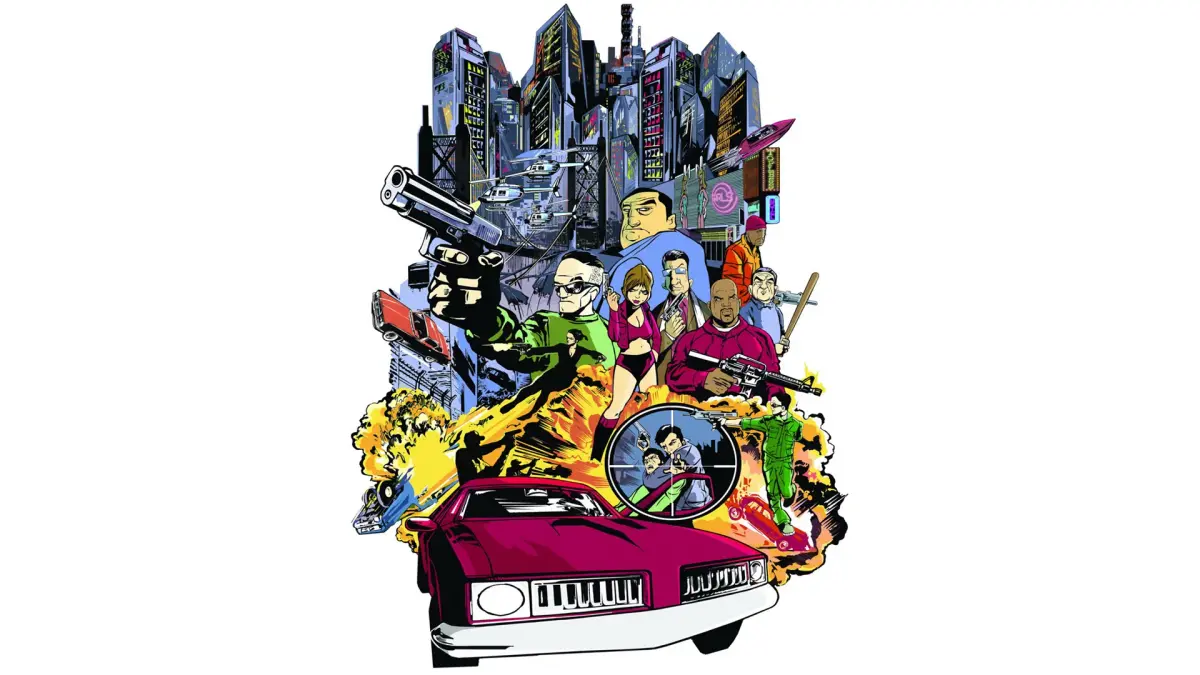
Welcome to Liberty City, a sprawling metropolis where crime truly pays. In Grand Theft Auto III, you play as a silent protagonist betrayed and left for dead, now navigating the treacherous underworld to exact revenge. This 2001 open-world classic from DMA Design throws you into a third-person perspective where you'll steal cars, engage in shootouts, and complete a vast array of missions for various crime syndicates. It's a raw, atmospheric experience with a killer soundtrack, perfect for anyone looking to cause chaos and climb the criminal ladder.
This guide is your key to mastering Liberty City's underworld. We'll help you navigate every mission, from the early jobs for Luigi to the more challenging tasks for Catalina. Conquer formidable foes, exploit every weapon and vehicle, and discover hidden secrets to become the ultimate criminal kingpin. Whether you're aiming to complete every objective or just survive the streets, this guide provides the essential strategies to conquer the game.
Getting Started
Begin your journey in Grand Theft Auto III with our comprehensive guide to the initial missions, covering Portland's story missions, Luigi Goterelli, and more.
Getting Started
Begin your journey in Grand Theft Auto III with our comprehensive guide to the initial missions, covering Portland's story missions, Luigi Goterelli, and more.


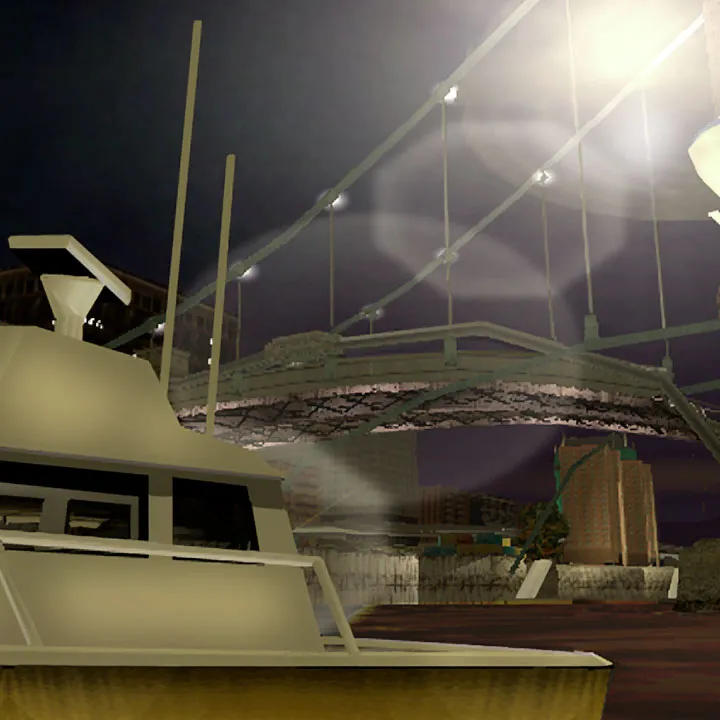


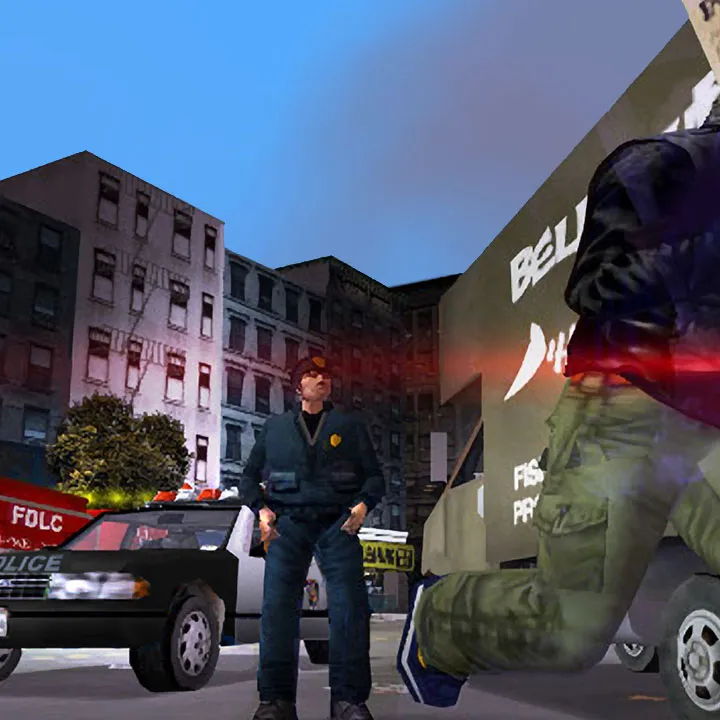
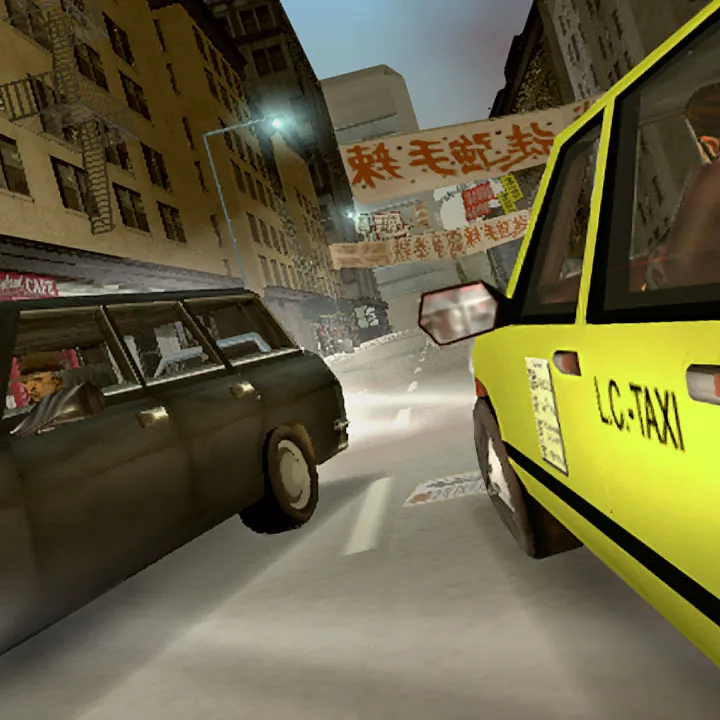
Controls & User Interface — Grand Theft Auto III Guide
Learn all the essential controls for on-foot and vehicle gameplay, and understand the Grand Theft Auto III UI.
Mastering the controls is crucial for survival in Liberty City. The game offers a robust control scheme for both on-foot and vehicle gameplay. Familiarize yourself with these inputs to effectively navigate the city, engage in combat, and complete missions. The User Interface (UI) provides vital information at a glance, including your health, armor, money, weapon, and mini-map. Understanding each element will significantly improve your situational awareness and decision-making.
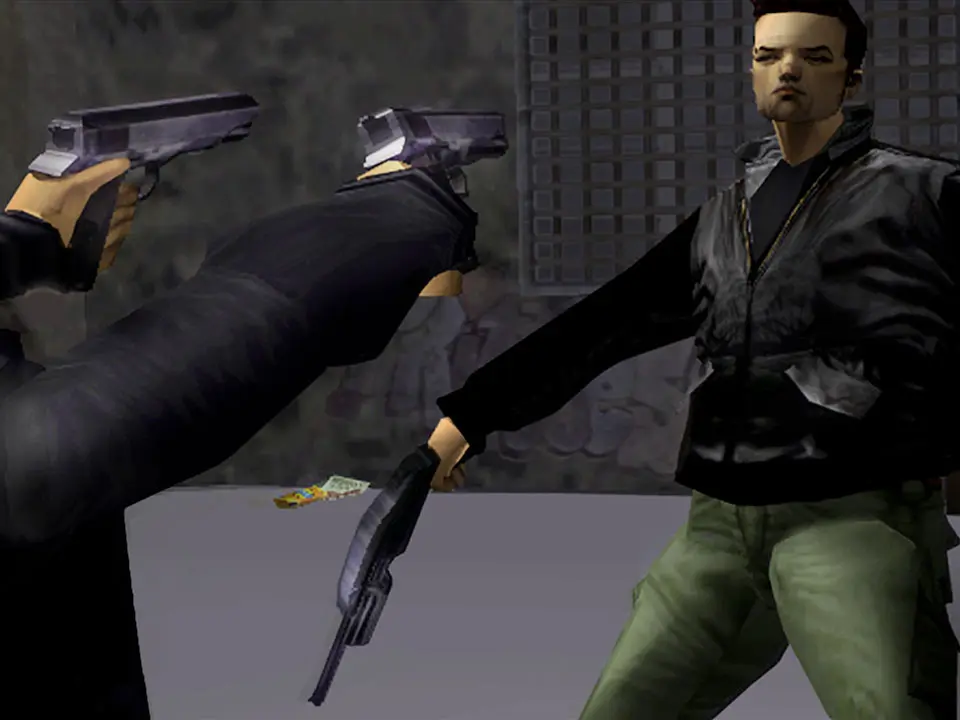
On-Foot Controls:
- Left Analog Stick/WASD: Move Character
- Right Analog Stick/Mouse: Camera Control/Aiming
- X/Spacebar: Jump
- Square/Left Shift: Sprint
- Circle/E: Enter/Exit Vehicle
- Triangle/F: Action/Pick Up Weapon
- R1/Left Click: Fire Weapon
- L1/Right Click: Target Lock (when available)
- Select/Esc: Pause Menu
Vehicle Controls:
- Left Analog Stick/WASD: Steer Vehicle
- X/W: Accelerate
- Square/S: Brake/Reverse
- Circle/A: Handbrake
- R1/Left Click: Fire Weapon (if vehicle equipped)
- L1/Q: Look Left
- R2/E: Look Right
- L3/H: Horn
- R3/Caps Lock: Change Camera View
User Interface Elements:
- Top Left: Health Bar (Green), Armor Bar (Blue)
- Top Right: Money ($), Current Weapon, Ammo Count
- Bottom Left: Mini-Map, Wanted Level Stars
- Bottom Right: Time of Day, Mission Objective Text
Introduction to Liberty City
Master the initial missions of Grand Theft Auto III. Learn about Catalina's betrayal, Claude's escape, and the first steps in Portland, including 'Give Me Liberty' and 'Luigi's Girls'.
This guide covers the introductory missions of Grand Theft Auto III, focusing on the early stages in Portland. You'll learn about the betrayal by Catalina, Claude's escape with 8-Ball, and the initial objectives that set the stage for your journey through Liberty City.
- Introduction: Learn about the cutscenes depicting Catalina's betrayal and Claude's escape.
- Give Me Liberty: Head to the hideout and then to Luigi's club with 8-Ball.
- Luigi's Girls: Rescue Misty from the hospital and take her to Luigi's club.
- Don't Spank Ma Bitch Up: Steal a car, respray it, and deliver it to Luigi.
- Drive Misty For Me: Pick up Misty from Hepburn Heights and drive her to Joey's garage.
Controls & UI — Grand Theft Auto III Guide
Master GTA III controls and UI. Learn essential on-foot and driving commands, and understand key HUD elements for effective gameplay.
Controls & UI — Grand Theft Auto III Guide
Master GTA III controls and UI. Learn essential on-foot and driving commands, and understand key HUD elements for effective gameplay.

Similar guides you might like






100% Human-Written. AI Fact-Checked. Community Verified. Learn how AntMag verifies content