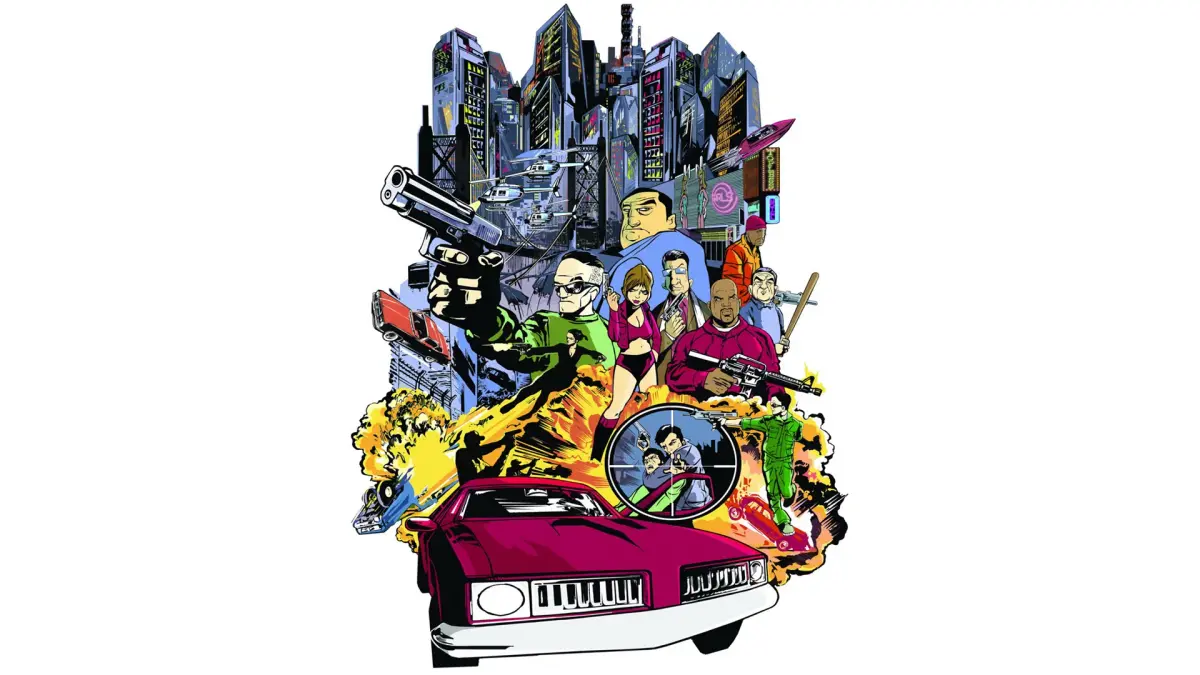
Master the controls of Grand Theft Auto III with our comprehensive guide to the controller layout. Learn every button and action to dominate Liberty City.
This guide details the controller layout for Grand Theft Auto III, helping you understand every button and action to navigate and dominate Liberty City.
| Action | Button |
|---|---|
| Move | Left Analog Stick |
| Camera Control | Right Analog Stick |
| Look Behind | Click Right Analog Stick |
| Jump | A (Xbox) / X (PlayStation 2) |
| Fire Weapon | Right Trigger (Xbox) / R1 (PlayStation 2) |
| Aim Weapon | Left Trigger (Xbox) / L1 (PlayStation 2) |
| Melee Attack | B (Xbox) / Circle (PlayStation 2) |
| Crouch/Stealth | X (Xbox) / Square (PlayStation 2) |
| Enter/Exit Vehicle | A (Xbox) / X (PlayStation 2) |
| Accelerate | Right Trigger (Xbox) / R2 (PlayStation 2) |
| Brake/Reverse | Left Trigger (Xbox) / L2 (PlayStation 2) |
| Handbrake | B (Xbox) / Circle (PlayStation 2) |
| Horn | X (Xbox) / Square (PlayStation 2) |
| Radio Station Change | Up on D-Pad |
| Next Weapon | Right on D-Pad |
| Previous Weapon | Left on D-Pad |
| Look Left/Right (in vehicle) | Left/Right on D-Pad |
| Pause Menu | Start |
| Weapon Select (On Foot) | Y (Xbox) / Triangle (PlayStation 2) |
| Change Camera View | White Button (Xbox) / Select (PlayStation 2) |
| Sprint | Click Left Analog Stick |
100% Human-Written. AI Fact-Checked. Community Verified. Learn how AntMag verifies content