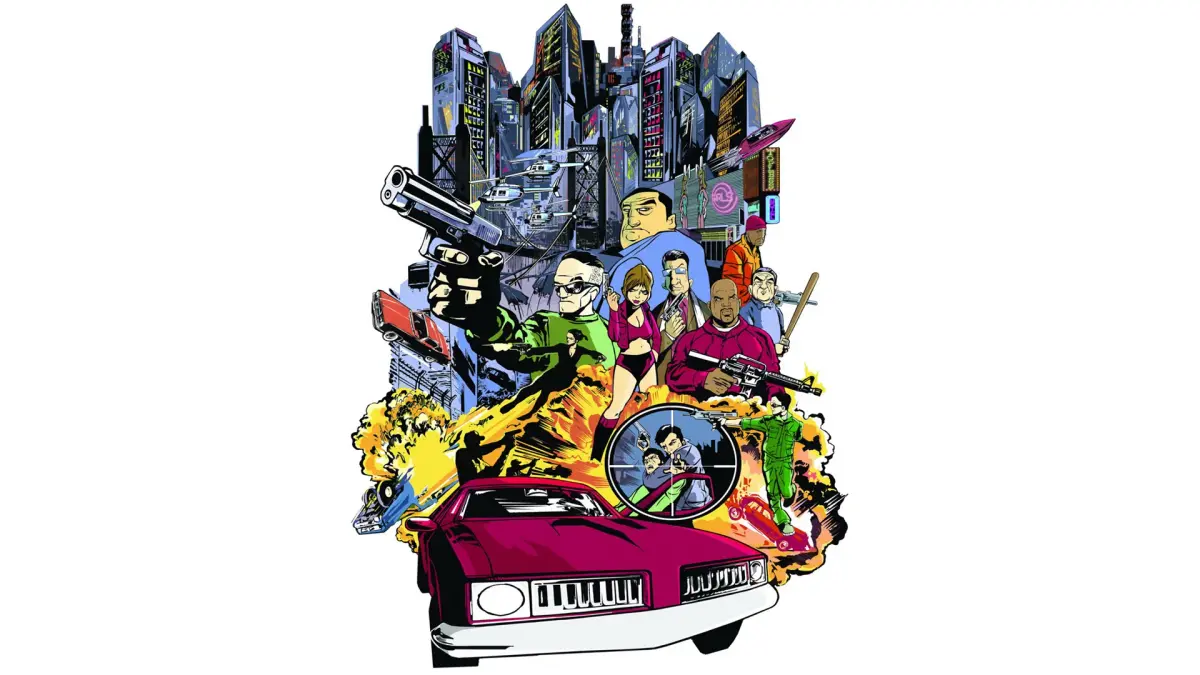
New to Liberty City? This guide breaks down every element of the Grand Theft Auto III HUD, from your health and armor to the radar and weapon selection, so you're always in the know.
Alright, so you've just landed in Liberty City and you're probably wondering what all those little icons and bars on your screen are for. Don't sweat it! That's your Heads-Up Display, or HUD, and it's basically your eyes and ears in the game world. Think of it as your car's dashboard, but way cooler and with more ways to get into trouble. We're going to break down exactly what each part means so you can stop looking at the screen like a confused tourist and start playing like a pro.
We'll cover everything from your health and armor status to the all-important radar, weapon selection, and even how to keep track of your cash. Knowing your HUD inside and out is key to surviving the streets of GTA III, whether you're on a high-speed chase or just trying to find your next mission.
100% Human-Written. AI Fact-Checked. Community Verified. Learn how AntMag verifies content