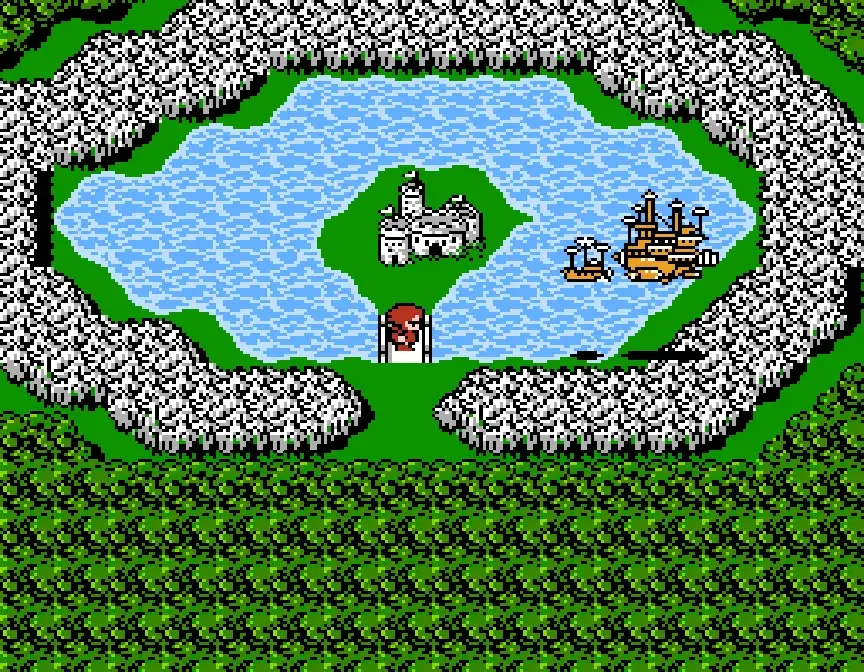
Learn Final Fantasy II controls: D-Pad moves, A button examines/talks, B cancels/runs, and Start opens the Status Screen.
Walkthrough
- 1Use the D-Pad to move around the environment.
- 2Press the A button to examine objects, talk to non-player characters (NPCs), or confirm choices.
- 3Hold the B button to move faster; this function does not work on the overworld map. The B button also cancels choices.
- 4The Start button brings up the Status Screen.
- 5Press B and Select simultaneously to activate the map, but only after you have acquired the RING item.
Tips
- The L and R buttons are not used in Final Fantasy II.
- Remember to hold the B button for faster movement outside of the overworld.
100% Human-Written. AI Fact-Checked. Community Verified. Learn how AntMag verifies content