Learn the essentials of Dwarf Fortress workshops, from initial setup to managing dwarf labor and resources, to ensure your fortress thrives. A comprehensive guide for new players.
This guide provides a quick and effective walkthrough for starting in Dwarf Fortress, focusing on the initial setup and management of your fortress.
Walkthrough:
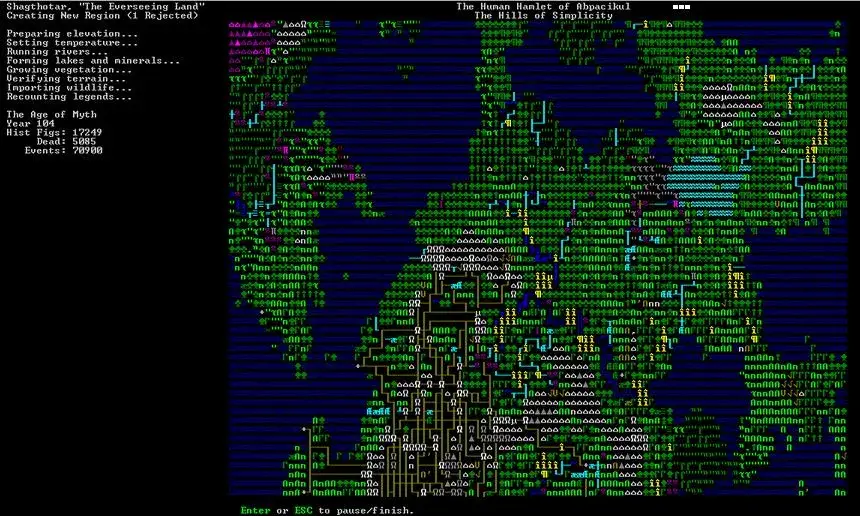
- Create New World: Start from the menu. The world is procedurally generated. Press [Enter] to generate, or [p] to export an ASCII map.
- Legends Mode (Optional): Access "Start Playing" > "Legends" > [d] for a detailed world map. This can be resource-intensive.
- Select Starting Location: Choose "Dwarf Fortress" from the start menu. Use arrow keys and [Tab] to navigate world and region views. Aim for a location with water, trees, and a mountain face (or flat ground for digging). Temperate climates are recommended. Adjust the embarkment box size with function keys. Press [e] to embark.
- Organize Expedition: Press [Space] to organize your starting expedition. Use [Tab] to switch between dwarf skills and inventory.
- Dwarf Skills: Allocate 200 points to skills. Suggested roles include miner/mason/engraver/mechanic, carpenter/woodcutter/building designer, and ambusher/axedwarf/hunter. Other dwarfs can cover farming, cooking, brewing, and herbalism.
- Inventory: Use [n] to add items. Bring at least two axes. Consider bringing dogs for defense and cats for happiness.
- Embark: Press [e] to begin the game.
- Game Interface: Press [Space] to pause. Use [Tab] to cycle through top-down view, menus, and the local map. Arrow keys move the view. Press [F1] to center on your dwarfs.
- Z-Axis Navigation: Use [Shift+<] to move up and [Shift+>] to move down between levels. Small dots indicate lower levels;
100% Human-Written. AI Fact-Checked. Community Verified. Learn how AntMag verifies content