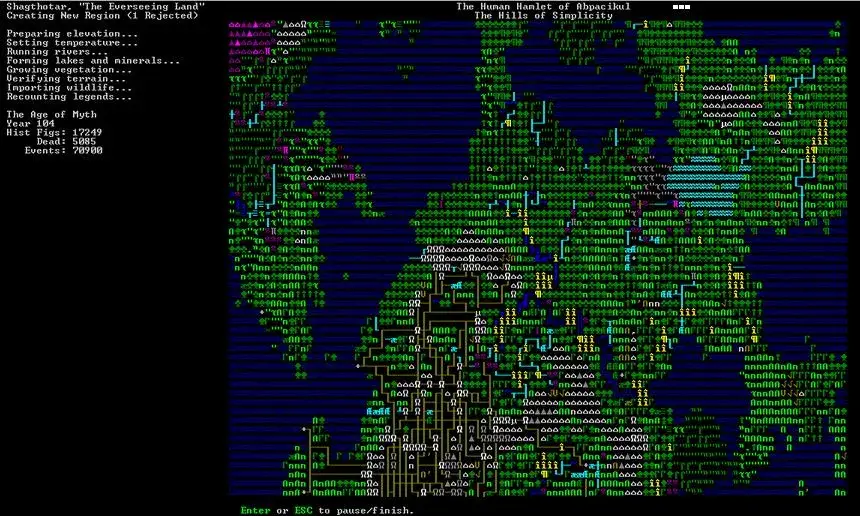
Learn how to embark in Dwarf Fortress. This guide covers choosing a good site, understanding embark options, and preparing your dwarves for their new adventure.
Embarking is the process of choosing a site, outfitting your initial dwarves, and sending them on their way. If you choose to Start tutorial, the game will do it all for you, flashing the location of the site it chose, then skipping straight to your arrival there. It is the quickest way to start.
If you choose Skip tutorial, you'll get some good advice not to ignore any warnings about the site. You can then look around by pointing at locations to see details, zoom in with left click, and zoom out with right click (if any menu is open, right click closes it instead). However, the quickest way to find your own site is by clicking Find embark location (available when the map is zoomed out).
Choosing a Good Site
Choosing a decent embark site is crucial for beginners. Highly skilled players can run a fortress on an evil glacier, but for now, stick to friendly environments. Look for features in an embark site that will make your first fort easier to manage.
Starting Site
For your first game, find a site with the following properties:
- NO Aquifer (or at least no heavy or varied aquifers. Light is interesting on later embarks, but heavy guarantees Fun!)
- Trees: Woodland or Heavily Forested (or, at the very least, sparsely forested)
- Surroundings: Serene, calm, or at least not any evil or savage biome.
- A River
The following are also good to have, but focus on getting a decent site, not a perfect one.
- Temperature: Warm or Temperate
- Clay, Sand, or Soil makes farming easier when starting out, also can enable pottery or glass
- Flux stone layer For a steel industry
- Avoid sites containing towers, goblins, or other groups at war with you.
- The site should be on the same land mass as an active dwarven civilization.
See Starting site for more info on why these characteristics are important.
While finding a site is not as simple as world generation, the Find embark location button at the bottom of the screen can help. (Different buttons are shown with the map zoomed out or in; left-click will zoom in on the map, right-click will close an open menu or zoom out.)
Once the find tool has finished searching with matches found, press Esc to look at the results. Any region with a match will be indicated by a green rectangle or Xs on the map, or close partial matches by a yellow rectangle or red Xs. Clicking on one of those will zoom in to show the actual sites in much the same way (partial matches are instead yellow Xs in ASCII mode). On the zoomed in map, existing sites will be shown as red rectangles or ░s; or white rectangles or magenta ░s for sites of the currently selected dwarven civilization if that list is open.
The Choose origin civilization button on the zoomed out map shows a list of the dwarven civilizations on this world. Selecting one will center the map on their capital with a blue outline on each of their sites (no outline in ASCII mode), and show population and site counts.
Additionally, when placing the embark area you can resize it using the buttons on-screen. A 4×4 embark (the default) is usually reasonable, but you may want to change the size to avoid an undesirable biome or match your finder criteria.
Possible causes of partial matches include:
100% Human-Written. AI Fact-Checked. Community Verified. Learn how AntMag verifies content