
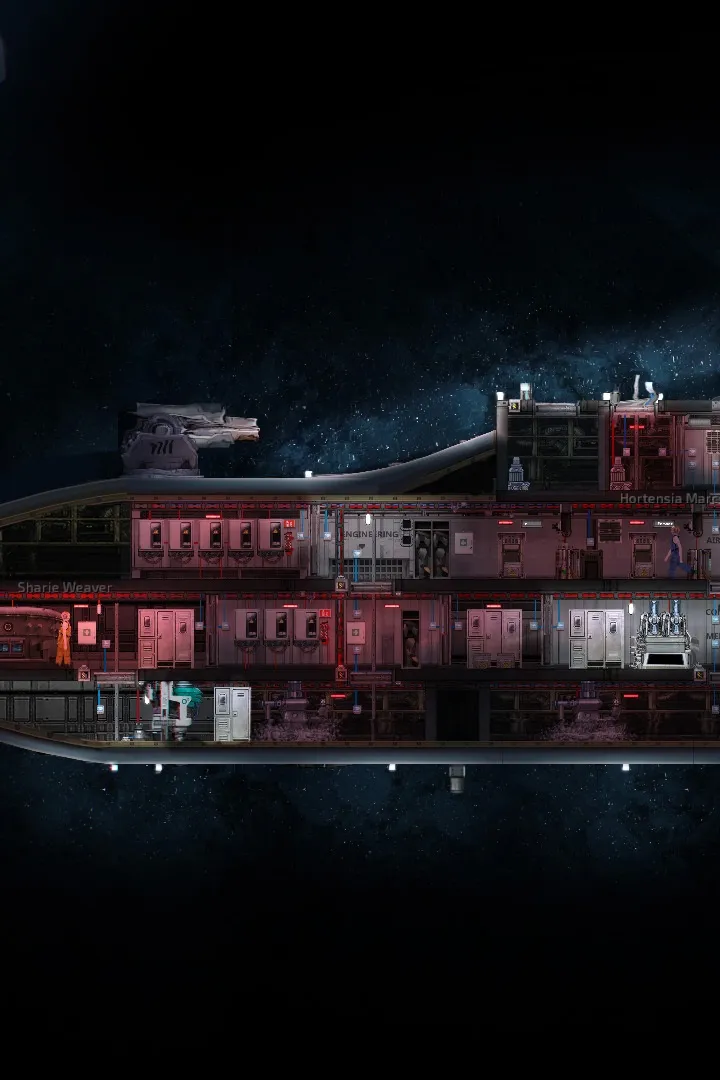
Master Barotrauma's pumps for ballast control and depth management. Learn how to use pumps to manage water levels, control submarine buoyancy, and prevent flooding. Essential guide for new captains!
Alright, let's talk about keeping your sub at the right depth in Barotrauma. This is all about the Pumps and how they work with your Ballast system. It might seem a bit technical at first, but think of it like this: pumps move water, and moving water changes how much your sub floats. ## Function At its core, a pump just moves water. You'll interact with a small menu when you use one. You can turn it on or off, and crucially, you can set the direction (in or out) and the speed. Pumping water *in* makes your sub heavier and sink, while pumping *out* makes it lighter and rise. You can fine-tune the speed, too. Besides the obvious use of pumping out water when you spring a leak (and trust me, you *will* spring leaks!), pumps are key for controlling your sub's vertical movement and even putting out fires. These days, the regular-sized Pump is often part of the main Ballast system. It's usually hooked up to the Navigation Terminal to automate depth control. The smaller Small Pumps are great for places like Airlocks or scattered around the sub. Sometimes they're linked to a Water Detector to work automatically, or you might need to manage them manually. ## Ballast This is where pumps really shine for depth control. Ballast pumps are wired up to maintain a specific water level in the room they're in. This directly controls your submarine's buoyancy, which dictates its vertical acceleration (how fast you go up or down). To get this working, you'll typically wire the pump's `set_targetlevel` input to the Navigation Terminal's `velocity_y_out` output. The `set_targetlevel` input accepts values from -100 to 100. Think of it like this: -100 means the pump will try to empty the room completely, while 100 means it'll try to fill it entirely. When you set a target velocity, the pump automatically figures out whether to pump water in or out to reach that level. You'll also need to connect a power source to the pump's `power_in`. That's pretty much it for a basic ballast pump setup! Just power and a target level signal. ## Bilge Bilge pumps are basically pumps set up to drain water *out* of the sub. The common setup is to have water flow through ducts to the lowest points of your sub, where Water Detectors trigger the bilge pumps to kick in and remove it. A simple circuit for this would involve a water detector sending a signal of '1' to the pump's `set_state` input. You'd also route this signal through a signal component that outputs '-100' and a '0' signal to the `set_speed` input. This way, the pump only runs when there's water (signal '1' to `set_state`), and it runs at full speed (`-100` for `set_speed`) until the room is empty. ## GUI When you interact with a pump, you'll see a simple interface where you can toggle it on/off and adjust the water level and speed. ## Connection Panel Here's a quick rundown of the important connection points on a pump: * power_in: Needs a power source to function. * toggle_state: Turns the pump on/off when it receives a signal. * set_state: Activates the pump when it receives any signal other than '0', and turns it off with a '0' signal. * set_speed: Controls how fast the pump works. The value is between -100.0 and 100.0. * set_targetlevel: This is the key for ballast control. It sets the desired water level in the room. Values range from 0.0 (half full) to 100.0 (completely full). Remember, the pump will try to reach this level. ## Audio There's a distinctive sound when a pump is running, so you'll usually hear them working!100% Human-Written. AI Fact-Checked. Community Verified. Learn how AntMag verifies content