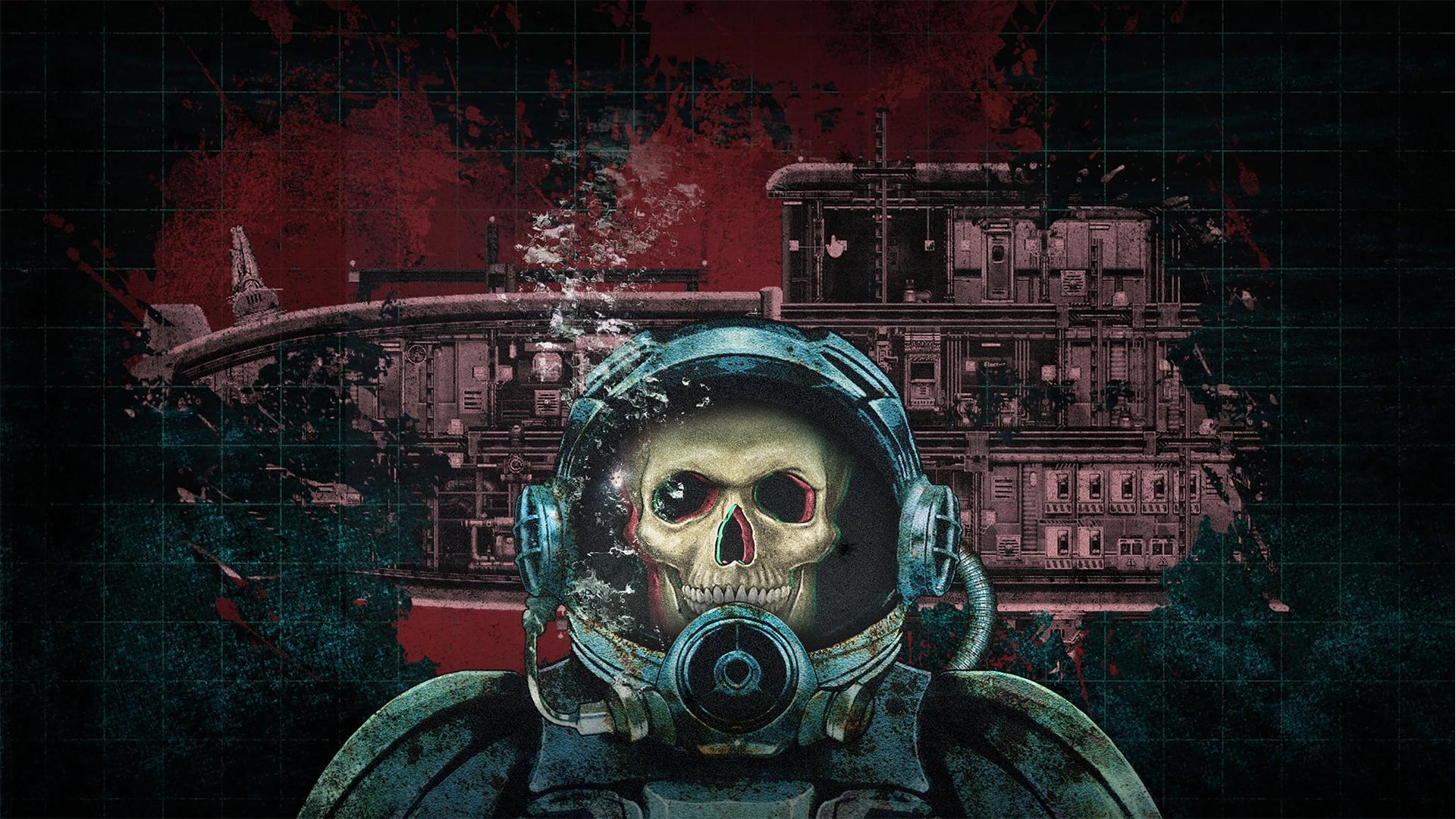
Welcome to Barotrauma, a 2D co-op submarine simulator set beneath the ice of Jupiter's moon, Europa. You and your crew are tasked with surviving the crushing depths, managing your sub's systems, and completing various missions—from cargo runs to eliminating alien threats like the Thalamus. Every dive is a tense struggle against the environment and the strange, hostile lifeforms that inhabit Europa's oceans.
This guide will help you navigate the often-treacherous world of Barotrauma's missions. We'll cover everything from the basics of earning Marks to successfully completing objectives like Abandoned Outpost Assassination and Enemy Submarine encounters. Whether you're aiming for a Gold Medal or just trying to survive your next expedition, this resource is designed to equip you with the knowledge needed to succeed.
Getting Started
Master the treacherous depths of Europa in Barotrauma. Learn foundational mechanics, crew roles, and submarine survival to face alien oceans.
Getting Started
Master the treacherous depths of Europa in Barotrauma. Learn foundational mechanics, crew roles, and submarine survival to face alien oceans.

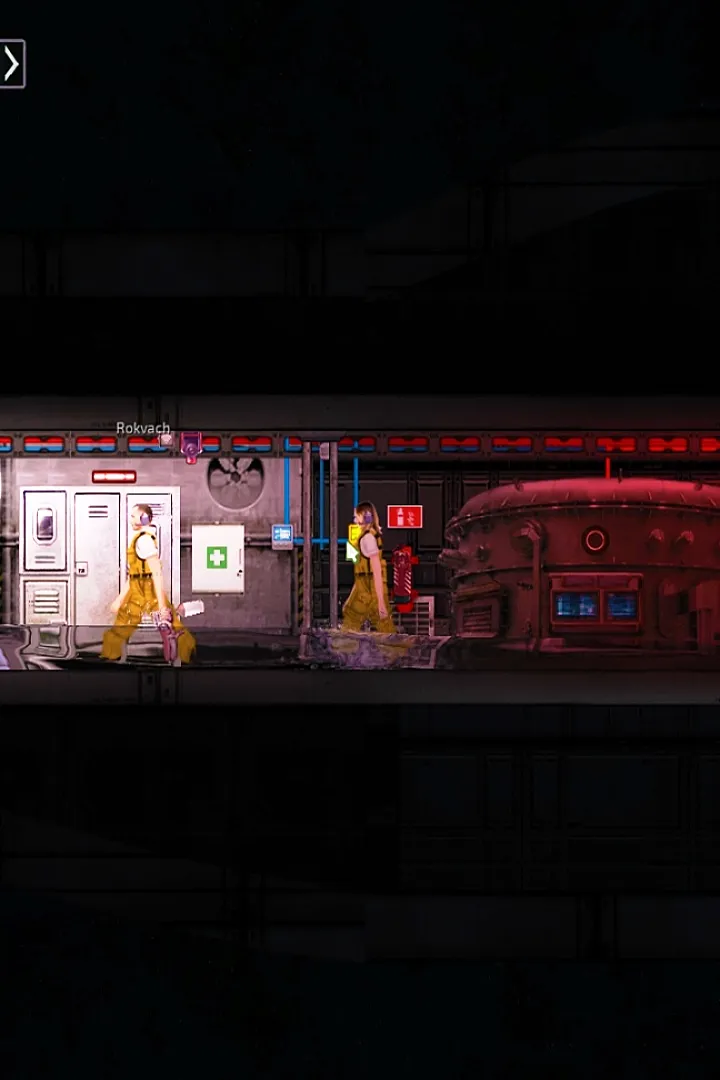
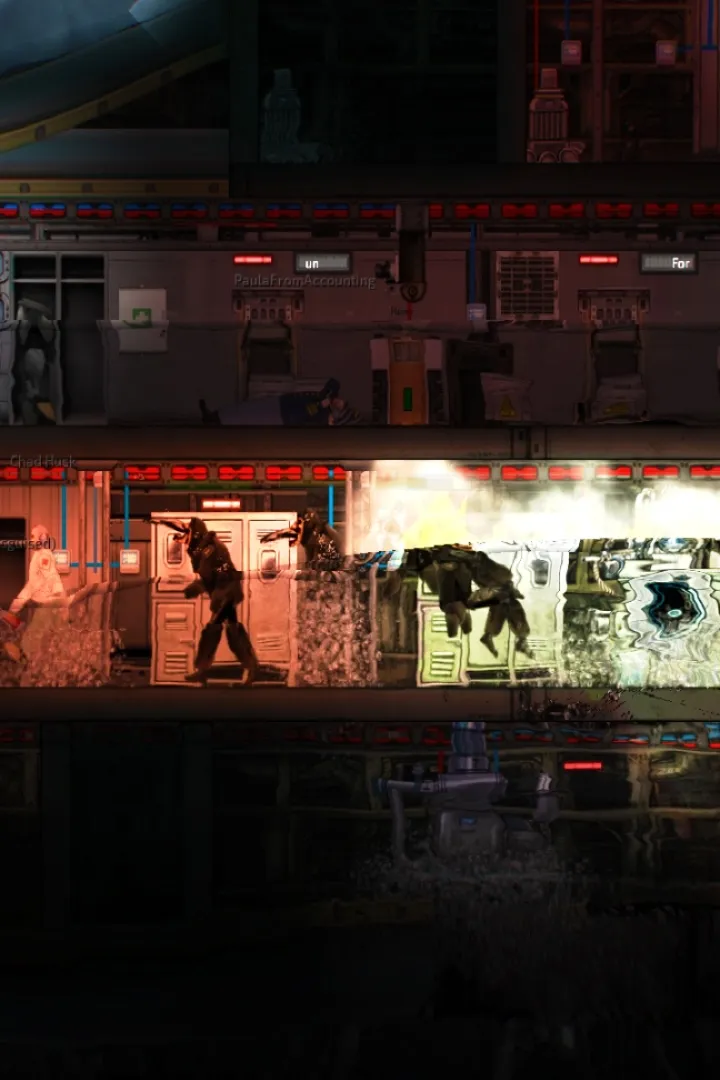
Installation & Setup
A comprehensive guide to installing and setting up Barotrauma, ensuring you're ready to dive into the depths of Europa. Follow our step-by-step instructions for a smooth start.
Installation & Setup
A comprehensive guide to installing and setting up Barotrauma, ensuring you're ready to dive into the depths of Europa. Follow our step-by-step instructions for a smooth start.

System Requirements (PC, macOS, Linux)
Discover the PC, macOS, and Linux system requirements for Barotrauma. Ensure your system is ready for the ultimate submarine simulation experience on Europa.
This section outlines the system requirements for playing Barotrauma on PC (Windows), macOS, and Linux. Ensure your system meets these specifications for optimal performance.
PC (Windows) Requirements:
- Minimum:
- OS: Windows 7 64-bit
- Processor: 2.4 GHz Dual Core
- Memory: 4 GB RAM
- Graphics: Integrated graphics (Intel HD 4000 or better)
- DirectX: Version 9.0
- Storage: 2 GB available space
- Recommended:
- OS: Windows 10 64-bit
- Processor: 2.4 GHz Quad Core
- Memory: 8 GB RAM
- Graphics: Dedicated graphics card (Nvidia GeForce GTX 460 or AMD Radeon HD 5770)
- DirectX: Version 11
- Storage: 2 GB available space
macOS Requirements:
- OS: macOS 10.12 Sierra or newer
- Processor: 2.4 GHz Dual Core
- Memory: 4 GB RAM
- Graphics: Integrated graphics (Intel HD 4000 or better)
- Storage: 2 GB available space
Linux Requirements:
- OS: Ubuntu 16.04 LTS 64-bit or newer
- Processor: 2.4 GHz Dual Core
- Memory: 4 GB RAM
- Graphics: Integrated graphics (Intel HD 4000 or better)
- Storage: 2 GB available space
Note: These requirements are based on information available up to version 1.11.5.0. Performance may vary depending on your specific hardware configuration and background applications.
First Launch & Basic Settings
Unlock the Barotrauma console (F3) for debugging, spawning items, and server settings. Learn essential commands for a smoother Europa journey with AntMag's guide.
Similar guides you might like


100% Human-Written. AI Fact-Checked. Community Verified. Learn how AntMag verifies content