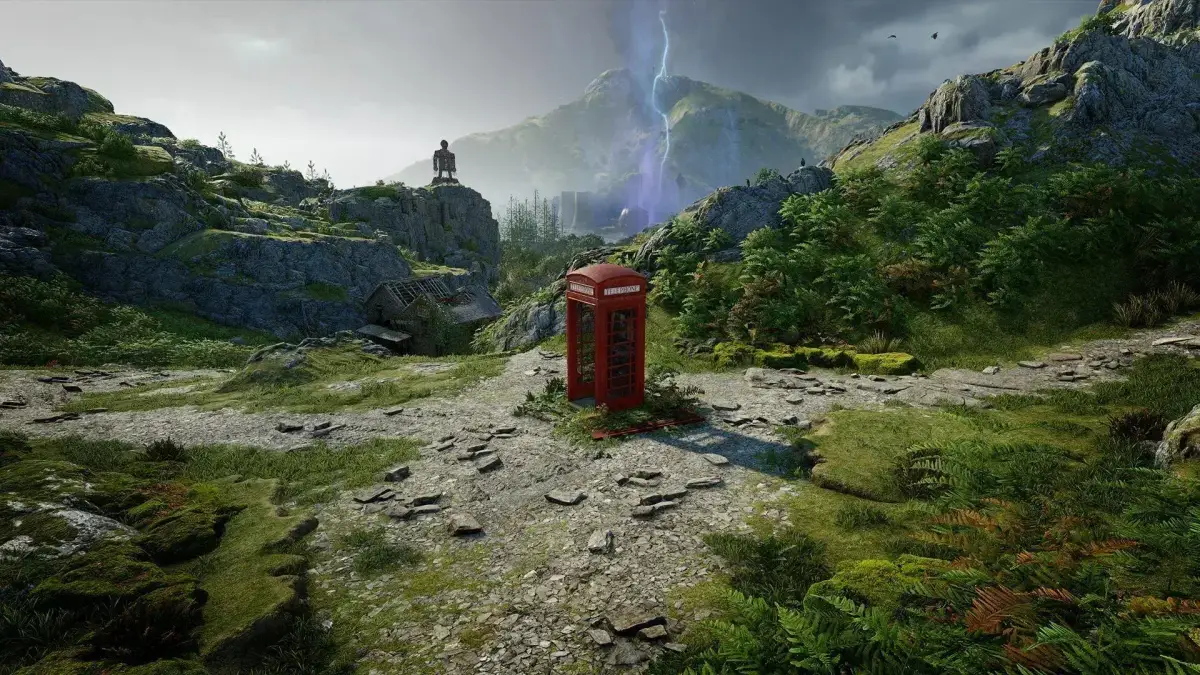
Struggling with Atomfall's difficulty? Learn how to change difficulty settings mid-game via the Options menu's 'Game' tab and 'Playstyle' setting.
Hey there! So you've jumped into Atomfall and maybe the early challenges are a bit tougher than you expected, or perhaps you're looking for a more intense experience. Don't sweat it! Even after you've started your game, you can totally tweak the difficulty. The menus can be a little tricky to navigate for this, but I've got your back.
Here’s how to find it: When you're in the middle of playing, just hit the button to bring up the game's main menu. From there, head over to Options. You might look around and think there's nothing obvious about difficulty, and honestly, it took us a minute to find too! To change the difficulty settings in-game, you'll want to go into the “Game” tab. Once you're there, look for the “Playstyle” option. Selecting that will bring up the familiar difficulty settings you saw when you first started the game.
Quick Tip: Keep an eye out for the 'Playstyle' option under the 'Game' tab in the Options menu. It's not always super obvious at first glance!
100% Human-Written. AI Fact-Checked. Community Verified. Learn how AntMag verifies content