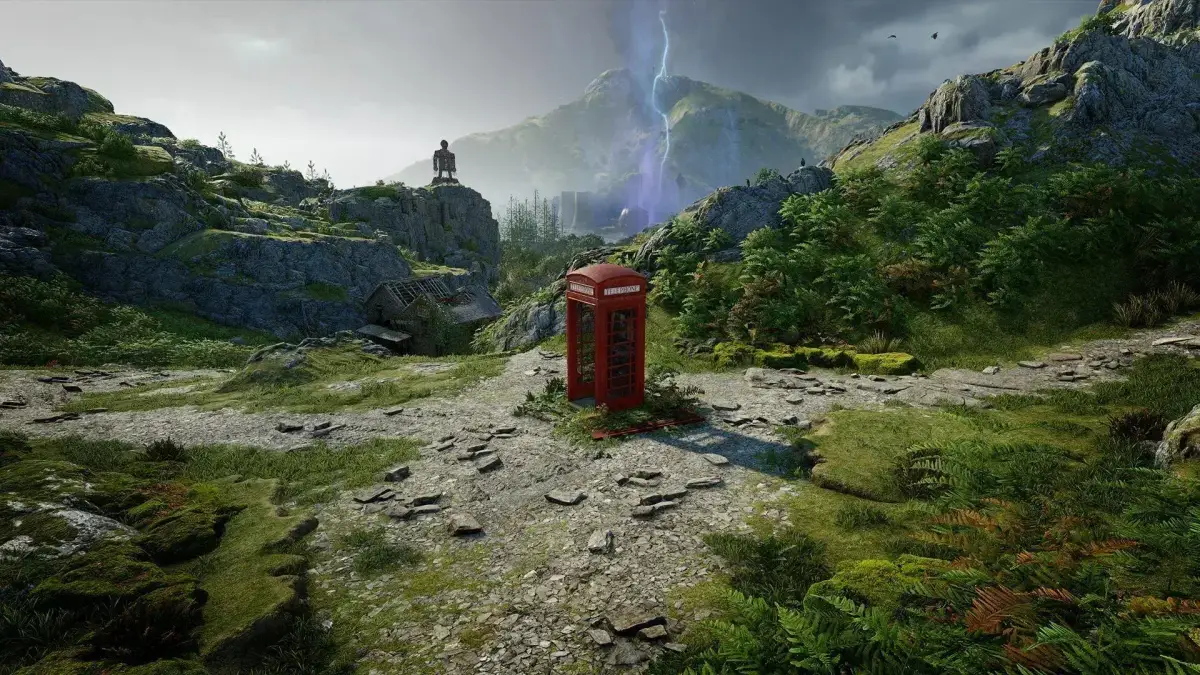
Stuck with a tough Atomfall difficulty setting? Learn how to change it mid-game via the Options menu, even if it's a little hidden!
So, you've jumped into Atomfall and maybe picked a difficulty that's a bit too spicy, or perhaps you're feeling brave and want to crank it up? No worries, you can totally change the difficulty even after you've started your game. It's just a little less obvious than you might expect.
When you're in the middle of playing, just hit the main menu button to bring up your options. You'll notice there isn't a big, obvious 'Difficulty' setting staring you in the face. We found this a bit tricky too! To get to the good stuff, you'll need to navigate to the “Game” tab. Once you're there, look for the “Playstyle” option. Clicking on that will bring up the familiar difficulty settings you saw when you first started the game, letting you adjust things to your liking.
A heads-up from another player: One of our community members, Ransu70, mentioned they couldn't find the 'Playstyle' option under 'Options' -> 'Game', and that the first option they saw was 'Autosave Frequency'. If you're having the same issue, double-check you're in the right menu – sometimes games can be a bit quirky with how they organize things!
100% Human-Written. AI Fact-Checked. Community Verified. Learn how AntMag verifies content