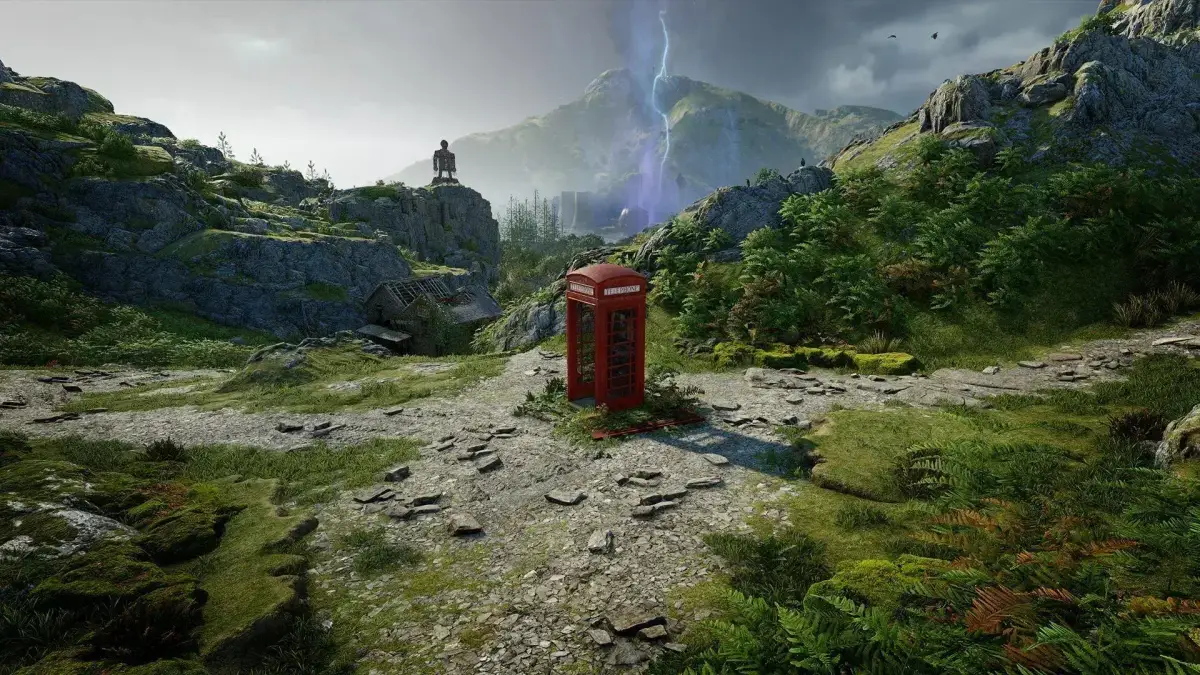
Choosing your Atomfall difficulty is key! Learn about Combat, Survival, and Exploration settings, including advanced options, to tailor your experience from Assisted to Intense.
Hey there! So, you're diving into Atomfall and wondering about the difficulty? It's a pretty cool system that lets you really tailor the experience to how you like to play. When you first start up, you'll get to pick a general difficulty for three main areas: Combat, Survival, and Exploration. You've got four main levels to choose from: Assisted, Casual, Challenging, and Intense. Each one gives you a good idea of what to expect.
But here's where it gets really neat – if you want to fine-tune things even further, there's an “Advanced Options” setting. This is awesome if, say, you're okay with tough fights but really dislike the stealth parts, or vice-versa. You can tweak just one specific thing without making the whole game a breeze.
For example, under the “Combat” category, you can dive into advanced options to adjust things like “Enemy Perception” (how easily they spot you), “Enemy Accuracy” (how often they hit), “Enemy Skill” (how tough they are in a fight), and “Enemy Population” (how many you'll run into). So, if stealth isn't your jam, you can turn down “Enemy Perception,” “Threat Persistence,” “Enemy Aggression,” and “Enemy Population” to make sneaking around easier, but still have enemies who hit hard when combat breaks out.
Similarly, in the “Survival” category, you can make things more forgiving by increasing “Player Resilience,” “Health Regeneration,” and “Healing Efficacy.” You could leave settings like “Barter Modifier” and “Loot Scarcity” alone, meaning you'll still find good loot, but you'll have an easier time surviving the journey.
The “Exploration” category is a bit different; it's less about combat difficulty and more about saving you time and frustration. These options are usually a simple on/off. If you love meticulously searching every corner for clues, you can leave these settings “Off.” But if you’d prefer helpful features like a compass on your screen, waypoint markers, and highlighted clues so you don't waste time on irrelevant bits of paper, definitely turn these “On.”
And don't worry if you set it and then change your mind! You can adjust the difficulty at any time. Just head into the options menu, go to the “Game” tab, and select “Playstyle” to make your adjustments.
100% Human-Written. AI Fact-Checked. Community Verified. Learn how AntMag verifies content